
Don't Expand Filmstrip After Denoise
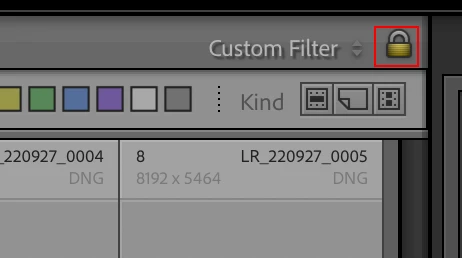
When I run Denoise on an image, Lightroom will undo my filter settings and expands the filmstrip. When I'm editing, I star my photos and then set my star setting to filter the images that I want to edit. But when I Denoise, the filmstrip suddenly expands to every image. Sometimes I forget that this happens, and I click forward and start editing the next photo not immediately realizing that it's not one of my starred images. I end up editing multiple unstarred images until I reach an image that is obviously not a good one, and I realize I've wasted a huge amount of time editing images that aren't to be delivered to my client. This is a huge time waste. Why you guys that it would be a good idea to reset the filter settings after running Denoise is beyond me. Leave the filter settings alone when running Denoise, and just stack the Denoised image ontop of the original, please.


 AdChoices