
Drive back up error leads to importing error?
Hello everybody, I am running a late version of Lightroom Classic on my M3 MBP. I made a stupid mistake the other night and accidentally created a hitch in my backup system to where I was using Carbon Copy Cloner. I recently got some new SSD drives, my Carbon Copy Cloner task menu was full of old things so I decided to delete everything old.
Well, I accidentally made a boo-boo, and I will chalk it up to exhaustion, so I took my Lacey rugged 2 TB SSD, which is one of my two drives and is currently my primary working drive, which I back up to a 2 TB scan extreme when I created the new Carbon Copy Cloner profile accidentally copied the back up onto what is supposed to be my primary drive long story short I went and tried to fix things messed it up. I decided to rename the drive and correct everything. It says my main drive has 668 GB of space left on it. I just tried to download a memory card with 25 photos of the sunset I took. I got the message in the screenshot. I know my Z9 takes large photos, but they should not be that big at least 600 GB! I'm at a loss anybody have any advice?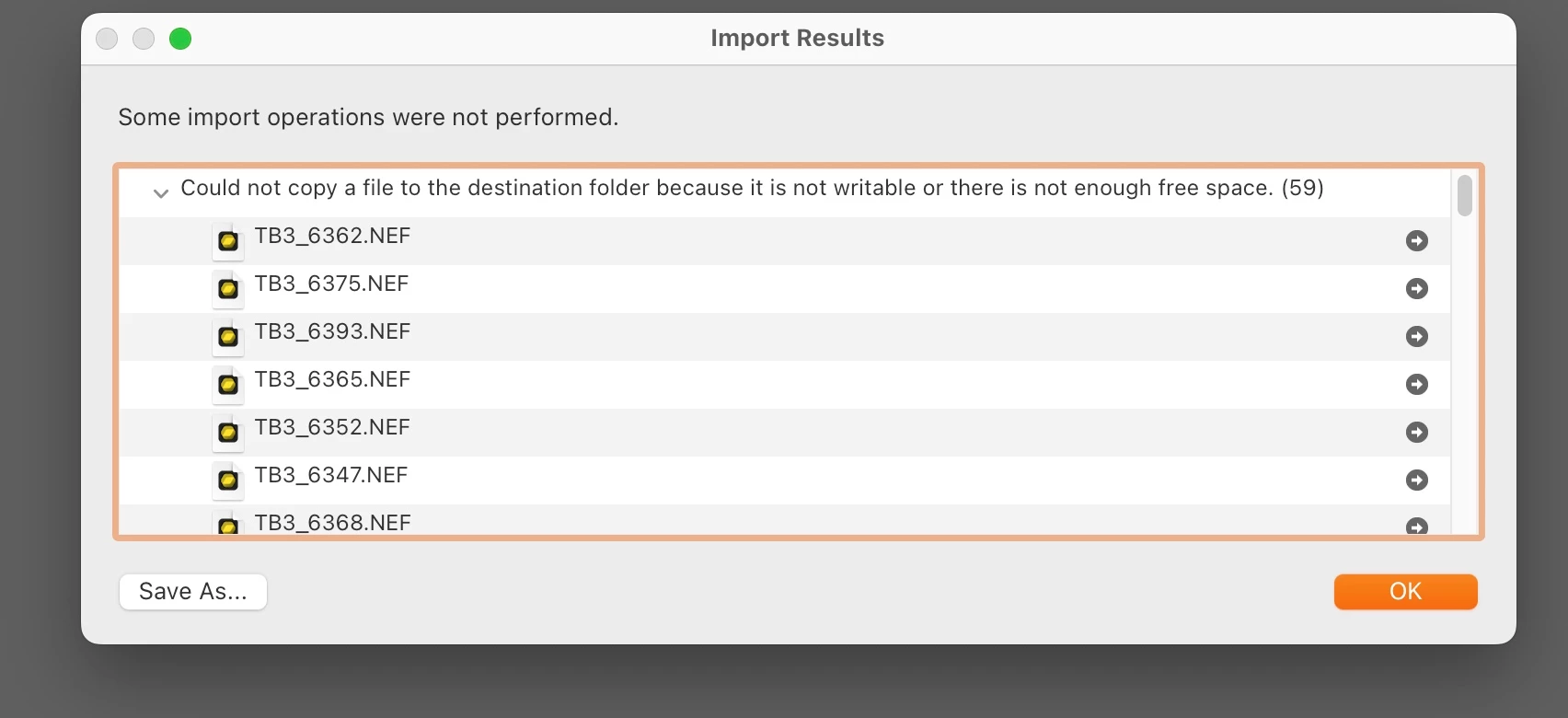


 AdChoices