
Drive Letter / Missing Folders on Mac
I just switched from a PC to a Macbook and all of my photos in Lightroom are showing up as missing. The photos are located in folders by date on an external harddrive that on my PC went by the drive letter E. If I understand correctly, Mac doesn't function with drive letters, so I'm unable to change the drive letter back to E and recover the missing files in Lightroom on my new Macbook.
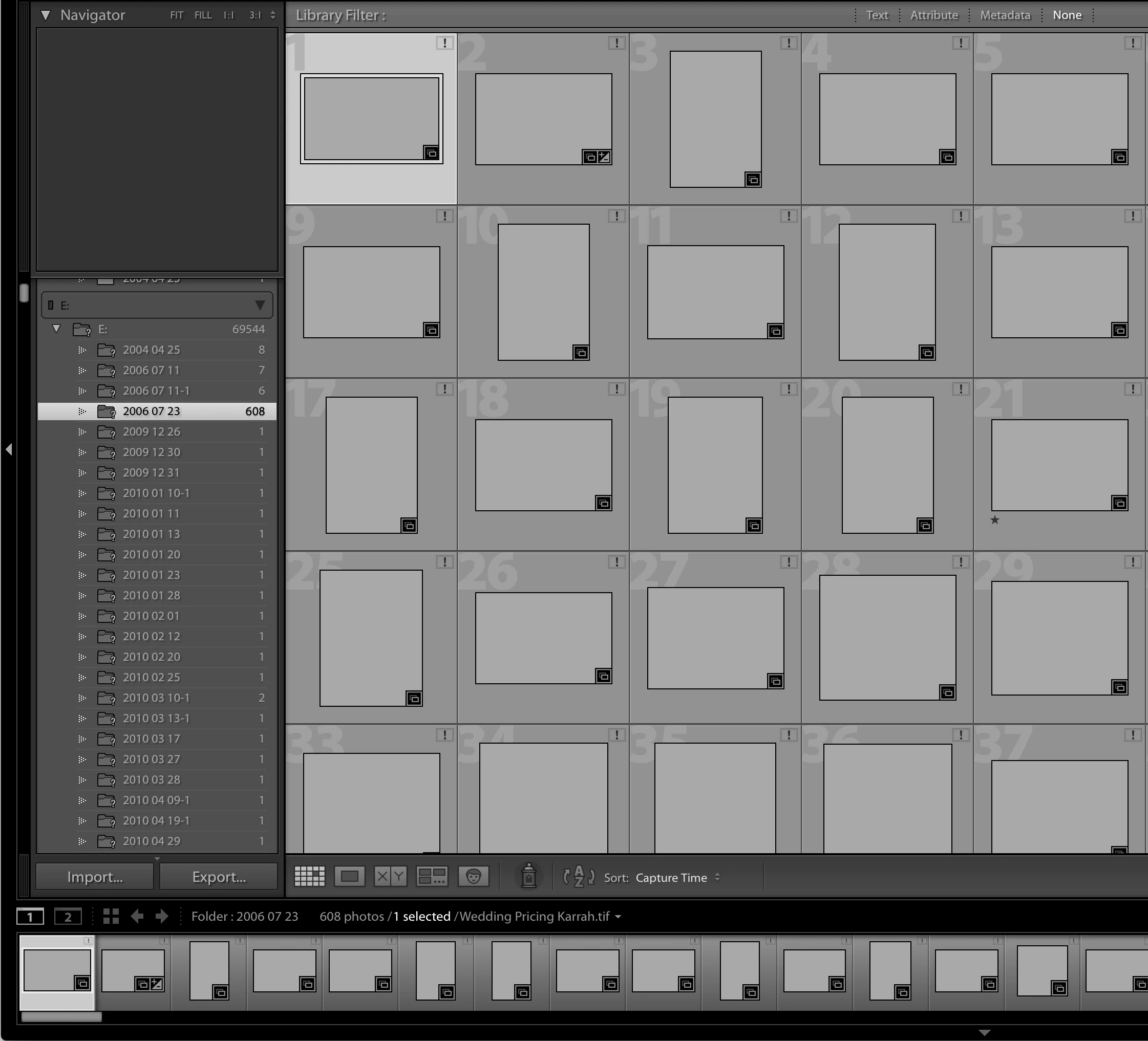
Unfortunately I never created a parent folder under drive E and now have hundreds (maybe thousands) of dated folders under the following file structure (photo attached). When I try to locate the missing files in Lightroom, I can only locate the folders one at a time, which isn't a viable option considering the vast amount of folders that there are under drive E. Is there any way that I can locate and update all of these folders at once?
Thanks so much,
Sophia


 AdChoices