



(Early Access) LrC: Assisted Culling just made your post production workflow faster!
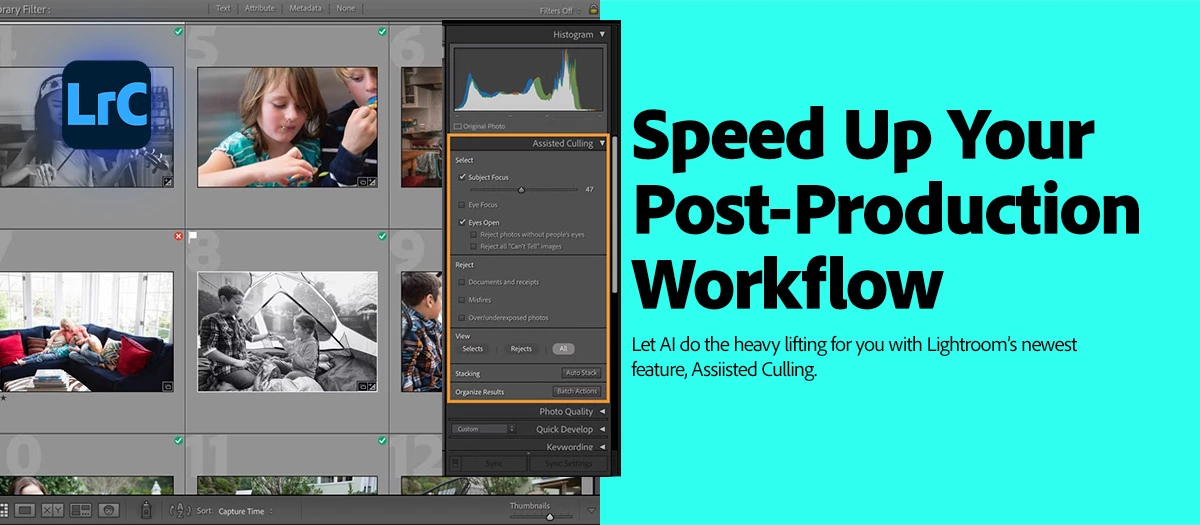
Shot all weekend? Now comes the most time-consuming part: culling. Or is it?
It’s Monday, and you’re coming off a weekend packed with a holiday family photo session and an eight-hour wedding—complete with two assistant photographers. Now, you're staring down gigs upon gigs of files to sort and cull. Take a sip of that coffee (or tea), and get ready to have your mind blown—and your culling time cut in half.
 |
Try Lightroom Classic Download the latest version and dive into the new Adobe Lightroom Classic features. |
Lightroom Classic 15.0 just got a major upgrade. Read more about how to keep Lightroom updated here.
In the latest MAX release of Lightroom Classic 15.0, you can now leverage the awesome power of AI to help you cull your images to a more manageable number, helping you get back to what matters most to you.
With Assisted Culling, you choose to select images that meet your subject focus, eye focus, and open eyes criteria. Reject images that are documents and receipts, misfires, or have exposure issues. But that's not all! Check out how to select the best photos with Assisted Culling.
Learn more about Assisted Culling in Lightroom:
Are you ready to get started? Update Lightroom Classic 15.0 to the latest version and explore the new tools for faster, smarter editing. More detailed instructions for updating.
We’d love to hear from you!
Let us know your thoughts on Assisted Culling on our featured: (Early Access) Assisted Culling (LrClassic)

 AdChoices