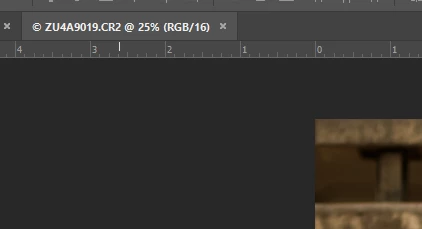
CR2, so I'm guessing this has something to do with Camera Raw. Would make sense if that weren't updated because I never used it, and now with the new computer everything is updated again.
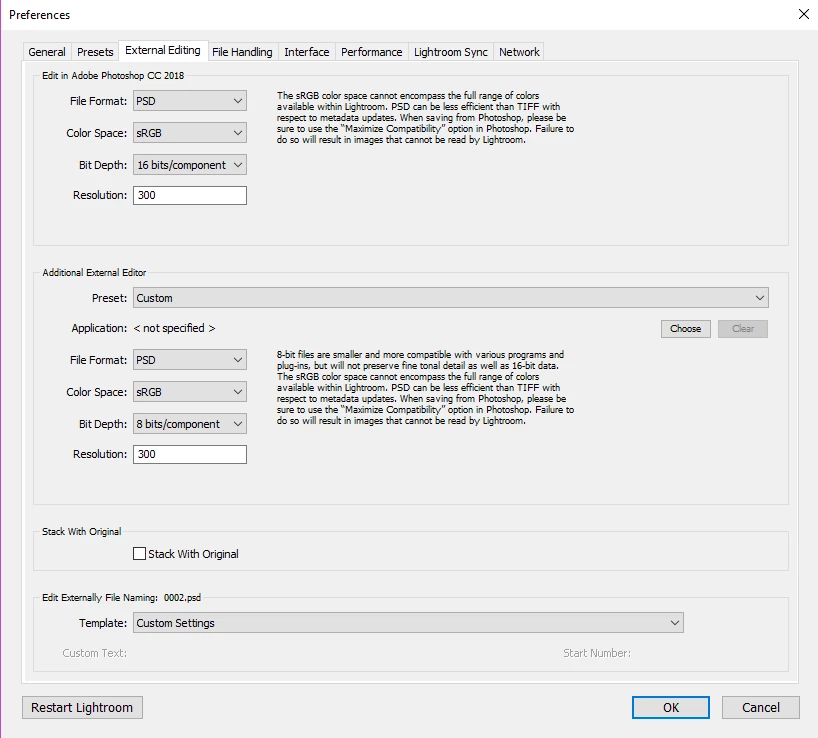
YOU are not using Camera Raw. However, Photoshop is using it. It's the only way that CR2 can transfer from Lightroom to Photoshop. Camera Raw is used to convert the image from raw to an RGB image that Photoshop can use. If you get rid of the camera raw plug-in then I suppose you would be given the choice of creating the PSD file first. But Camera Raw is the bridge that enables you to move the image between Lightroom and Photoshop. And, as I explained in in my previous message, when it is in sync with Lightroom the PSD or TIF file (depending on your Lightroom preferences) doesn't need to be created before the image goes to Photoshop. The raw data is converted using Camera Raw when it is sent to Photoshop, you perform your work, and then the image is saved at the end of the Photoshop session. Now, if you decide to send THAT image back to Photoshop, you will be given the choice of sending the original or a copy that includes Lightroom adjustments.

 AdChoices