
Participating Frequently
January 6, 2025
Question

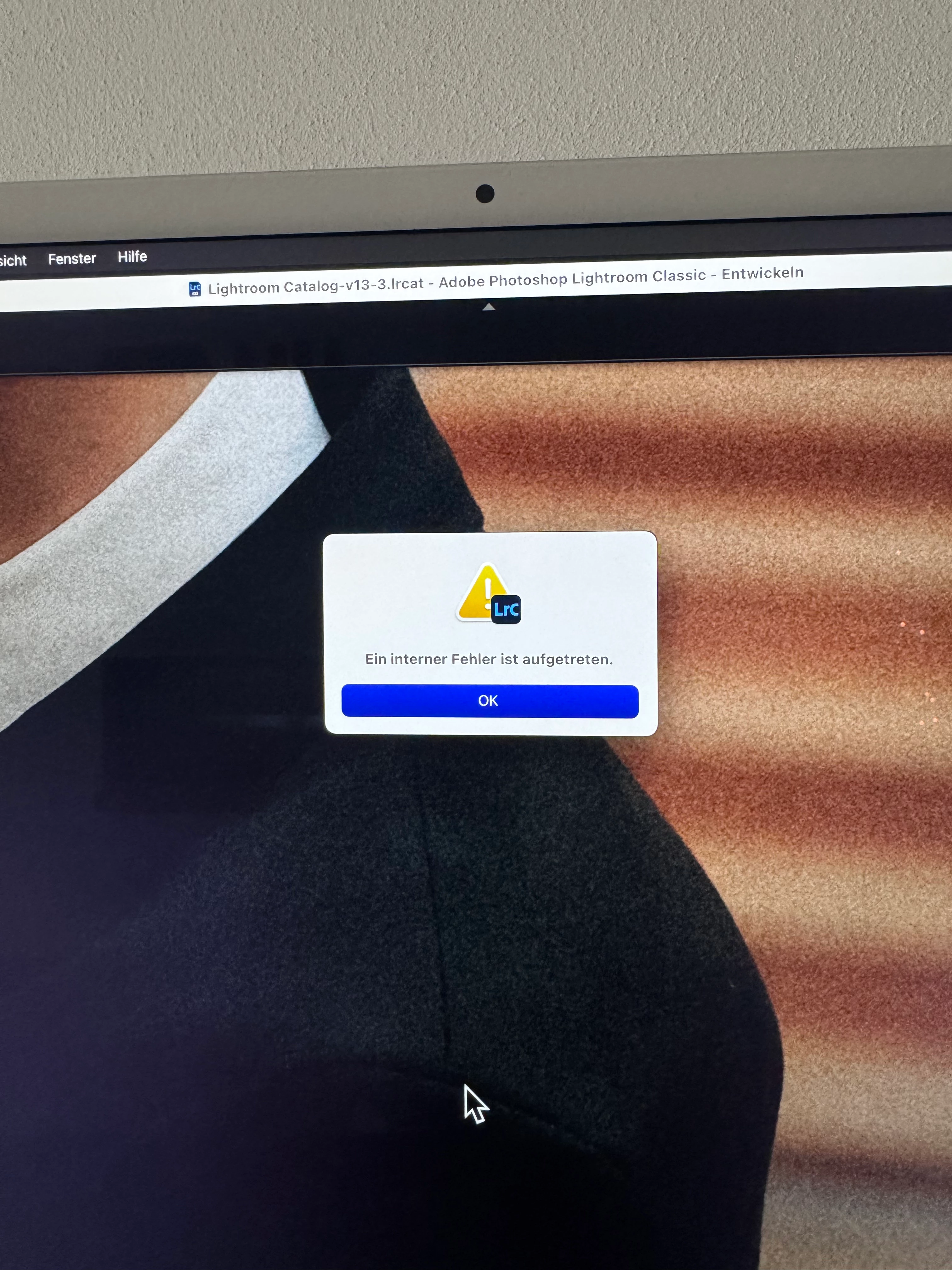
Ein interner Fehler ist aufgetreten - Lightroom Classic

  • January 6, 2025
  • 1 reply
  • 204 views

Hallo ihr Lieben,


vielleicht kann mir von euch einer helfen oder hatte das Problem schon einmal.


Ich habe in Lightroom einen Ordner mit Bildern. Die Verknüfung mit den Bildern ist auf meiner Festplatte. Sind auch alle Bilder . Kann diese bearbeiten usw. Jedoch kann ich kein Bild exportieren. Das dauert und es tut sich nichts. Bei manchen Bildern geht es allerdings komischerweise. Möchte ich eine virtuelle Kopie erstellen, kommt die Fehlermeldung "Es ist ein interner Fehlger aufgetreten". Weiß nicht mehr was ich machen soll. Alles ist aktualisiert, Bilder findet Lightroom auch, allerdings kein Export möglich.


Danke euch vorab für eure Hilfe.


Vielen Dank
1 reply

Sameer K
Community Manager
Community Manager
January 6, 2025

Hey, @Carolin27339437zokw. Welcome to the Lightroom Community. I'll help you figure this out. 

Where are the original images stored, on the internal or external drive? 


Before anything else, in the Library module > go to Library at the top menu bar > Find All Missing Photos. If any of the images in question are missing, relink them to Lightroom Classic and check if the issue exists: https://adobe.ly/3ZkBPjD


Just to be sure, ensure Lightroom Classic has the required permissions on the macOS: https://adobe.ly/43zB3AJ


Let us know how it goes. Thanks! 

Sameer K

(Type '@' and type my name to mention me when you reply)