



SanbelUy
Participant
February 3, 2026
Question

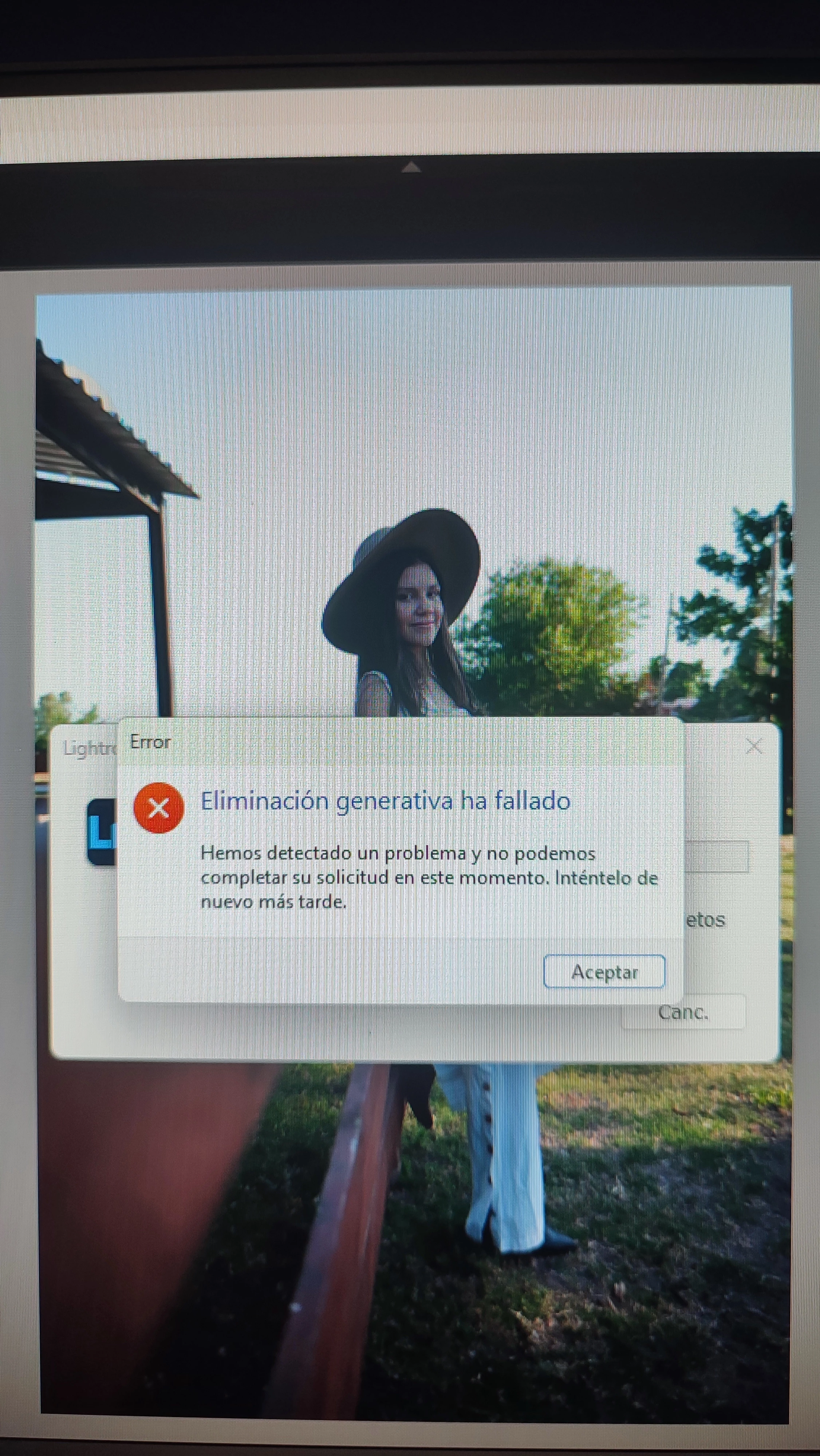
Eliminación generativa ha fallado

  • February 3, 2026
  • 3 replies
  • 138 views

Hola, al instalar LRC y al querer usar la función de quitar con IA me salta el error Eliminación generativa ha fallado. Ya había usado en otra versión está funcion, pero en esta última instalación ya no.
Mi equipo : i3 10ma, 16gb ram, gráfica GeForce GT 1030 4gb. 

    3 replies

    johnrellis
    Legend
    February 5, 2026

    [This post contains formatting and embedded images that don't appear in email. View the post in your Web browser.] 


    @SanbelUy, that poorly written error message indicates an anti-malware package, a firewall, a router, or a server somewhere on the network path between LR and Adobe's servers has incorrectly blocked the request from LR to Adobe's Firefly servers:

    "$$$/Clio/StatusCode/HTTP/Forbidden=Hemos detectado un problema y no podemos completar su solicitud en este momento. Inténtelo de nuevo más tarde."

    (This error corresponds to the HTTP 403 Forbidden error code.)


    Sometimes firewalls and anti-virus/security services incorrectly block some network requests from LR. Try these troubleshooting steps:
     
    - Temporarily disable all the firewall/anti-virus/security services on your computer, including Microsoft Defender. If that solves the problem, then add a specific exclusion for LR to the services' rules.
     
    - Connect to another network, preferably one serviced by a different ISP. E.g. a Wifi connection of a neighbor, a coffee shop, work, or your phone's hotspot. Sometimes the routers in these networks block some of LR's requests, especially in authoritarian countries like China.


    Mariano Molinari
    Participating Frequently
    February 5, 2026

    Hola! Podés agregar mas Info? Tipo de compu y placa de video, tipo de archivo, etc.
    También si tenés mascaras  creadas, si hiciste ajustes, todos los detalles que puedan ayudar.
    Mariano

    Mariano Molinari
    Sameer K
    Community Manager
    Community Manager
    February 4, 2026

    Hey, ​@SanbelUy. Welcome to the Lightroom Community. I'll need more info to help you figure this out. Please share the system info from Lightroom Classic from Help > System info > Copy and paste into a text document > Upload and attach here. 


    Does this happen with freshly imported images, or after you've applied specific edits, such as Lens Corrections, Denoise, and Masks? 

    As primary steps, try this:

    • Unplug additional displays & use only one by default.
    • Please confirm if the issue appears after you follow the correct order of development operations: https://adobe.ly/45Ub3Sl


    Let me know how it goes. Thanks!

    Sameer K
    (Type '@' and type my name to mention me when you reply)