Answered
Empty frames in LR Classic
I get empty picture frames in LR. Can't delete them, optimize catalog won´t help. Now I have more then ten of empty frames which are no t related to any real pictures. 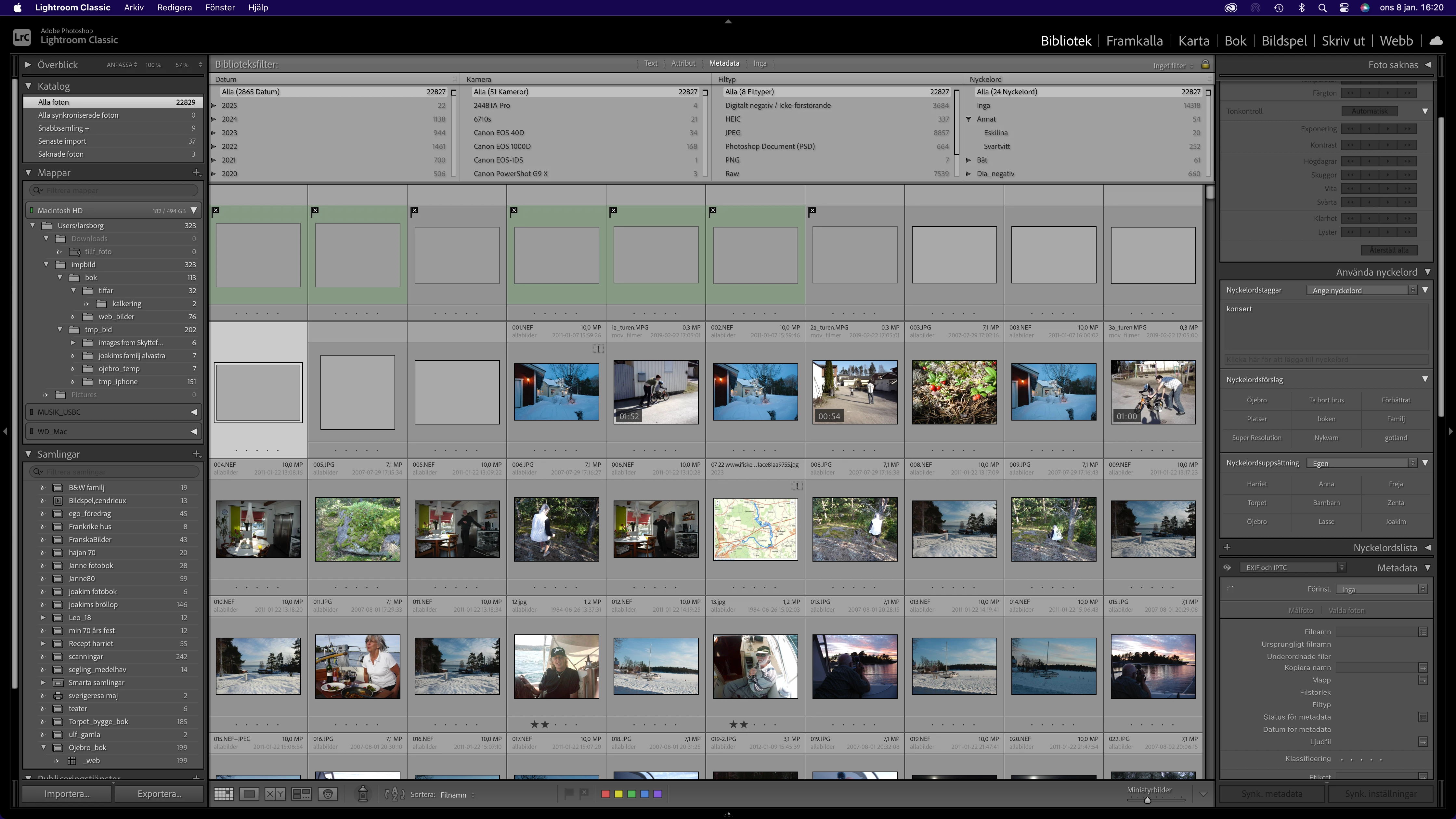
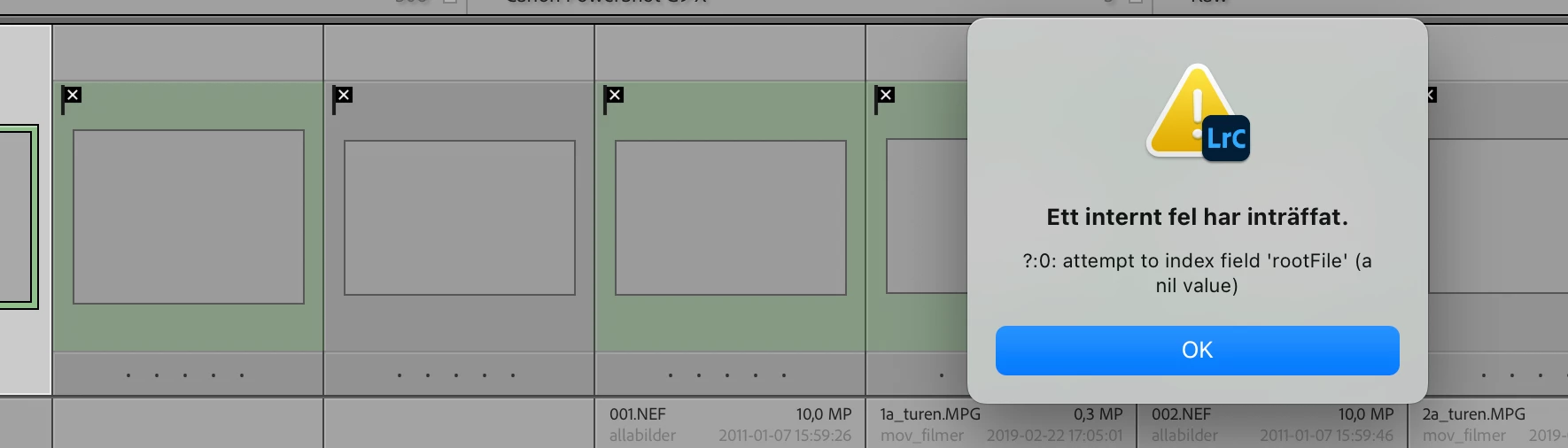

I get empty picture frames in LR. Can't delete them, optimize catalog won´t help. Now I have more then ten of empty frames which are no t related to any real pictures.
Your catalog is corrupted. What you could try is this: Create a brand new catalog and choose 'File - Import from Another Catalog'. Select your old catalog to import. In the import dialog choose to import all photos, but do not move them. This will create an exact copy of your old catalog, but usually without the corruption. The only thing that won't come across is any publishing services you may have. You will have to recreate those. If you synced your catalog then you will have to enable sync for the new catalog. There are some reports that this could cause a problem. Here's how to solve that:
https://www.danhartfordphoto.com/blog/2025/1/lr026-fixing-sync-problems-caused-by-switching-the-sync-catalog
Already have an account? Login
No account yet? Create an account
Enter your E-mail address. We'll send you an e-mail with instructions to reset your password.


 AdChoices