Question
Enhanced Details
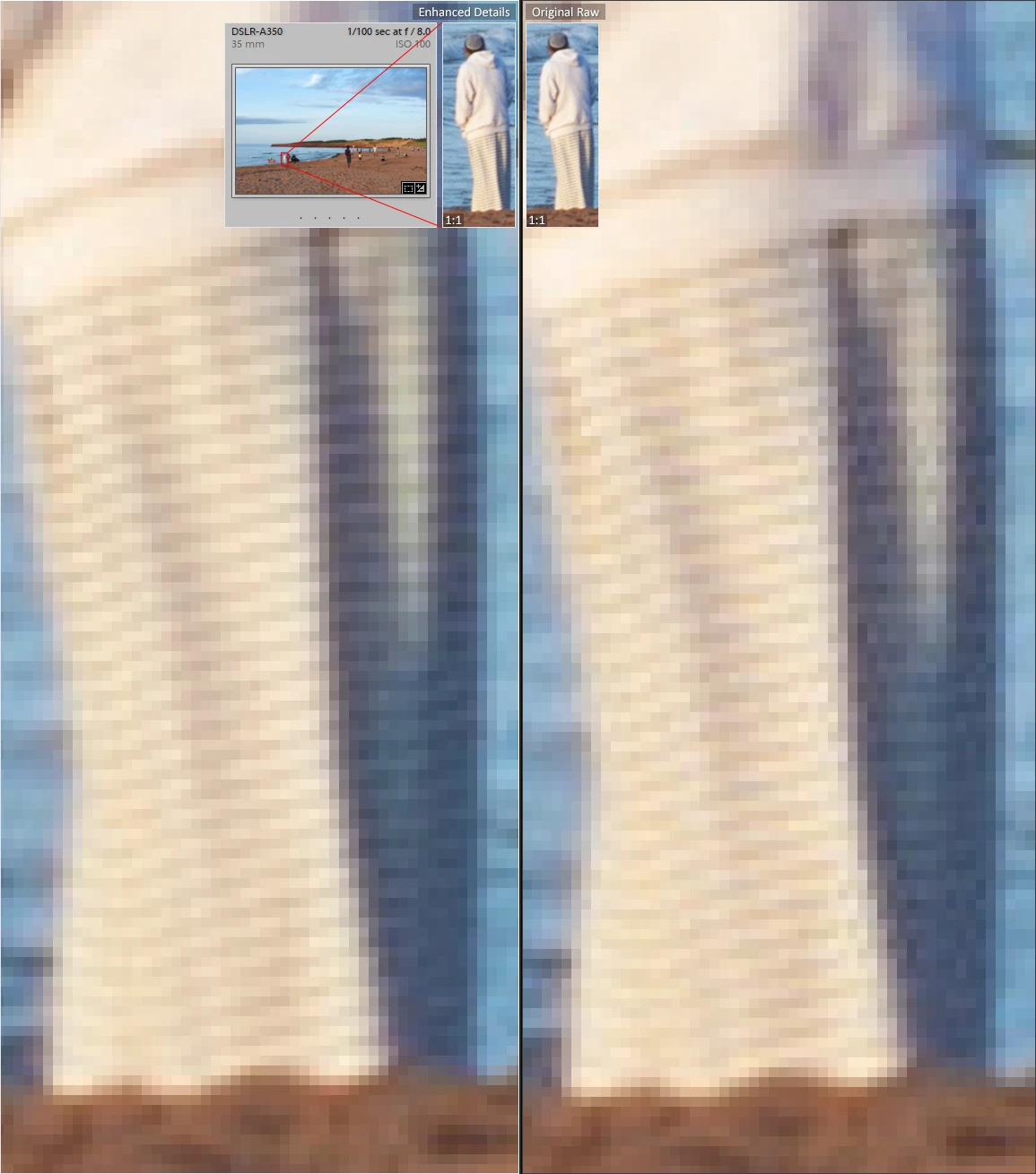
I just started experimenting with the Enhanced Details option, and I was impressed by the results. I included a picture for reference - small details are much better resolved, particularly in the shadows. I plan to start using it, but I wanted to see how others might use this new function. In your regular workflow, do you apply it as needed, only on images with fine details, or do you use batch mode to apply it on most of your pictures after you import and catalog them? And how do you deal with the duplicate raw file – do you delete the original raw file once the enhanced DNG version is created, or do you keep both?
 AdChoices