Participant
September 26, 2022
Question

Error exporting images using LRMogrify with Lightroom Classic

  • September 26, 2022
  • 2 replies
  • 424 views

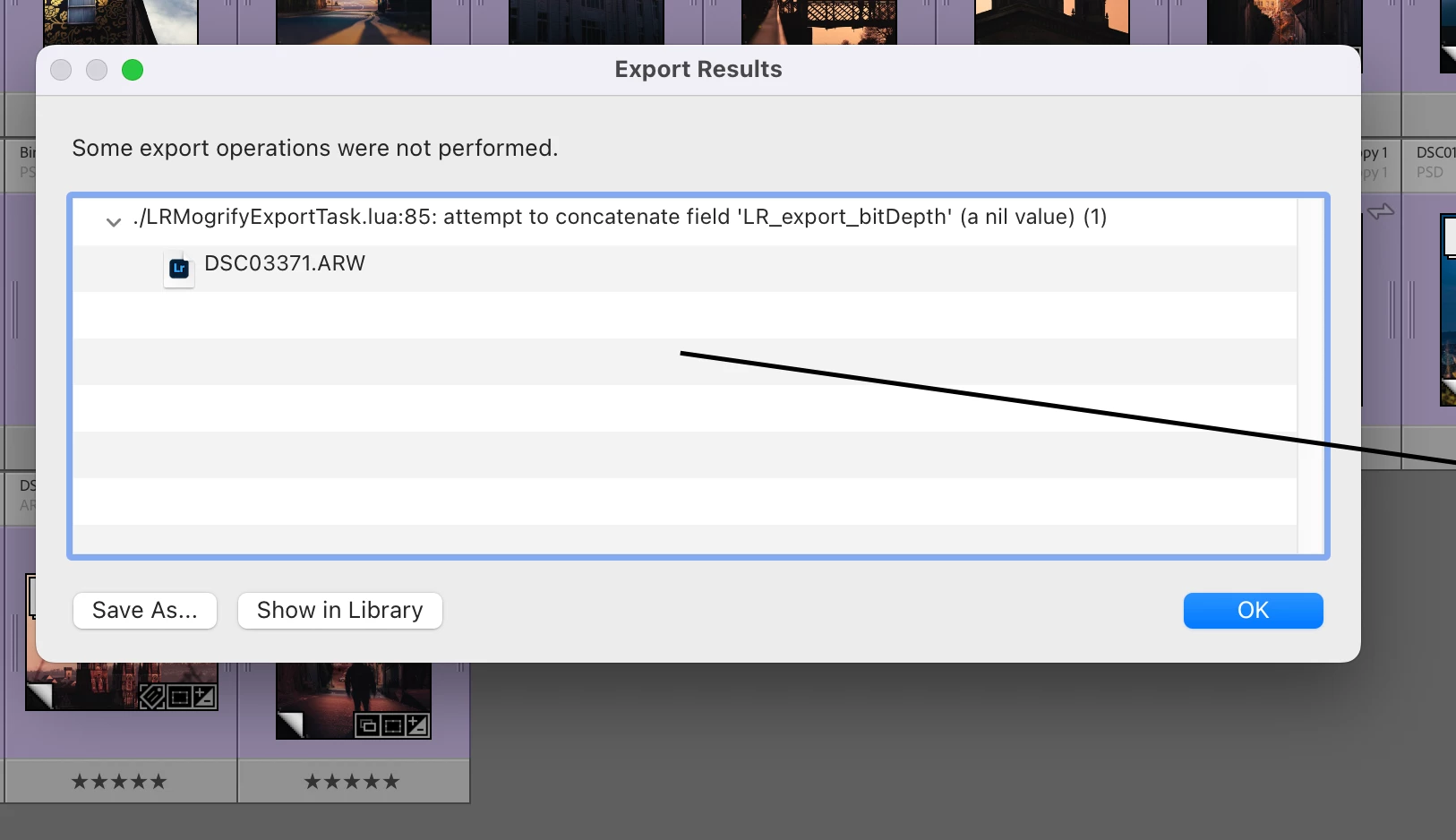
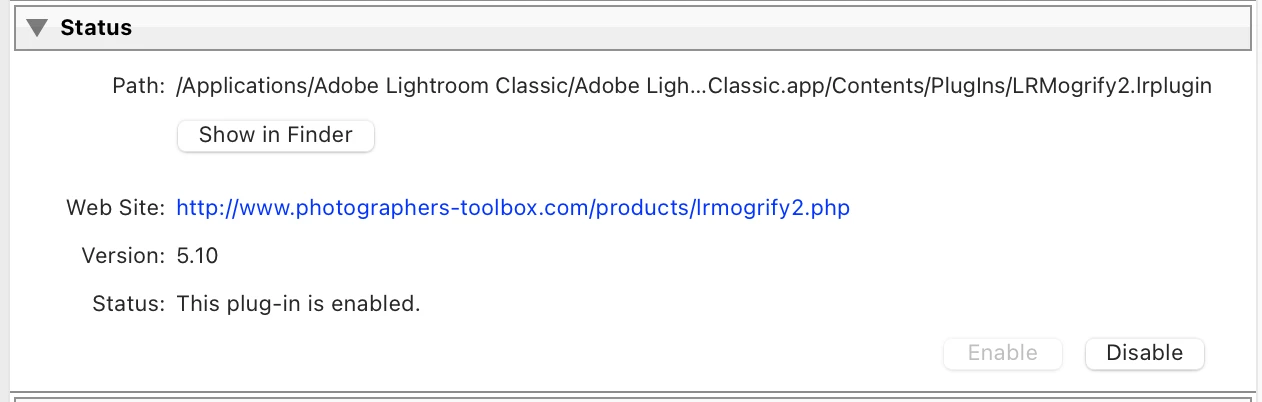
I am using the latest version of LRMogrify with the latest version of Lightroom Classic and I get this error message 90% of the time when I export which basically says "./LRMogrifyExportTask.lua:85: attempt to concatenate field 'LR export bitDepth' (a nil value) (1)".


Has anyone else come across this issue and more importantly a fix?

I am using an M1 Mac running macOS 12.6.

I emailed the developer but their emails have been shut down.


Any help would be fantastic. Thanks


This topic has been closed for replies.

2 replies

Participant
December 30, 2022

I'm having the same problem on Windows 10 and 11 with Lightroom Classic 12.1.


Have you found a solution anywhere else? 


JohanElzenga
Community Expert
Community Expert
September 26, 2022

Are you trying this in a publishing service? Then this is a known issue. Mogrify should work in normal export, however. If not in a publishing service, then what image type and bit depth do you use for export? The error mentions a problem with the bit depth of the exported image.


-- Johan W. Elzenga
Participant
September 26, 2022

Hi Johan,

Thanks for the reply! I am exporting just to the desktop actually and exporting as a jpg which has to be 8bit but all the RAW files were shot in 16bit which might be causing the issue but I don't get the error all the time so not sure if this is the cause or not?! it's very frustrating as it's such an incredibly useful plugin!

JohanElzenga
Community Expert
Community Expert
September 26, 2022
quote

Hi Johan,

Thanks for the reply! I am exporting just to the desktop actually and exporting as a jpg which has to be 8bit but all the RAW files were shot in 16bit which might be causing the issue but I don't get the error all the time so not sure if this is the cause or not?! it's very frustrating as it's such an incredibly useful plugin!


By @peadarotuathail


No, the bit depth of the original image should not be the problem. Mogrify adds something to the exported image, so it only deals with that image, not with the original. I hardly ever use Mogrify2, but I do have it installed and when I tried it on my MBP M1 Max and Lightroom Classic 11.5 recently it worked fine. Maybe just luck...


-- Johan W. Elzenga