
Known Participant
May 21, 2024
Question

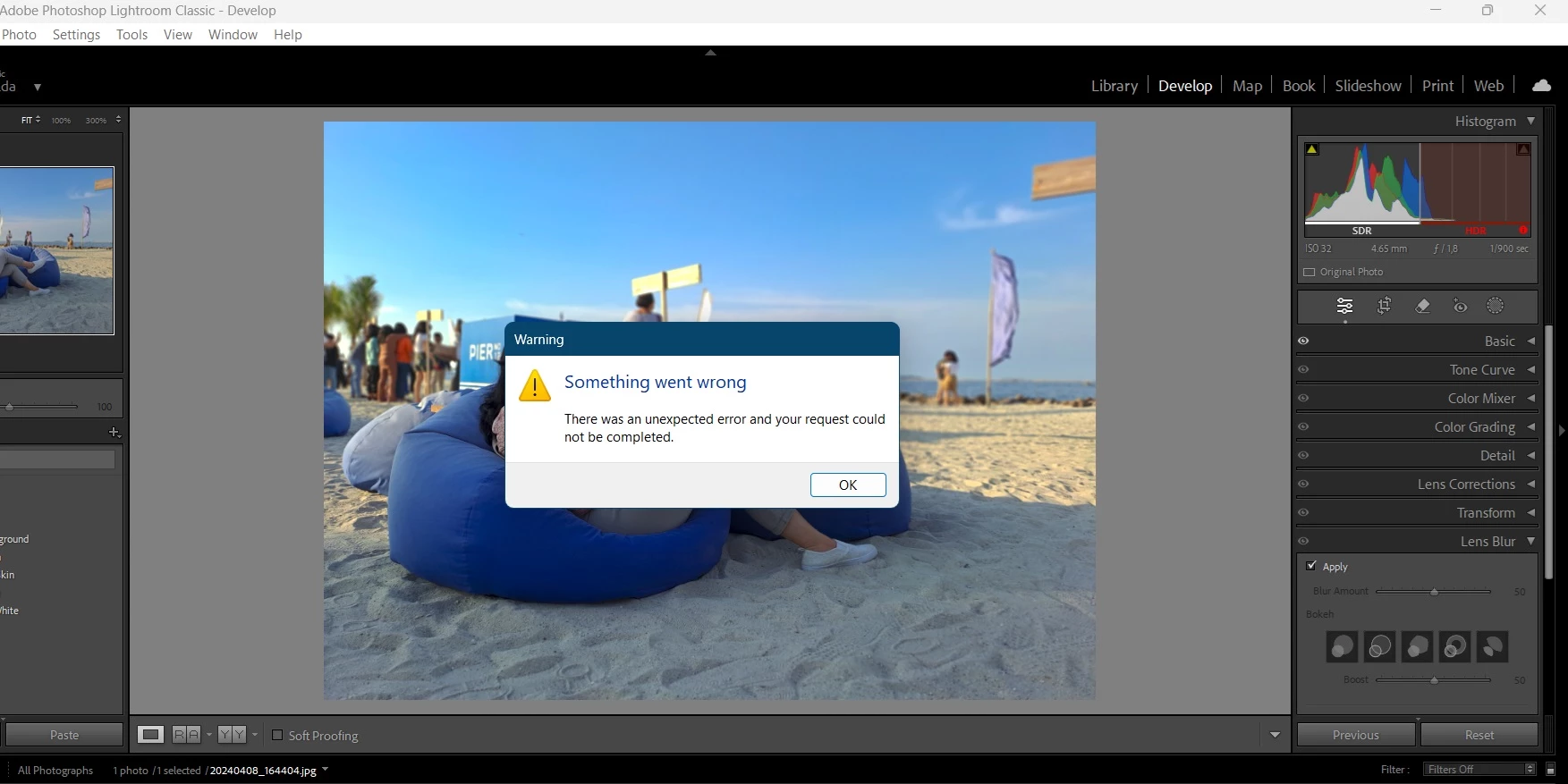
Error when applying Lens Blur

  • May 21, 2024
  • 4 replies
  • 3498 views

Hay Everyone...

Has anyone experienced when applying Lens Blur in Adobe Lightroom 13.3 (Windows) cannot execute it?, display "Somethink When Wrong" as per attached screenshot.

Please advice how to resolve it.

Thank you


4 replies

kiml40689619
Participant
September 7, 2025

I'm having this issue too.  I have never been able to use the lens blur feature because of it.  I'm hoping to find a fix.  There are several of the newer features that just won't work on my system.  It's a fairly new computer and has the required specs.  It's so frustrating.  I also end up having to restart Lightroom any time I try to use a feature that gives me an error message because it stops showing me my progress in real time.  Like, if I apply an adjustment, it will show in the thumbnail, but not on the developer screen so I can see what I'm doing.

Participant
October 31, 2024
Screenshot_2024-10-31-18-16-46-44_d8f4549cd726e412200633ae6c5633df.jpg
Participant
October 31, 2024
Screenshot_2024-10-31-18-18-59-11_d8f4549cd726e412200633ae6c5633df.jpg
GoldingD
Legend
May 21, 2024

First up, that use of HDR Treatment. Is your Monitor specs up to the task? I think not based on all that red in the HDR side of the Histogram. Try without HDR Treatment.


Second up, what does LrC say about your GPU? What is shown in /preferences/performance?


Known Participant
May 22, 2024

Thanks Golding for your advice,

The HDR was selected therefore caused the error, and I have selected the GPU to Auto in Preference/Performance menu.


Participant
May 28, 2024

Hi!

I have the same problem. Below are my settings. Please help me, it worked before. LR version 13.3


thank you for every answer:)