

Answered
Explanation for Sync Activity information in Preferences dialog, anybody?
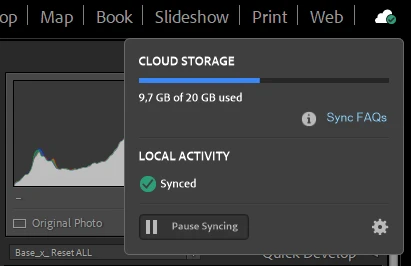
I have just come across the fact that entries appear in the Sync Actvity (as Downloading) that do not disappear. However, my sync status shows a green tick, so nothing needs to be synced.
When I click on the entries, the browser opens, but no image appears, instead it continues to load the content of the URL without coming to an end.
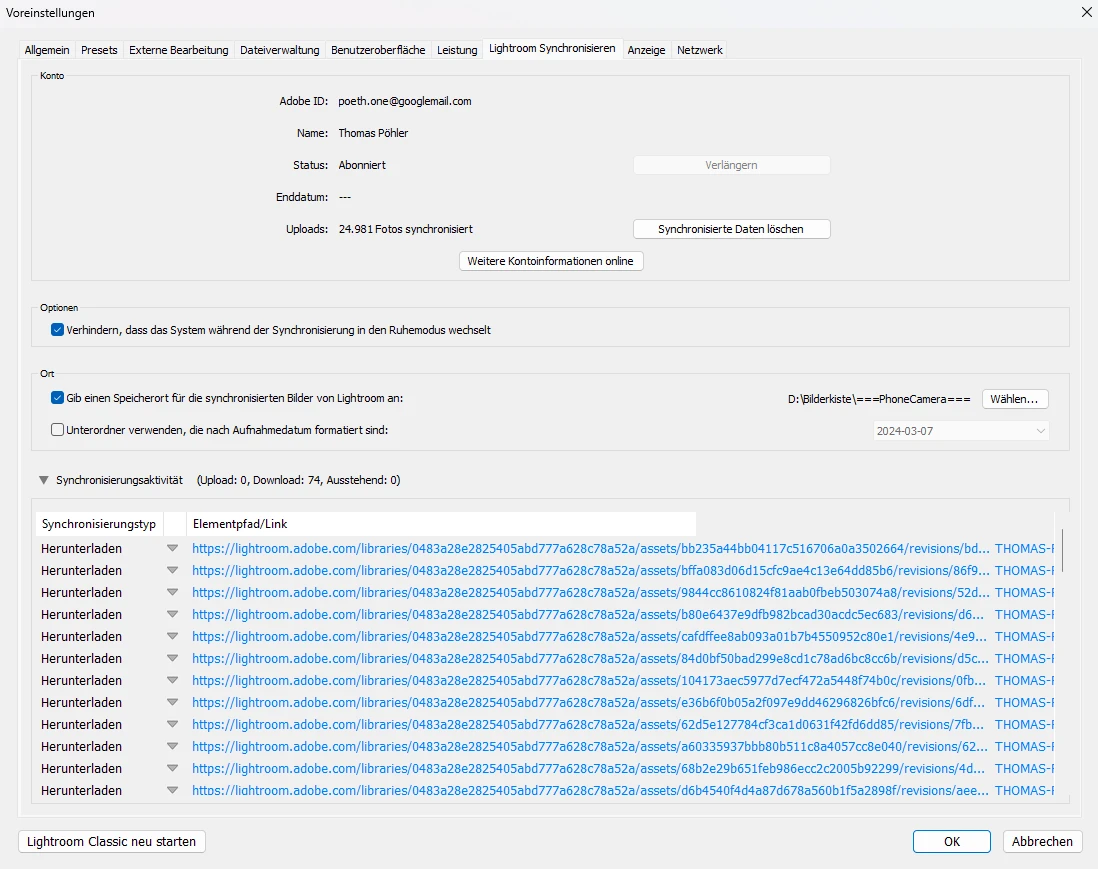
What are these entries? How do I get rid of them? Once an entry briefly showed the additional info "Pending Masks" when hovering over it.
I have also tried [Delete All Synced Data]. That did nothing.
BR, Thomas
 AdChoices