

Participant
Oct 25, 2024 12:06 PM UTC
Question

Export error
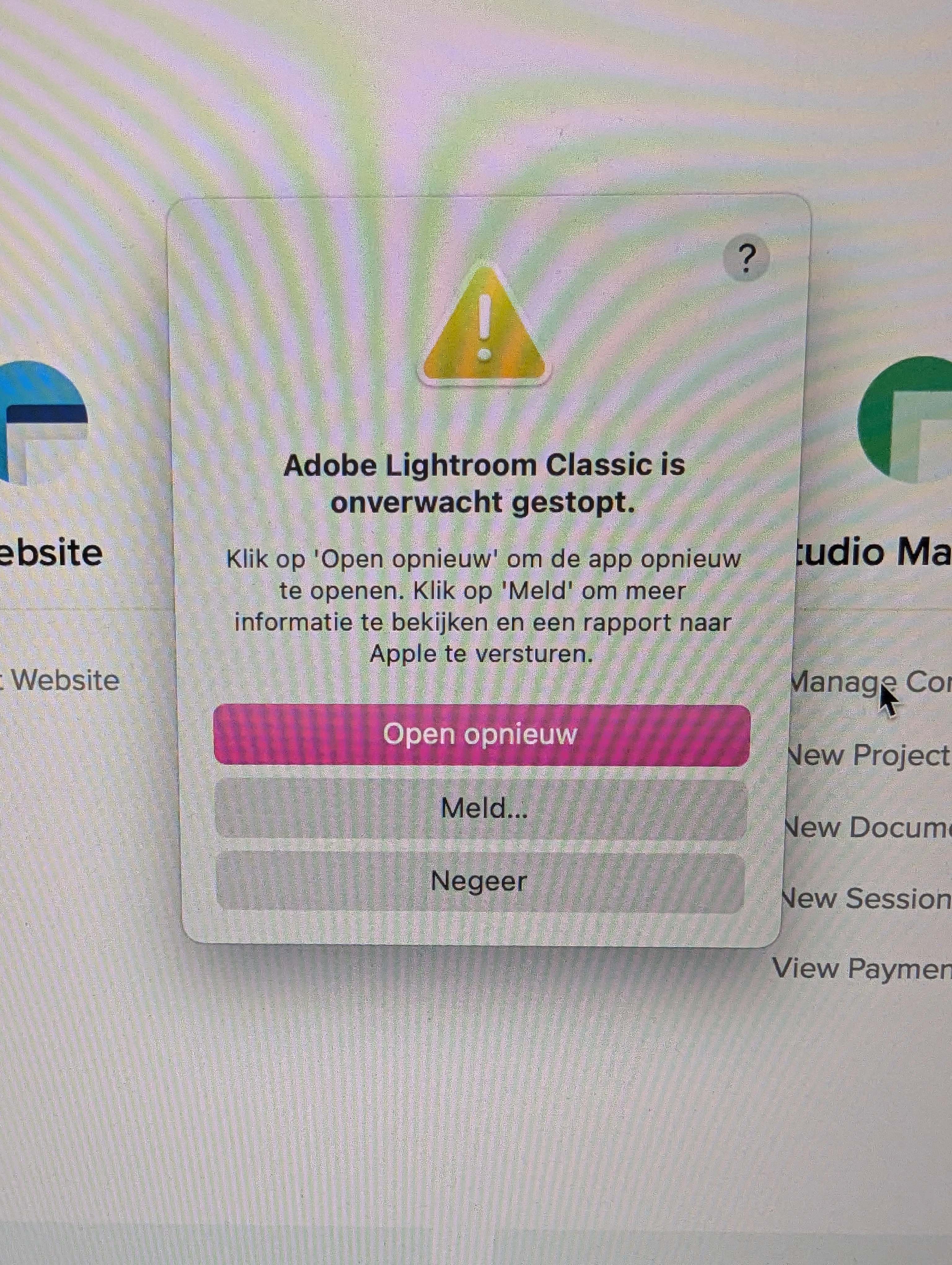
 every time i want to export my photos I get this error. Lightroom stops every time. Does any one knows what this might be?

I have the newest updates.

Thanks

This topic is closed to new replies. Start a new post to keep the conversation going.

3 replies

johnrellis
Legend
Dec 5, 2024 1:15 AM UTC

"every time i want to export my photos I get this error. Lightroom stops every time."


Very possibly, your Export settings include a post-processing action supplied by a plugin, e.g. Metadata Wrangler or JPEG Mini.  A recent bug with the LR SDK for plugins sometimes causes this error when the plugin tries to run a child program.  The bug only seems to occur on Intel Macs.


Try exporting with that plugin disabled. Does the export now succeed?


See here:

https://community.adobe.com/t5/lightroom-classic-discussions/crashes-when-a-plug-in-uses-lrtasks-execute/m-p/15018362

Translate
Community Expert
Oct 28, 2024 8:33 AM UTC

Just an idea.

Please try is to switch off the GPU support from the Lightroom preferences and check if that helps to fix the issue. Go to Lightroom > Preferences > Performance tab > Uncheck "Use Graphics Processor" > Restart Lightroom.

https://helpx.adobe.com/lightroom-classic/kb/troubleshoot-gpu.html


Another try is to reset the Lightroom preferences.

https://www.lightroomqueen.com/how-do-i-reset-lightrooms-preferences/

It's recommended to backup your preferences before you reset the preferences to the default settings:

https://helpx.adobe.com/lightroom-classic/kb/preference-file-and-other-file-locations.html


Translate
My System: Intel i7-8700K - 64GB RAM - NVidia Geforce RTX 3060 - Windows 11 Pro 26H2 -- LR-Classic 15 - Photoshop 27 - Nik Collection 9 - PureRAW 6 - Topaz Photo AI
johnrellis
Legend
Oct 28, 2024 6:18 AM UTC

Google translation of that error message: "Adobe Lightroom Classic has quit unexpectedly.
Click Reopen to reopen the app. Click Report to view more information and send a report to Apple."


Did you submit the crash report to Adobe with the email address associated with your Adobe Id? If so, then moderator @Rikk Flohr: Photography can link this thread to the crash report.

Translate