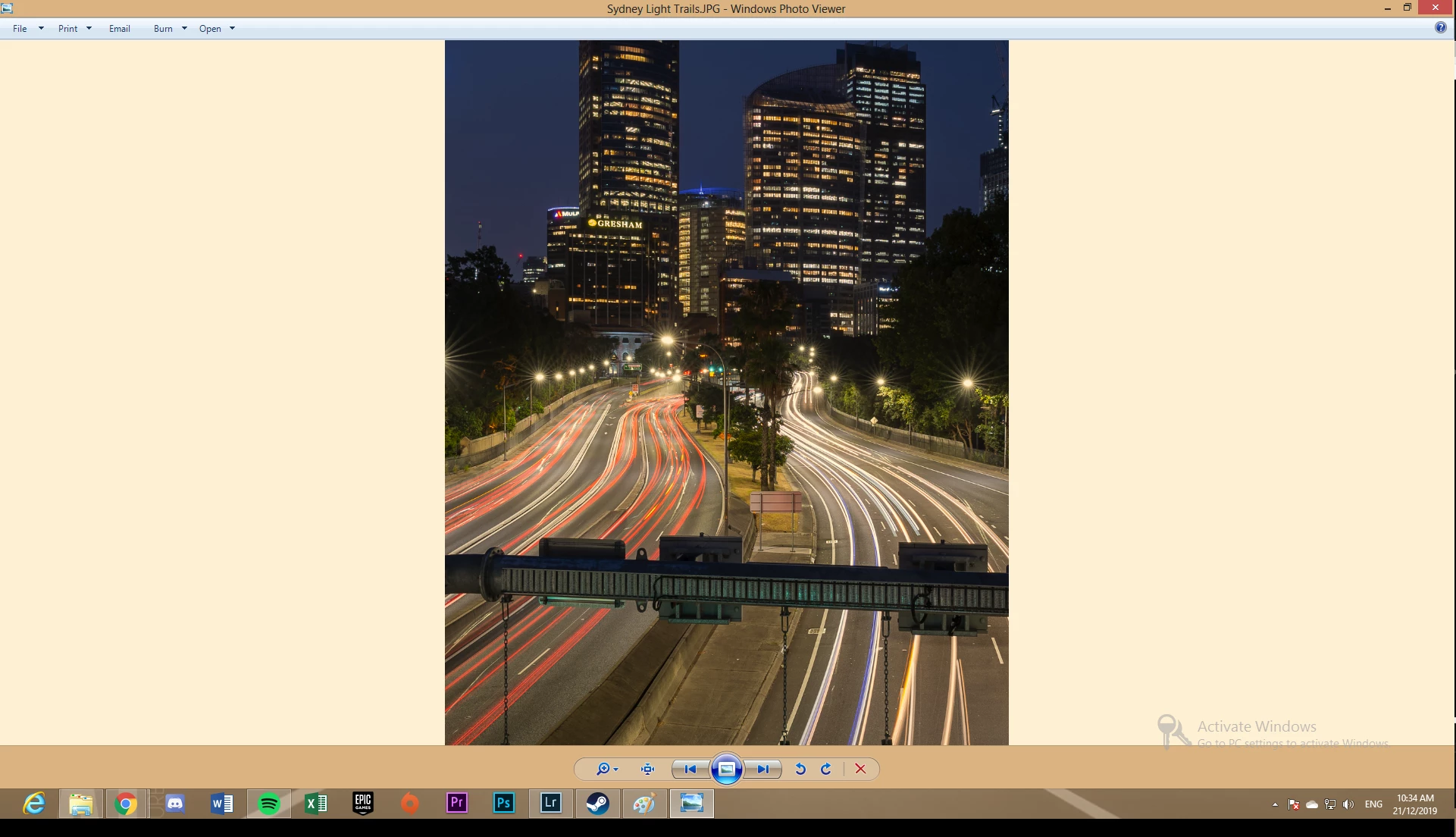
That's "Windows Photo Viewer" (from Windows 7), which actually is fully color managed. It's the new Windows "Photos" (from Windows 10) that dropped color management.
So the difference in this case is most likely caused by a defective monitor profile, which can affect applications differently.
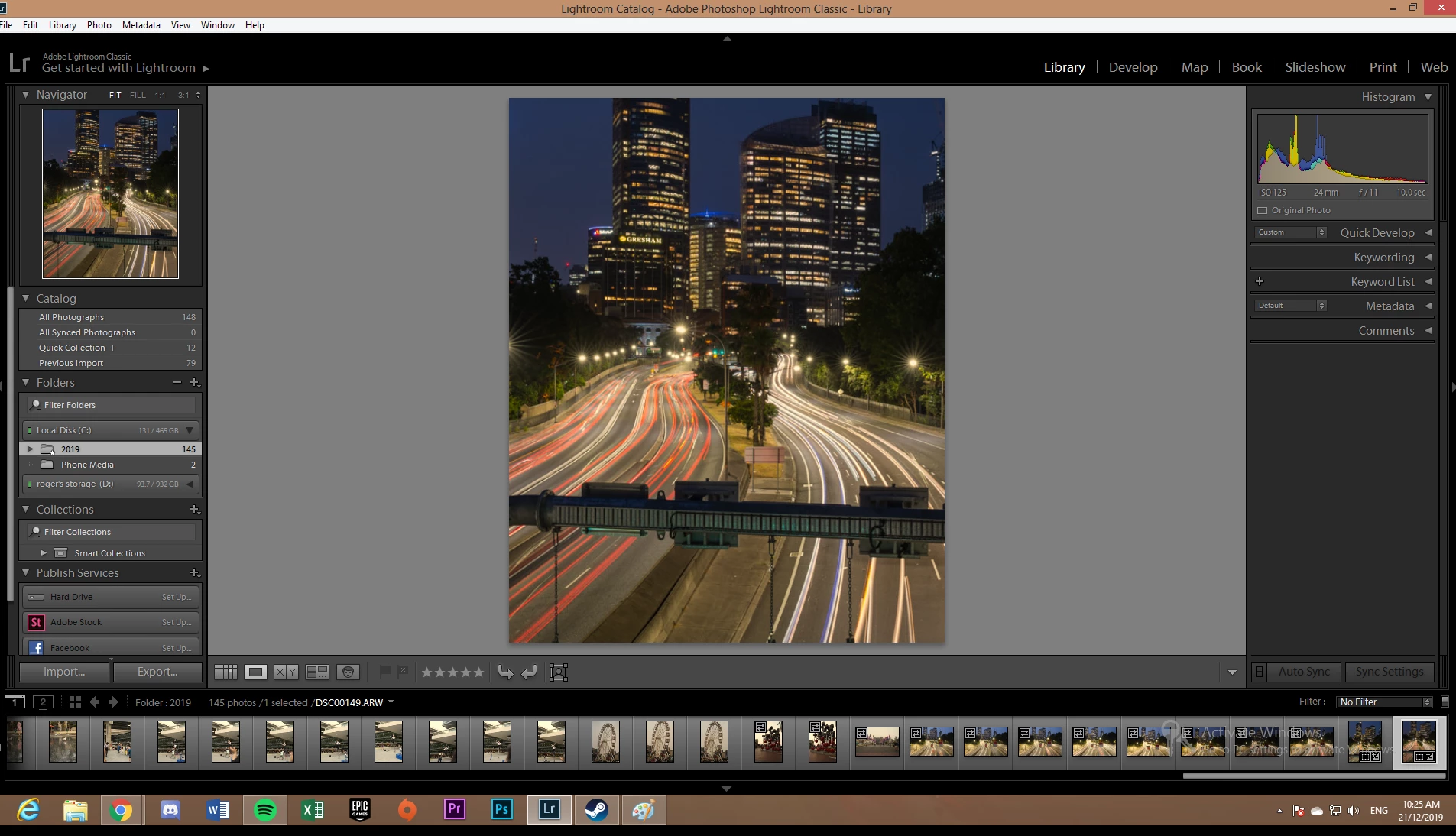
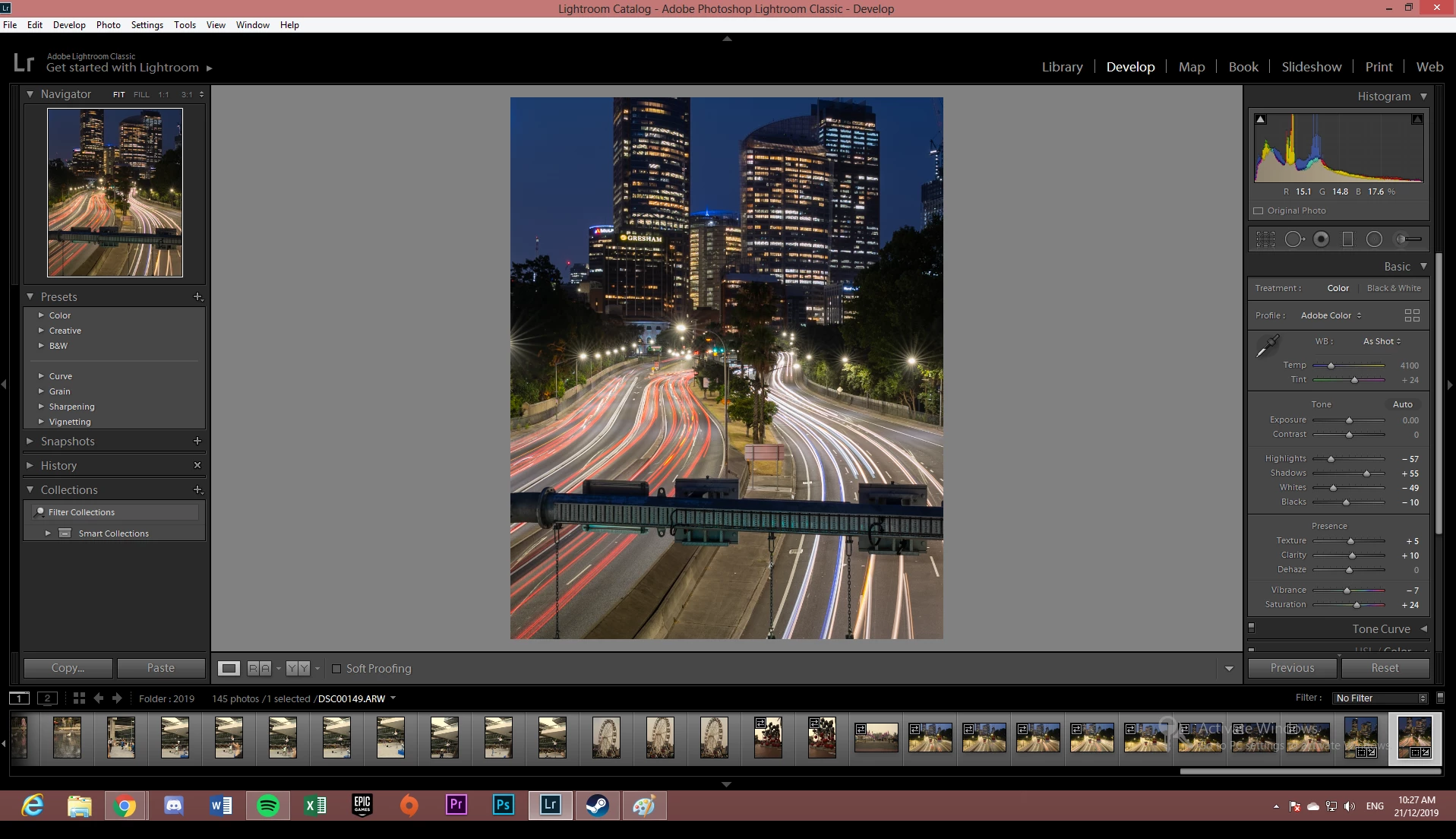
You'll notice the same difference between Library and Develop in the screenshots above. The OP apparently misinterprets this as "before" vs "after". But it's not. They are both "after" - but one is incorrectly represented because of the broken monitor profile.
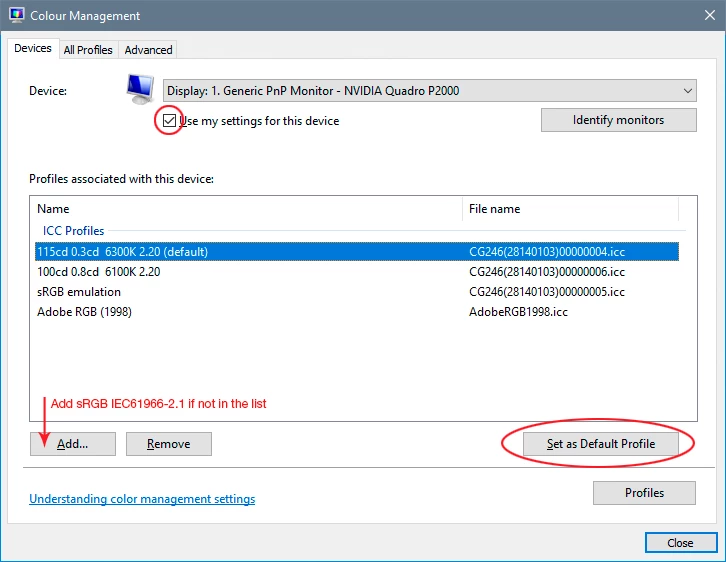
To correct this, use a calibrator to make a new profile. If you don't have one, use sRGB IEC61966-2.1 as a temporary measure until you do (Adobe RGB if it's a wide gamut monitor). It won't be entirely accurate, but better than a broken profile.



 AdChoices