
Participant
April 25, 2020
Answered

Export overwrite without warning not overwriting

  • April 25, 2020
  • 2 replies
  • 2008 views

I'm using version 9.2.1 of Lightroom Classic. Since this update the export option of "Overwrite without warning" which I have had set for years is no longer working. I now end up with a folder with a renamed file in it of the "duplicate" files. The files in the folder where I want them are not updated at all, I have to pull each file out of the new folder, rename them back to what they were orginially which is a huge waste of time! 


I have not been able to figure out what has changed besides exporting is now a huge pain. Anyone else noticing this problem? Overwrite should mean it replaces the original file, just like it did for the last 5+ years. 


Thank you in advance for any help/insights on what setting I might have wrong that is making it not function properly.

This topic has been closed for replies.
Correct answer Bob Somrak

It works correctly for me if I only check the preset name and not the checkbox.


Your are probably clicking the checkbox.  Just click the preset without the checkbox.  The checkbox is for Batch Export.  


With a checkbox checked hit the "Learn More" button on the bottom.


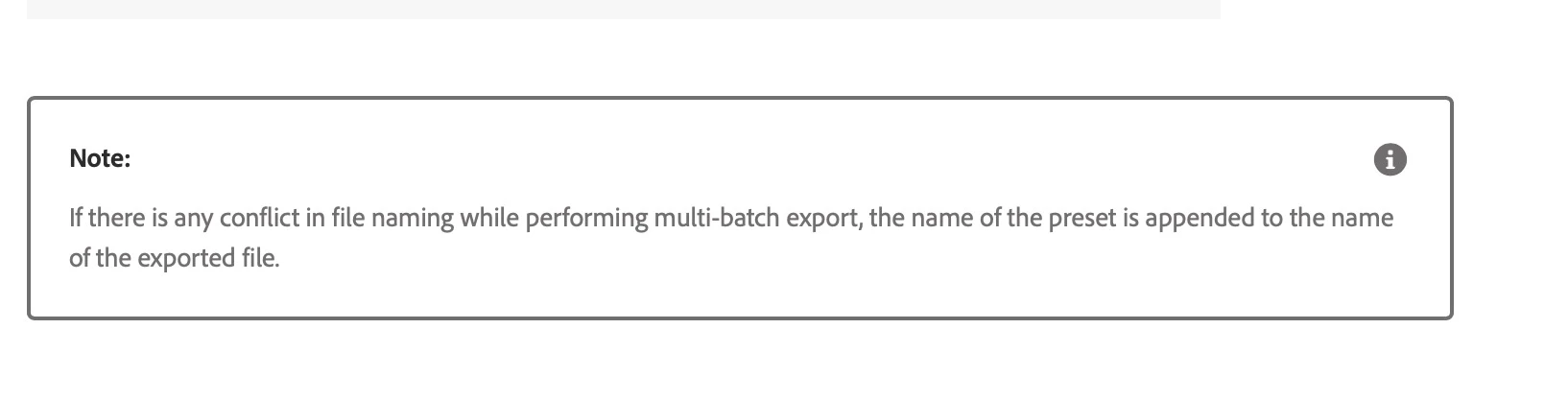
 And the following will show up along with a bunch of other info for you.

2 replies

Bob Somrak
Bob SomrakCorrect answer
Legend
April 25, 2020

It works correctly for me if I only check the preset name and not the checkbox.


Your are probably clicking the checkbox.  Just click the preset without the checkbox.  The checkbox is for Batch Export.  


With a checkbox checked hit the "Learn More" button on the bottom.


 And the following will show up along with a bunch of other info for you.

M4 Pro Mac Mini. 48GB
Participant
April 27, 2020

Thanks, I usually am exporting more than one file. That is why I started having to use the checkbox. I thought I had read the Learn More, but it wasn't making sense. Whatever I was doing when this first changed it would only export 1 file at a time no matter how many I selected. It only allowed multiple when I checked the box.


I just tried exporting 3 images without the checkbox selected and it seemed to work. 


Thank you so much for explaining what's going on with it. 

dj_paige
Legend
April 25, 2020

I would reset your preference file and see if that fixes the problem https://www.lightroomqueen.com/how-do-i-reset-lightrooms-preferences/


If not, I would report his as a bug to Adobe https://feedback.photoshop.com/photoshop_family/categories/photoshop_family_photoshop_lightroom

Participant
April 25, 2020

Thank you! I will give this a try.