
Export photos in sequence by Capture Time
I have made numerous imports of photos which I intend to make into time lapse sequences. Unfortunately I renamed files on import to include a sequence number which does not reflect capture order (seems random).
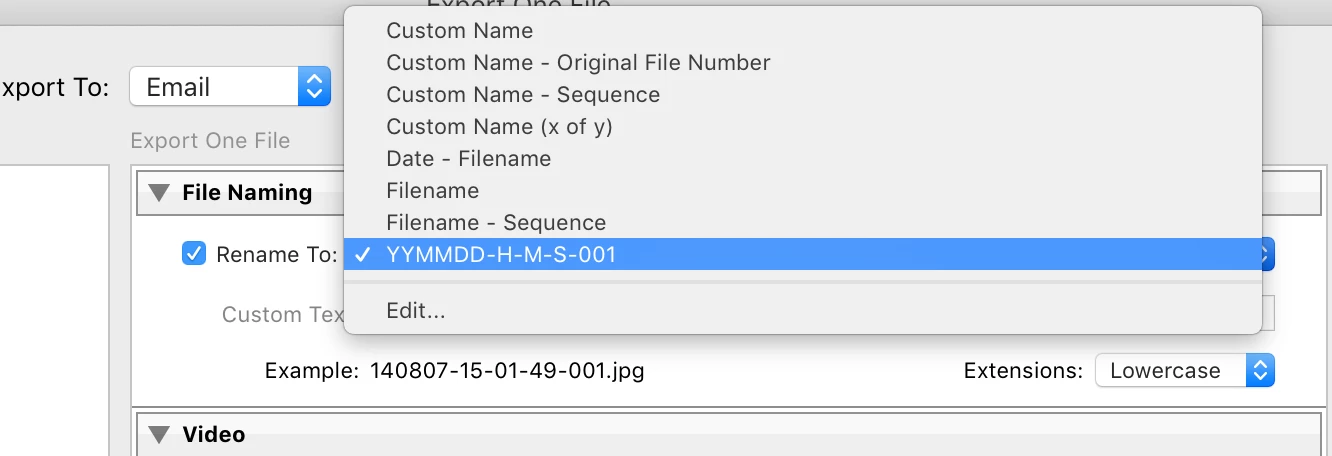
I know i can sort them in the grid view by capture time, but how can I export them in capture time order? I've tried renaming them during export with a new sequence number hoping that number would reflect the sort order I've chosen for the view, but it does not.
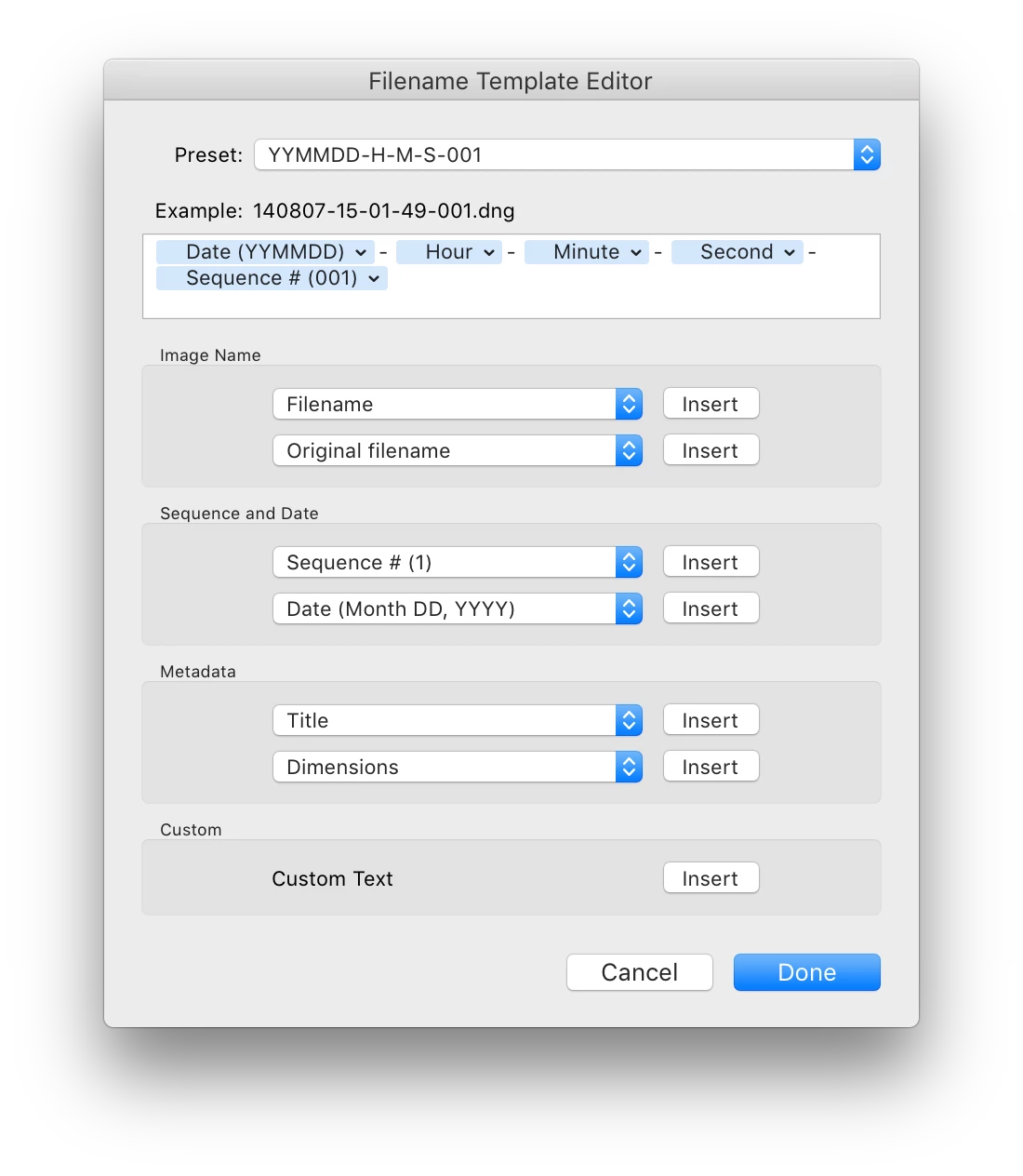
Is there a direct way to make this export chronological order? Alternately I have seen some reference to renaming after import -- is there a rename scheme that would sequence by capture time? Or by the original file name (I have seen a video where J Kost implies the original filename from the camera is retained somewhere....).
It seems many applications would require chronological order be preserved (including HDR as well as time lapse). I understand the best workflow would have a name change only after import, but having made the mistake how do I backtrack? And why doesn't Adobe let you define a sequence number relative to capture time or some other characteristic? Seems an easy solve.
 AdChoices