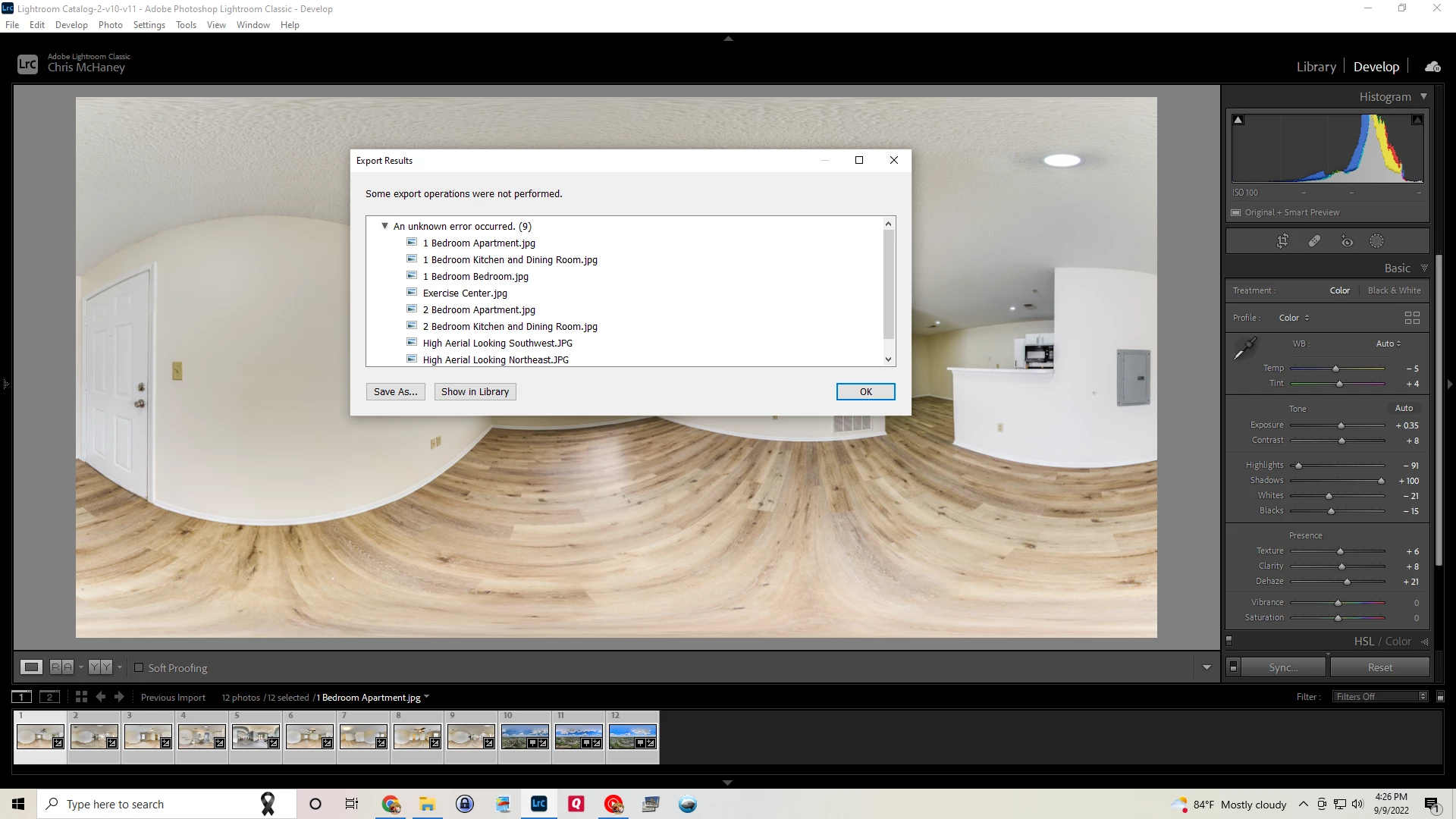
Export problems, please help! "Some export operations were not preformed."
I am having problems exporting 360 panoramic photographs. I'll usually have about 12 to 17 files to export. After editing with my presets and then exporting, usually about 4 or 5 of the images will export fine, with the rest not exporting at all, with the error message shown in the screenshot.
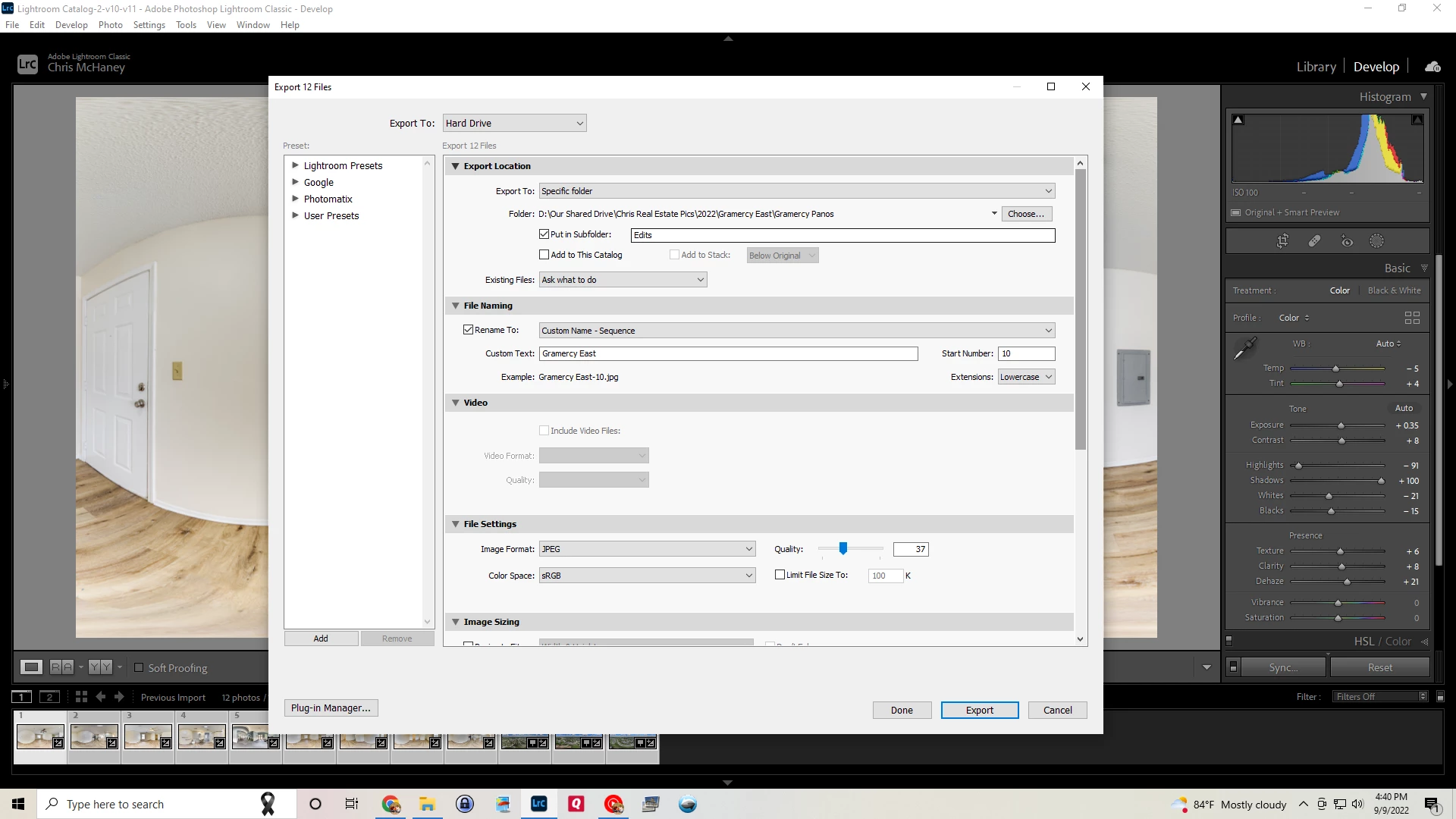
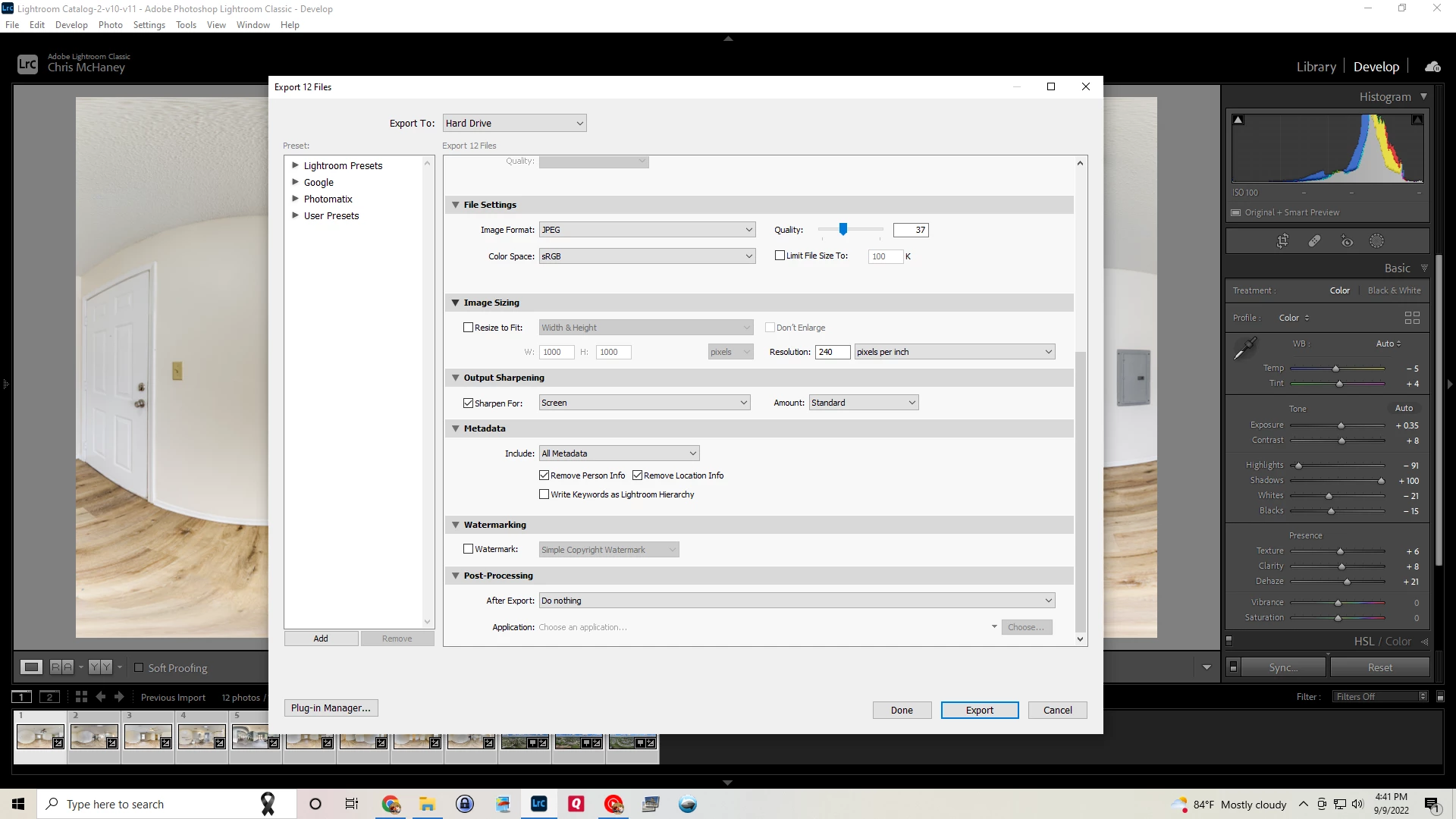
I've done enough research to know that many people report saying it's a permissions issue. I've checked and I have full permissions. I've tried exporting to different drives and folders on the same Windows 10 pc, and still no luck. I've taken the source images, and placed them on my Macbook Air M1, and the same files will not export. I've read that it could be an antivirus issue, in other words, monitoring my folders not allowing some files to be written. Again, no luck with any changes I've made there. I have included a screenshot of the message, as well as my export settings.
What's getting me is why do some of the files always export, and then not the rest? What's unique about these files that makes it not export them. It's happening to both files I've shot with a Sony A7iii and a DJI Mavic 3.
Windows 10 Home, Adobe Lightroom Classic Release 11.5
Any help or pointers would be very much appreciated!
 AdChoices