Participant
July 26, 2026
Question

Exported photos do not hold onto edits i made in lightroom

  • July 26, 2026
  • 2 replies
  • 41 views

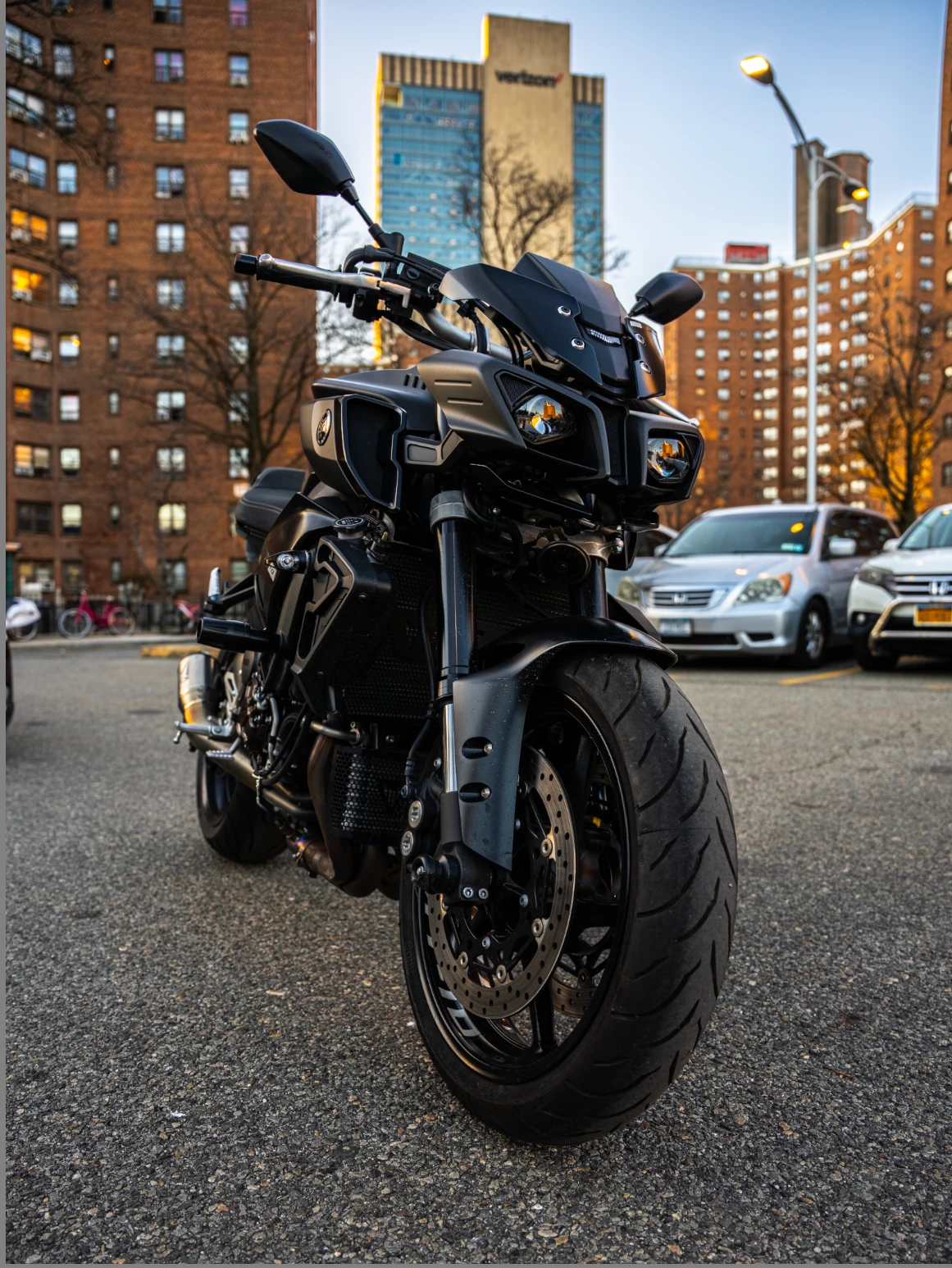
I'm having some issues with my exported photos not holding the edits I made in lightroom. Ive been doing some research online but so far, I've had no luck in figuring things out :/. Would greatly appreciate any insight that could be provided here as to what might be the problem.  In one of the pictures below you can see the photo is very vibrant and colorful and the other one is dull and bland.  The colorful and vibrant photo is what I see in lightroom before I export, and the bland and dull photo is what I see after I export.

Thanks, in advanced!



    2 replies

    Per Berntsen
    Community Expert
    Community Expert
    July 26, 2026

    Are you on Mac or Windows?
    And in what application are you viewing the exported image?
    Applications without color management will not display correct colors.
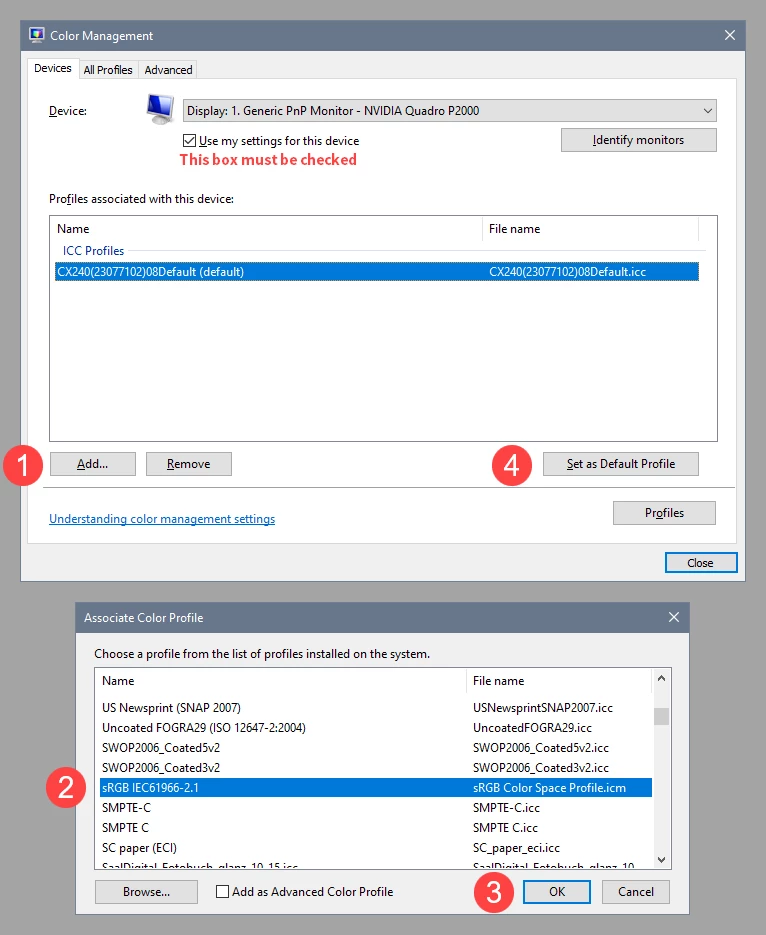
    Color managed applications will display correct colors, regardless of what color profile was used when exporting. If they don’t, it is usually caused by a defective or incompatible monitor profile, or a GPU driver issue.

    Another possibility is that you’re exporting in Adobe RGB or ProPhoto, and uploading the image to a website that strips out the profile, so that the image becomes untagged (no embedded profile).
    Web browsers will assign sRGB to untagged material, and if the image was created in Adobe RGB or ProPhoto, colors will be desaturated.
    Always use sRGB when exporting, especially if the image will be viewed online.

    masonreed
    Participating Frequently
    July 26, 2026

    It looks like a color profile issue. Try exporting in sRGB instead of Adobe RGB or ProPhoto RGB, and check the exported image in a different photo viewer. If it looks correct there, the problem is likely the app you're using to view the exported file. Sharing your export settings would help pinpoint the exact cause.