External Volume connection suddenly no longer mapped correctly in Lightroom catalog?
Hi all,
I opened LR in my business catalog and suddenly my external drive connection is hosed. I have an external drive named "OmLight Photos", and here is the file structure on it:

But in Lightroom now it all of a sudden looks like this. Looks like the disk is disconnected right? But as shown in the Finder window above it is available and healthy.
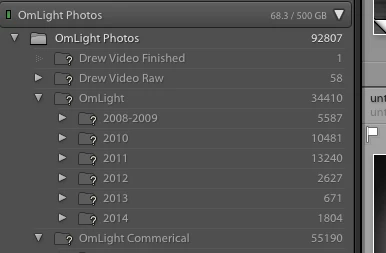
The same thing happened with the other catalog (Personal) that points to that disk. So that one I decided to try the Update Folder Location.
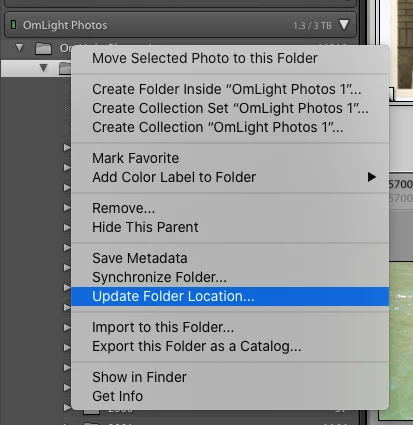
I select the root of the external drive.
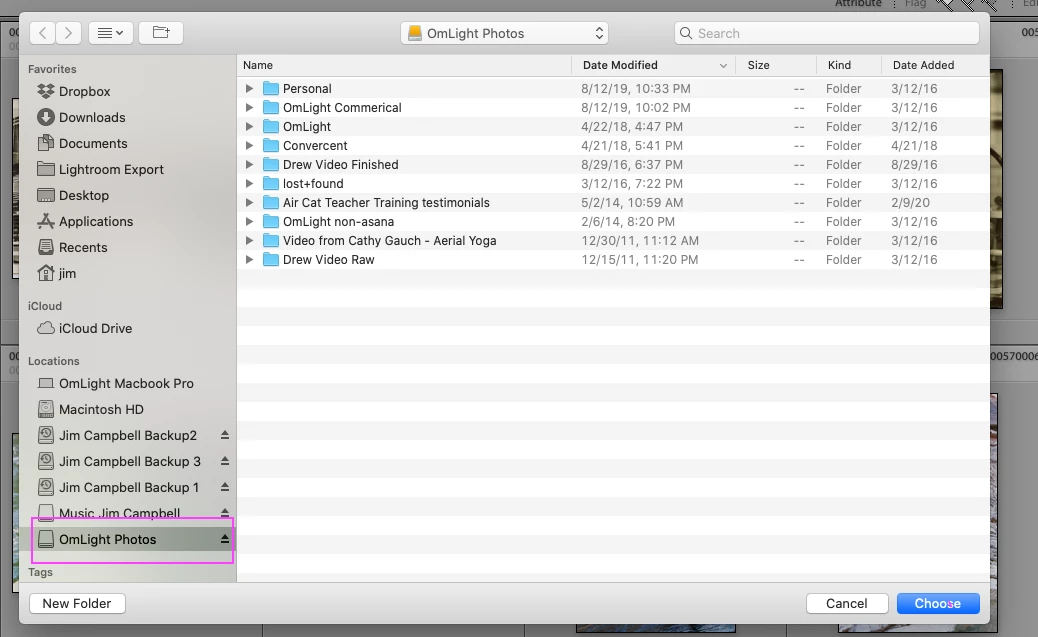
So that worked to rebind the photos, but it created a new name for the root: "OmLight Photo 1".
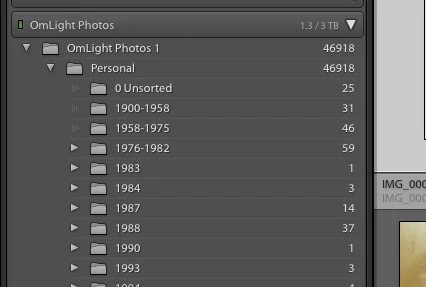
Ok, I guess I can live with that but then I got an error message from my online backup (BackBlaze) that it couldn't back up "OmLight Photos" as long as the volumne name "OmLight Photos 1" exists.
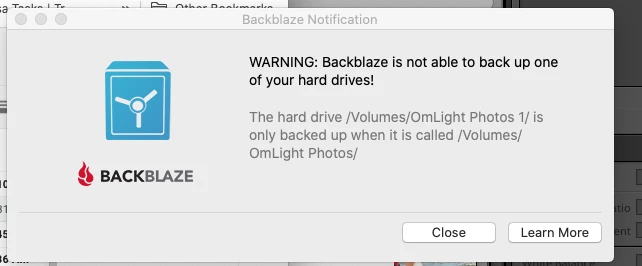
Huh? So I look and that binding of the folder to the new location created a new Volume.

So I'm confused. I guess I can regain access to my business catalog by doing the same Update Folder Location, but I can't live without backups running. Anyone have any ideas?
Thanks!
Jim
 AdChoices