fabrizios88918808
December 5, 2025
Answered

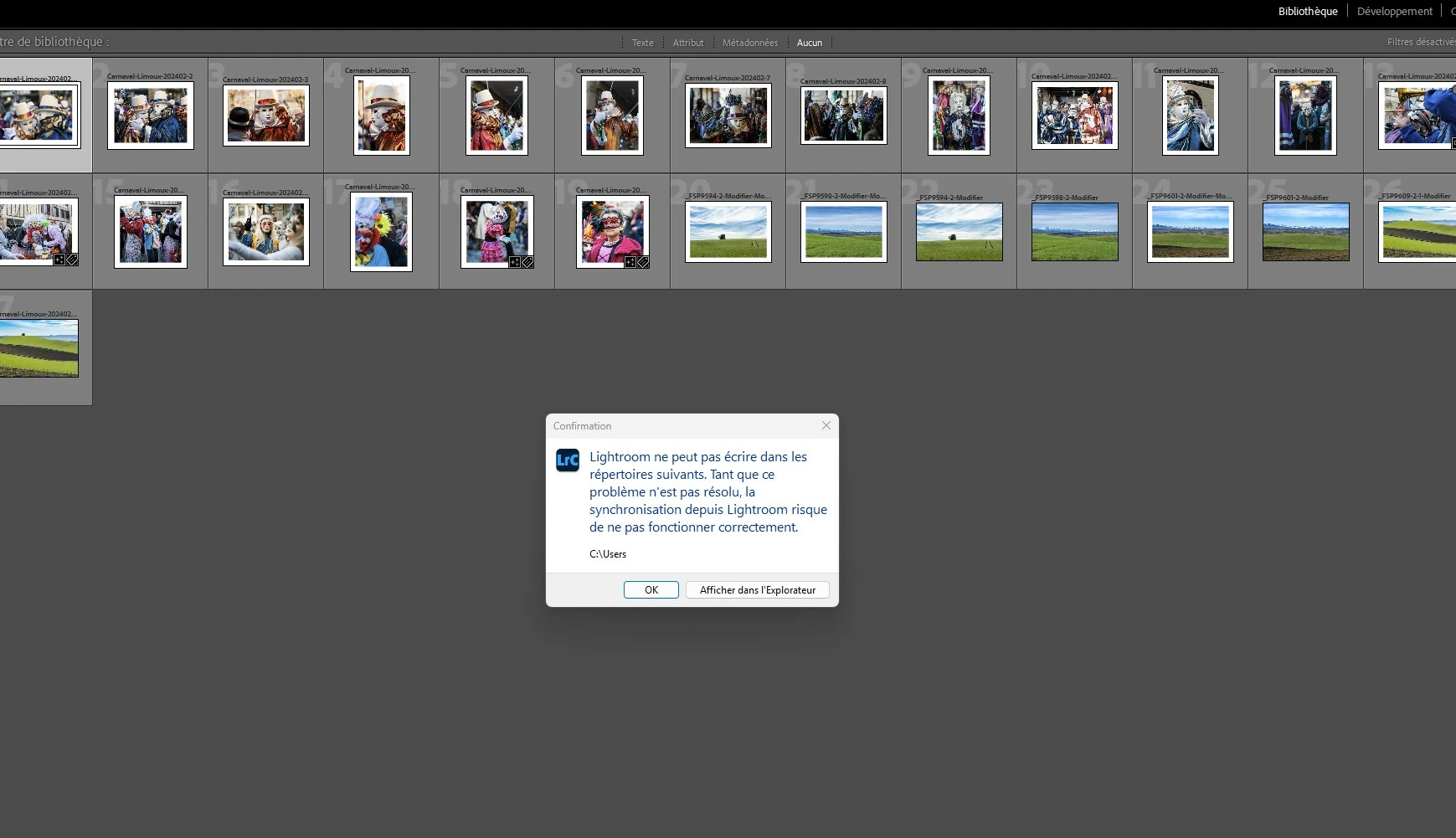
Fenêtre d'avertissement du catalogue à l'ouverture de LR Classique

  • December 5, 2025
  • 1 reply
  • 175 views

Bonjour,

Depuis quelques temps, une fenêtre d'avertissement (voir capture d'écran jointe) apparaît à l'ouverture de Lightroom Classique version 15.0.1 sous windows 11. Je ne comprend pas pourquoi. Je clique à coté, la fenêtre disparait et je peux utiliser mon catalogue. Est-ce que quelqu'un peut me dire comment faire disparaitre cette fenêtre à l'ouverture et pourquoi elle apparait ?

Merci d'avance.

Fabrizio


Hello,

For some time now, a warning window (see attached screenshot) has been appearing when I open Lightroom Classique version 15.0.1 under windows 11. I don't understand why. I click next to it, the window disappears and I can use my catalogue. Can anyone tell me how to make this window disappear when I open the programme and why it appears?

Thank you in advance.

FabrizioCapture d'écran 2025-12-05 132508.pngCapture d’écran 2025-12-05 132531.jpg
Correct answer Rob_Cullen

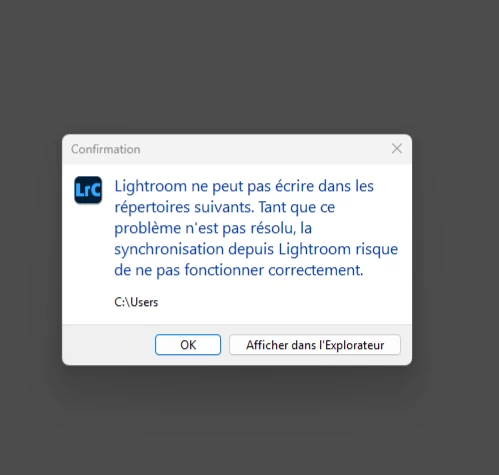
The warning message "Lightroom cannot write to the following directories. Until this problem is resolved, syncing from Lightroom may not work correctly." message refers to the{C:\Users} folder.

{C:\Users} is a protected operation system folder and cannot be used for downloading synced photos-

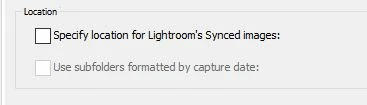
What have you set in the Preferences > Lightroom Sync -Location?

2025-12-06 09_39_16-Preferences.jpg


1 reply

Rob_Cullen
Community Expert
Rob_CullenCommunity ExpertCorrect answer
Community Expert
December 5, 2025

The warning message "Lightroom cannot write to the following directories. Until this problem is resolved, syncing from Lightroom may not work correctly." message refers to the{C:\Users} folder.

{C:\Users} is a protected operation system folder and cannot be used for downloading synced photos-

What have you set in the Preferences > Lightroom Sync -Location?

2025-12-06 09_39_16-Preferences.jpg


Regards. My System: Windows-11, Lightroom-Classic 15.3, Photoshop 27.5, ACR 18.3, Lightroom 9.3, Lr-iOS 10.4.0, Bridge 16.0.3 .
fabrizios88918808
December 7, 2025

Thank you for your reply. I understand now. Since I don't want to put photos in the cloud, I unchecked the box “Specify a location for Lightroom synchronized images.” Now the warning window no longer appears.
Thank you very much for your help. Have a nice day.