Participant
January 3, 2023
Answered

File corruption

  • January 3, 2023
  • 1 reply
  • 454 views

Hi All! 

Hope someone can come to my rescue with this one.


Since a few weeks now, I've been having an issue with some (very random!), of my pictures:

I see the preview of the single files, like the ones below. 
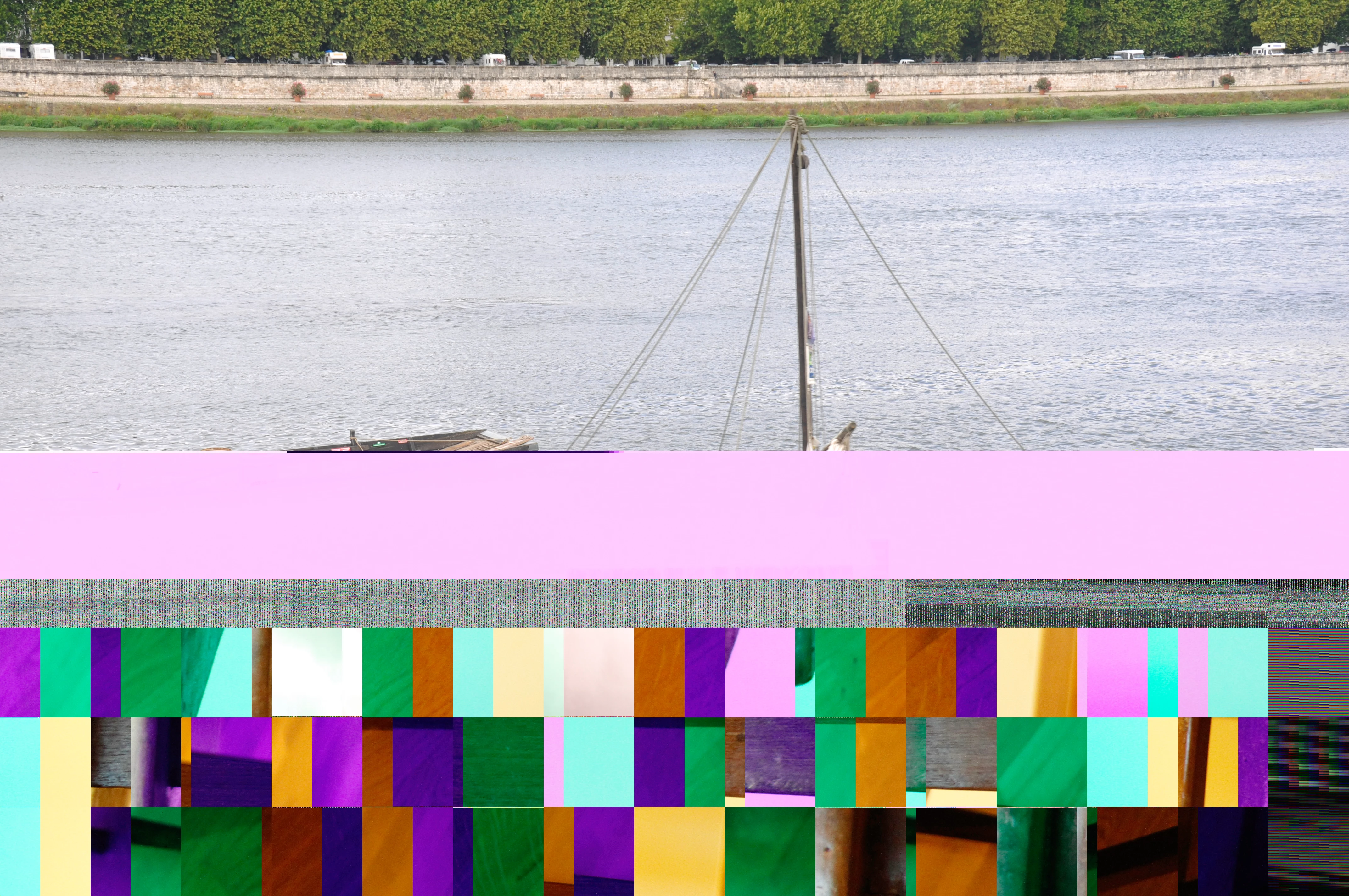


The corruption varies, but it generally presents itself like the images above: magenta filter and distorted/altered pixel boxes.


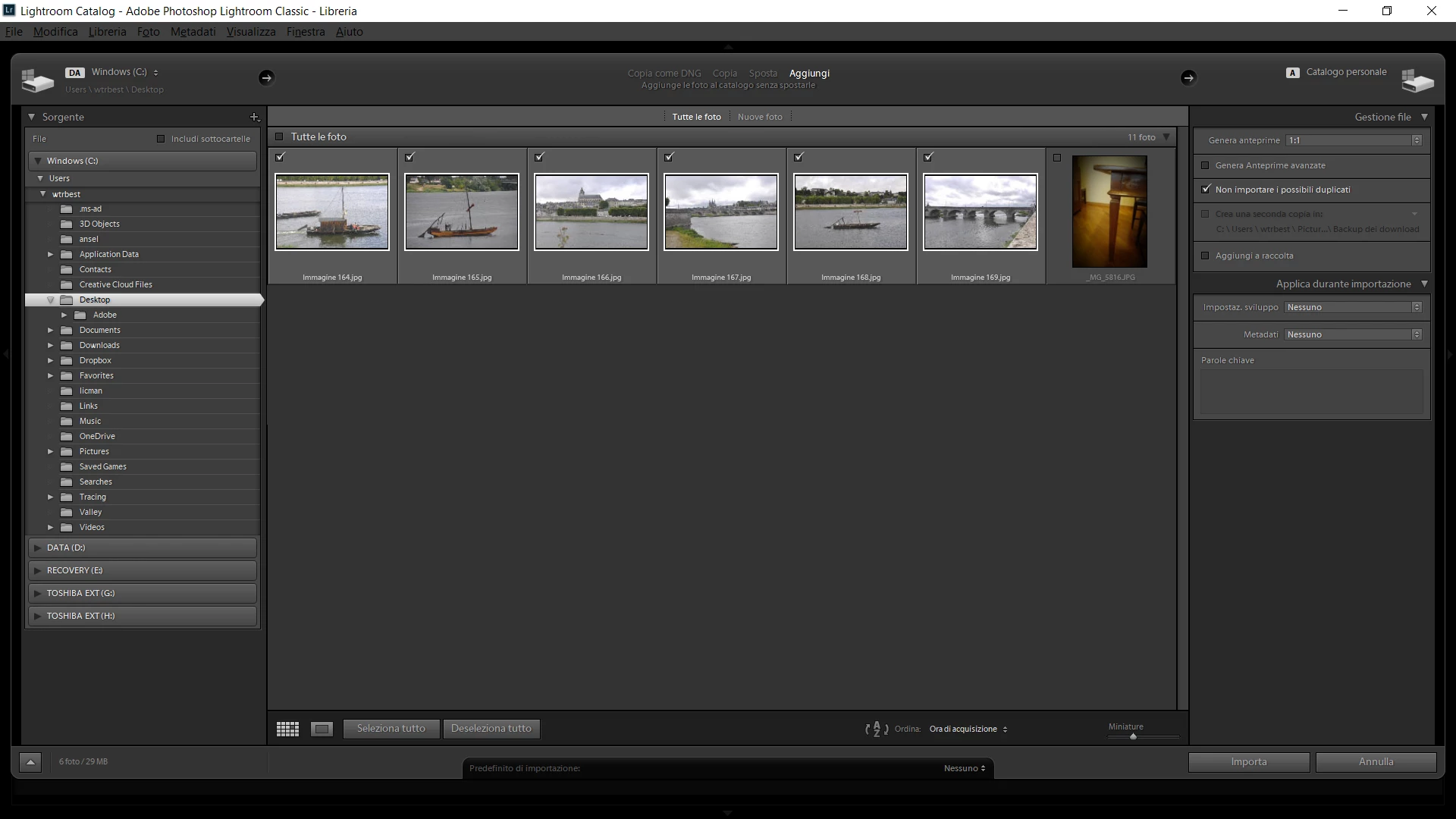
The weird part is that in Lightroom, before I import the files, in the program, shows the files with no corruption at all, as you can see in the image below:


Once I select all the files, though, the corruption re-appears and ruins the whole bunch, as shown below:
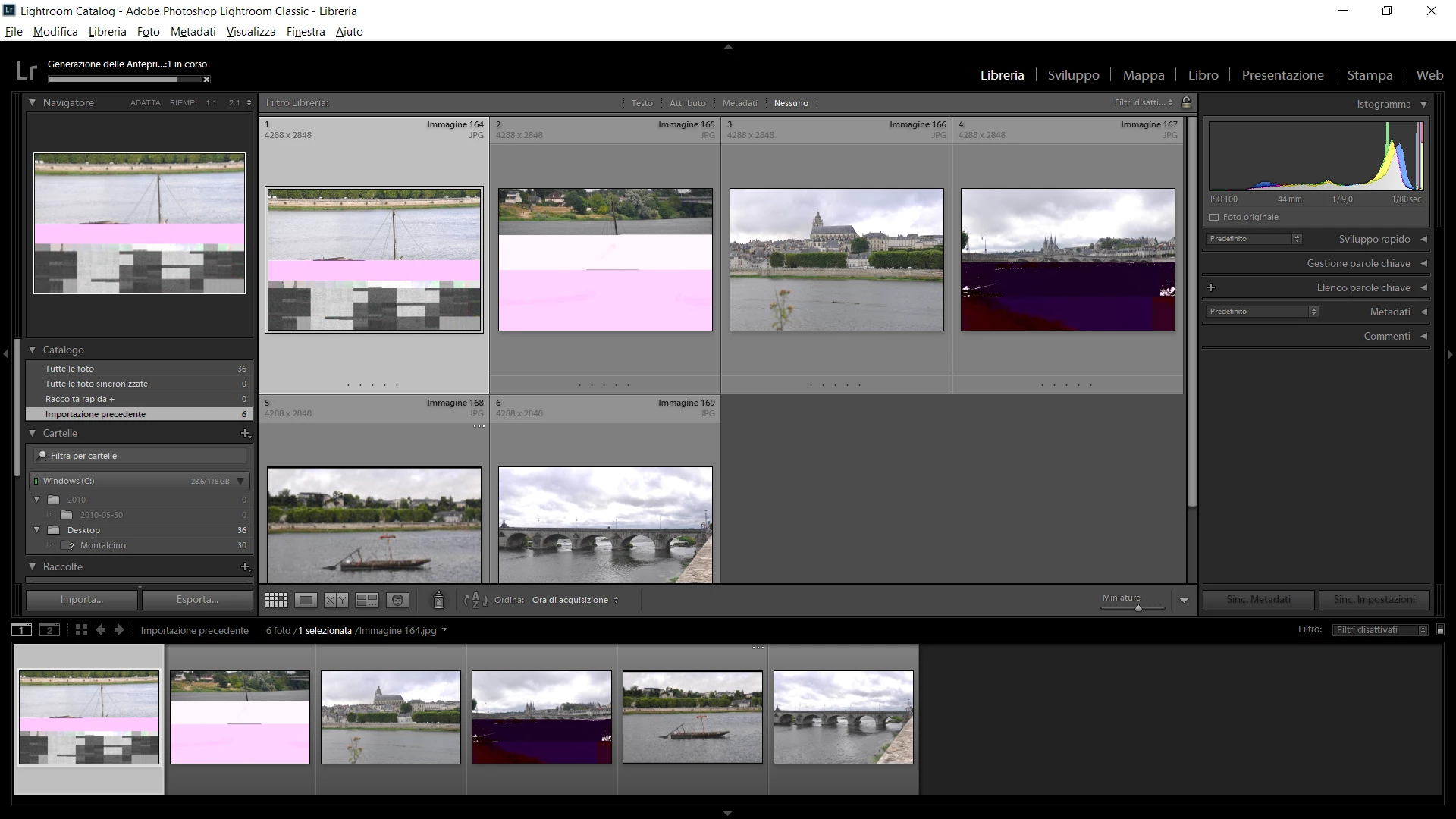


I'm not sure if it's a file problem, or a software problem, but it's weird that in the preview from Lightroom, I can see all the files just fine, just to have them ruined immediately after.


Thanking you all in advance for your support and help!

This topic has been closed for replies.
Correct answer dj_paige

This is a corrupted file, almost certainly caused by a hardware malfunction somewhere. Before the Import happens, Lightroom Classic uses the embedded JPG preview in the file, which can be uncorrupted even if the RAW is corrupted.


The problem could be camera card, or hard disk, or card reader, or even memory. You need to try to import again, using different hardware (different hard disk, different card reader or connection to camera, different camera card) to see if you can isolate the problem.

1 reply

dj_paige
dj_paigeCorrect answer
Legend
January 3, 2023

This is a corrupted file, almost certainly caused by a hardware malfunction somewhere. Before the Import happens, Lightroom Classic uses the embedded JPG preview in the file, which can be uncorrupted even if the RAW is corrupted.


The problem could be camera card, or hard disk, or card reader, or even memory. You need to try to import again, using different hardware (different hard disk, different card reader or connection to camera, different camera card) to see if you can isolate the problem.

Participant
January 11, 2023

Thank you for the support. Will buy a new SD card soon then