
Participant
May 9, 2024
Question

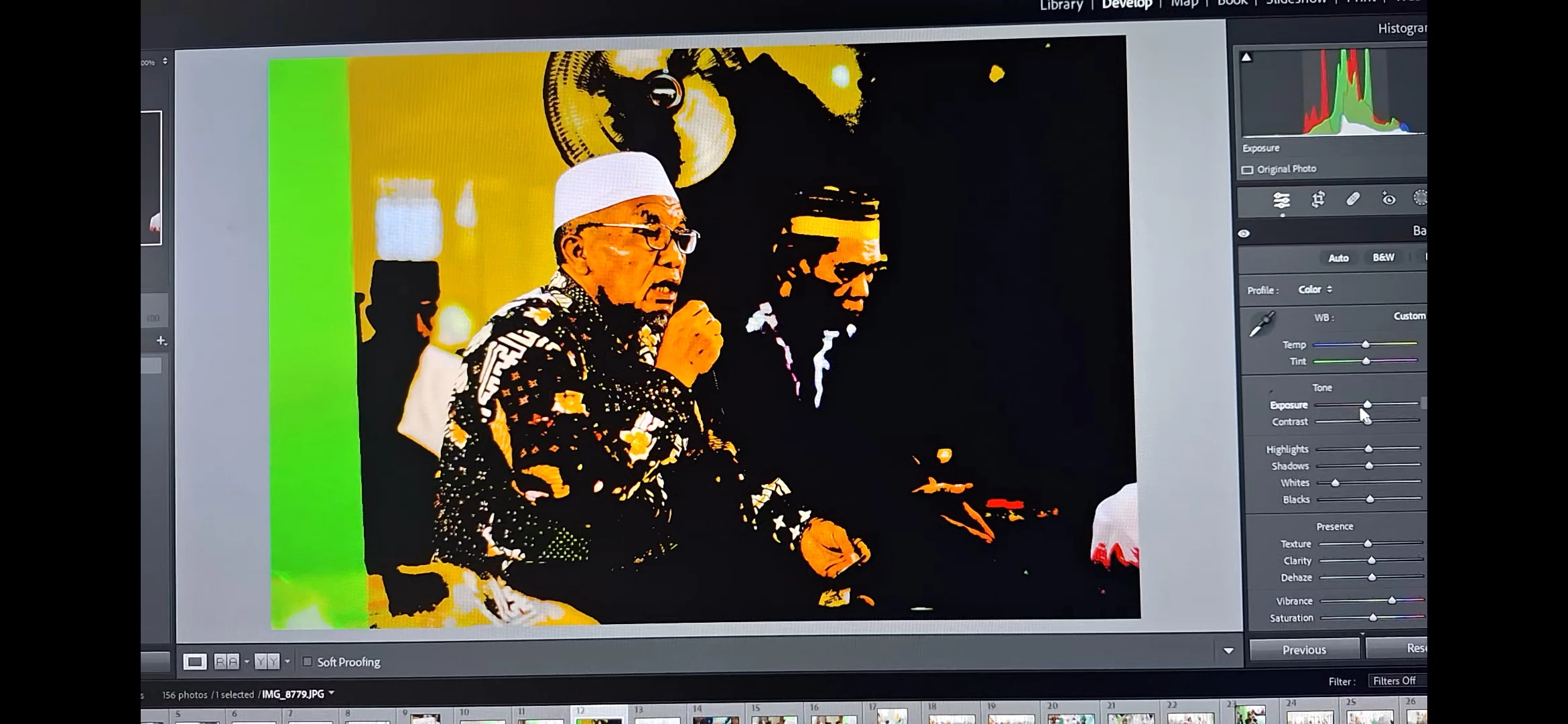
File error on Lightroom Classis and Adobe Camera Raw

  • May 9, 2024
  • 1 reply
  • 128 views

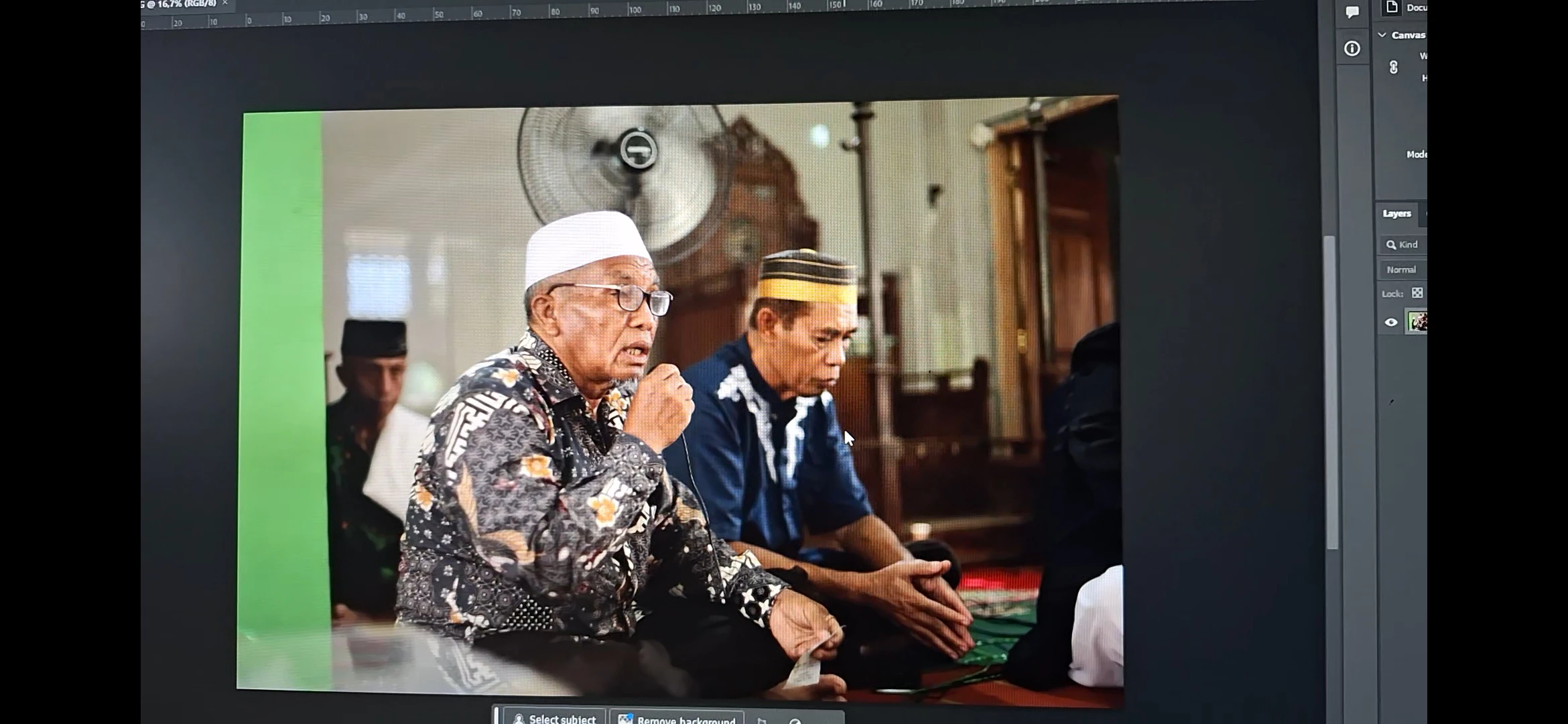
Can somebody help me? I'm experiencing this kind of error where the files are broken when i was editing them. I tried reinstalling the app and even downgrade the version but the same thing still happened. When i migrated the file into Photoshop the file became normal again. But yesterday the same error occured in Camera Raw as well. And the problem with my Lightroom Classic has turned even worse now. It's always force closed everytime i migrated the file to Photoshop
This topic has been closed for replies.

1 reply

Sameer K
Community Manager
Community Manager
May 20, 2024

Hey, @Gooddaystudio34294165klyn. Welcome to the Lightroom Community. I'll need more info to help you figure this out. Please share the system info of Lightroom Classic from Help > System info > Copy & paste into a text document > Upload and share with us here.


Are you working with multiple displays? 


As primary steps, try this:

  • Unplug additional displays & use only the default.
  • Go to Lightroom > Preferences > Performance > Use Graphics Processor > Set it to Off if it is on Custom or Auto. If this shows you any differences, please check this article to troubleshoot further: https://adobe.ly/3uYiJo4

Let me know how it goes. 

Thanks!
Sameer K