Inspiring
September 19, 2023
Answered

Files are disappearing
  • September 19, 2023
  • 2 replies
  • 272 views

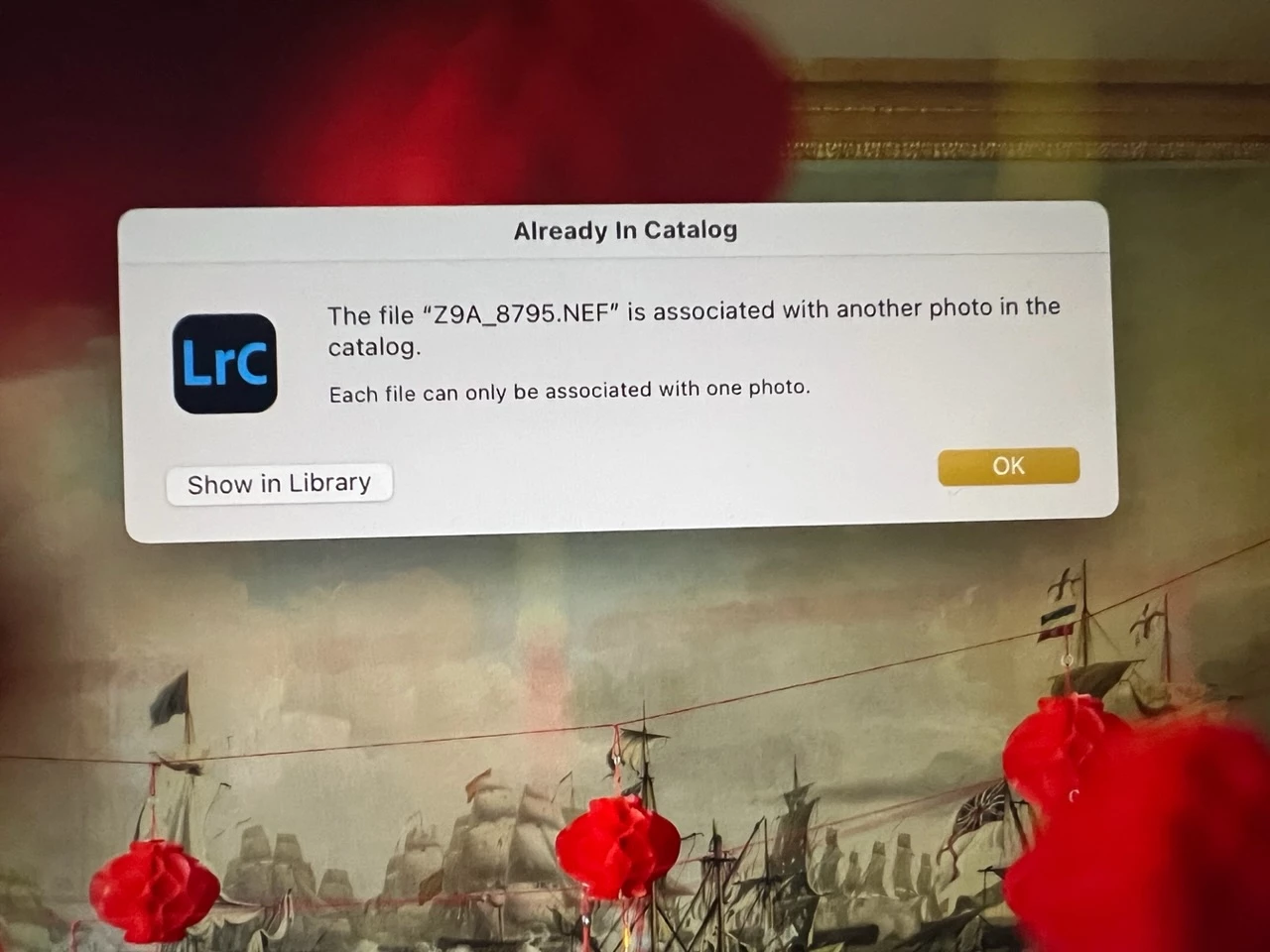
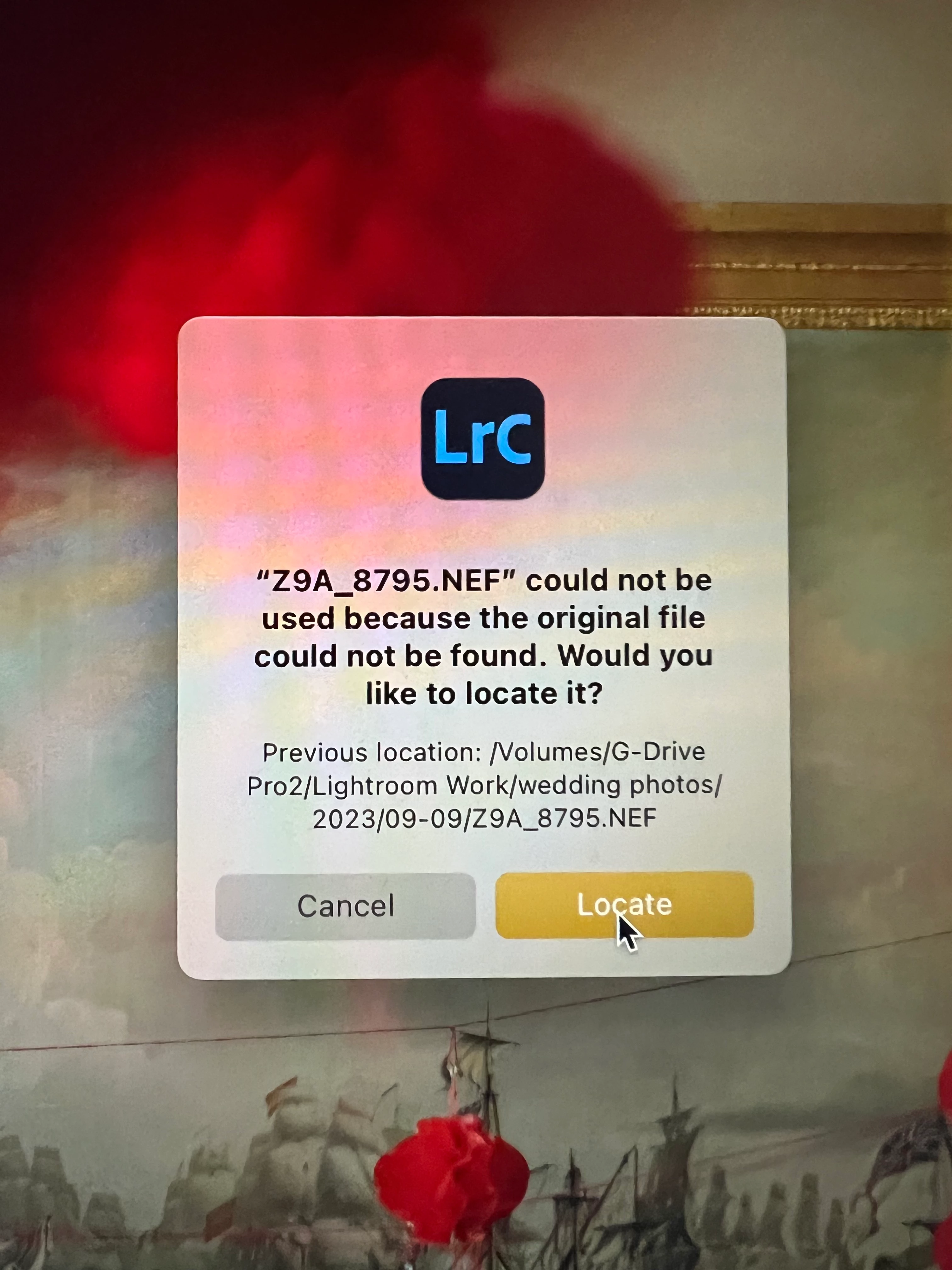
I think the link between LR and files is breaking. I seem to be getting an increasing number of images stating the original file cannot be found. When I attempt to relink it I'm told that the file is "associated with another photo in the catalog. Each file can only be associated with one photo."

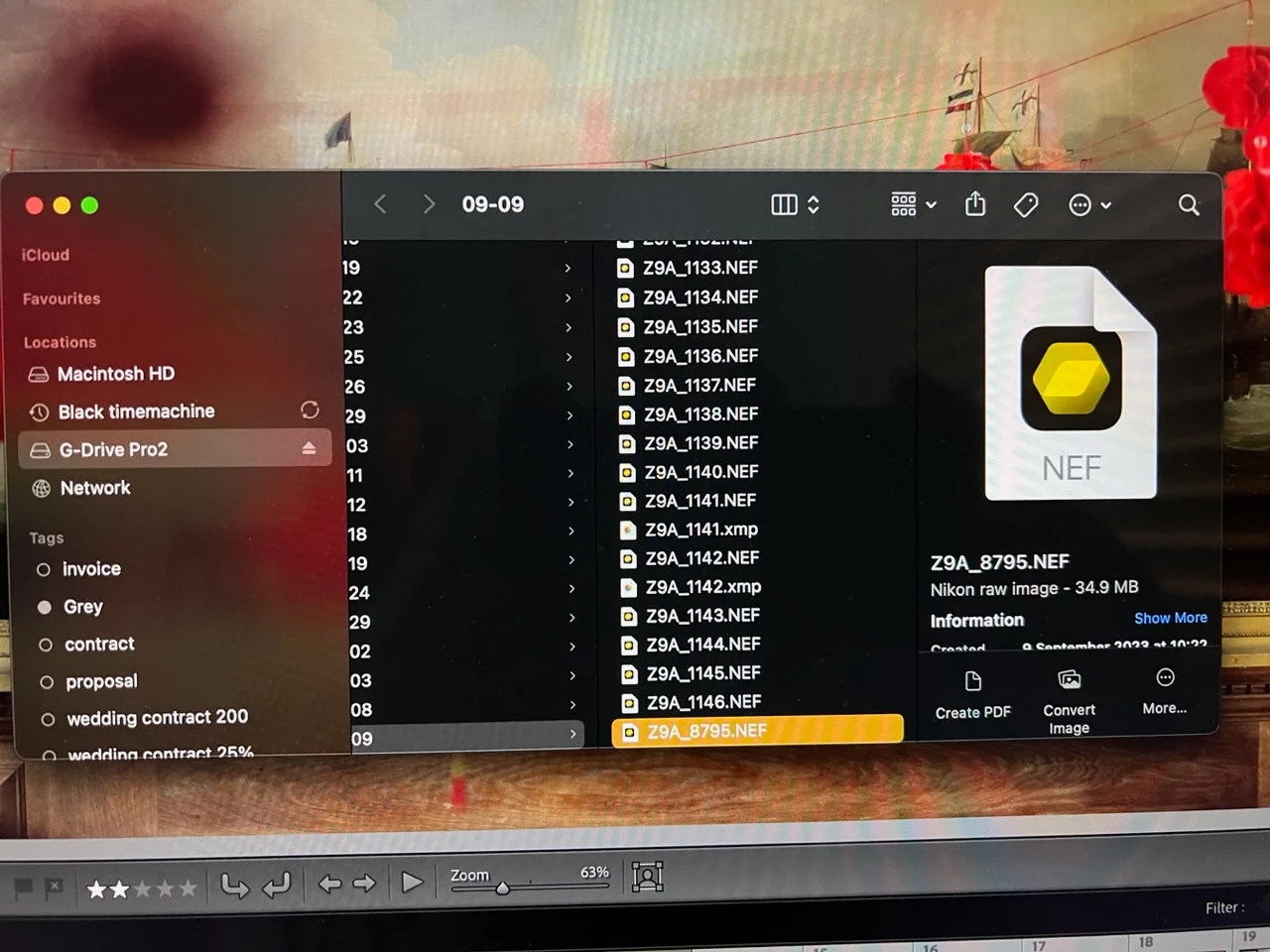
the file is in the correct folder, there's only one and I can open in other software including preview. 

Please help. im panicking. 

thank you,

Simon

This topic has been closed for replies.
Correct answer simonw76693338

Please don't take it personally I was simply stating the fact that I don't have two copies of the image. 
I understand that everything works now, sim just wondering if anyone knows why this error occurred and how I might avoid it. Thanks. 

2 replies

dj_paige
Legend
September 19, 2023
quote


If everything works now, that's great.


But Lightroom Classic is saying you have two copies of this photo, not me.


simonw76693338AuthorCorrect answer
Inspiring
September 19, 2023

Please don't take it personally I was simply stating the fact that I don't have two copies of the image. 
I understand that everything works now, sim just wondering if anyone knows why this error occurred and how I might avoid it. Thanks. 

dj_paige
Legend
September 19, 2023

It would help if you tried the four step procedure exactly as I stated earlier. This ought to help us figure out if there are two copies of the photo in LrC. It could help solve the mystery of why this happens and why LrC provides the message that you showed.

dj_paige
Legend
September 19, 2023

I think the link between LR and files is breaking. I seem to be getting an increasing number of images stating the original file cannot be found. When I attempt to relink it I'm told that the file is "associated with another photo in the catalog. Each file can only be associated with one photo."


This usually happens because you have imported the same photo into LrC twice (and one time imported using COPY and the other time imported using ADD). To determine if this is the correct explanation, please search for one of these photos in LrC by following all four of these steps:


  1. In the LrC Library Module: Click on All Photographs (on the left under Catalog)
  2. In the LrC Library Module: turn off Filters (Ctrl-L once or twice)
  3. In the LrC Library Module: Expand all stacks (Photo->Stacking->Expand All Stacks)
  4. In the LrC Library Module: use the filter bar and search for one of these photos by file name


Do you find two (or more) copies of this photo?

Inspiring
September 19, 2023

I do not have two copies of the photo. 
However these are the steps I've just done and seem to have resolved the issue. 
1. closed LR allowing a backup and as always made sure all the boxes were ticked for backing up/optimising etc. 
I reopened it holding down the option key and selected Test Integrity. No issues found but it's back to normal and all connections are back. 
so..... why? What happened and how do I avoid it- if indeed I can. 

thanks. Simon.