Find Missing Folder results in "An internal error has occurred".
I'm quite frustrated. After not having found a solution in weeks, I seek help in this forum.
I'm on a Mac and use latest publicly available Lightroom Classic and OSX.
The majority of my pictures house on an external NAS. Since Lightroom can not merge existing folders, I move the folders (e.g. "2017" with subfolders for every calendar day) to the NAS and allow merging with exiting 2017 folder. I then help Lightroom finding the missing folder by locating it. I then immediately get this error message:
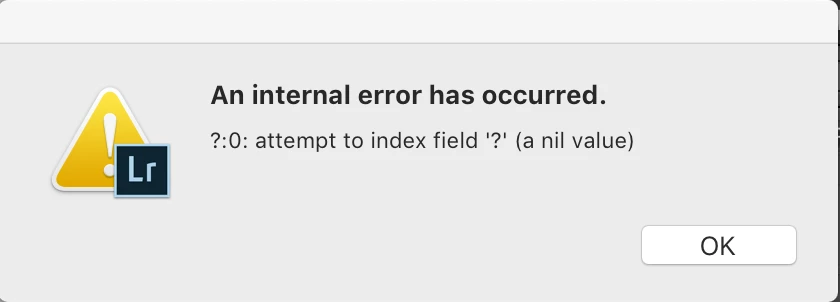
I get no error message if I locate using every individual subfolder (e.g. "2017-01-01") but I refuse doing this for every single folder (365 per year) whilst paying quite a high monthly fee for the package.
Any ideas how to solve this, other than fixing the software bug?
Appreciate any help!
 AdChoices