

Answered
Folders Displayed in LR Don't Match Finder
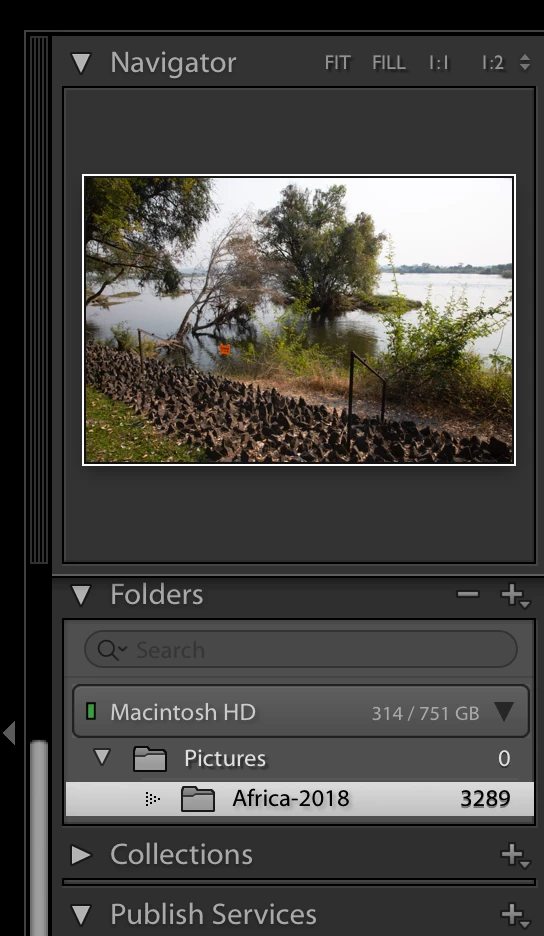
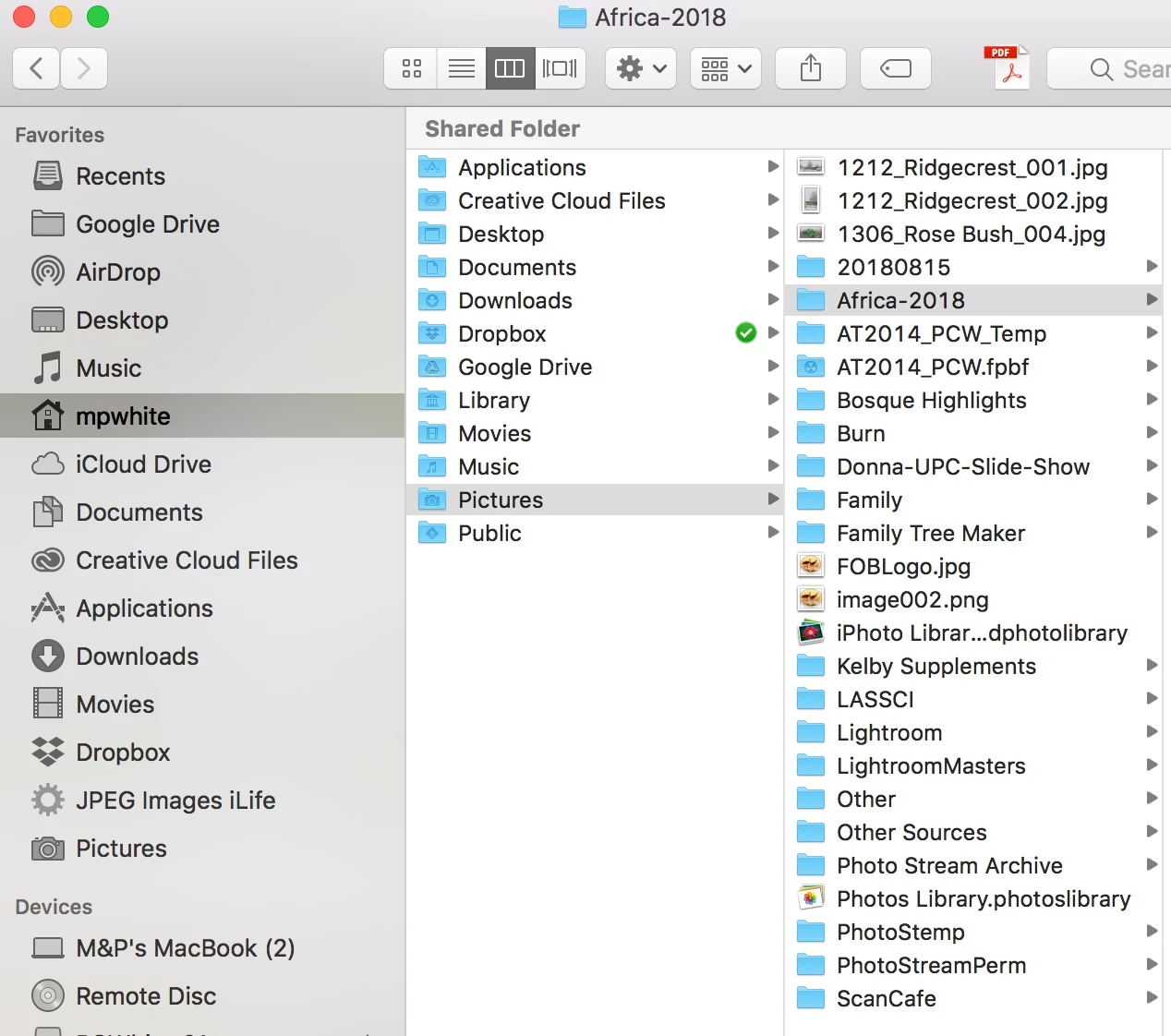
I want to restructure folder locations of some pictures in a catalog. However, when trying to identify the location to which I will be moving selected images, the destination folder won't display in the Navigator panel. The folders/subfolder are there in Finder, but not in LR. How can I display these 'missing' folders? Images of the Navigator panel and of the Finder are attached. I want to be able to move images in the Africa-2018 folder to a different folder - in this case a subfolder of the Lightroom folder seen in the Finder. Any suggestions?
 AdChoices