
Force lightroom classic to "see" and parse imported keywords
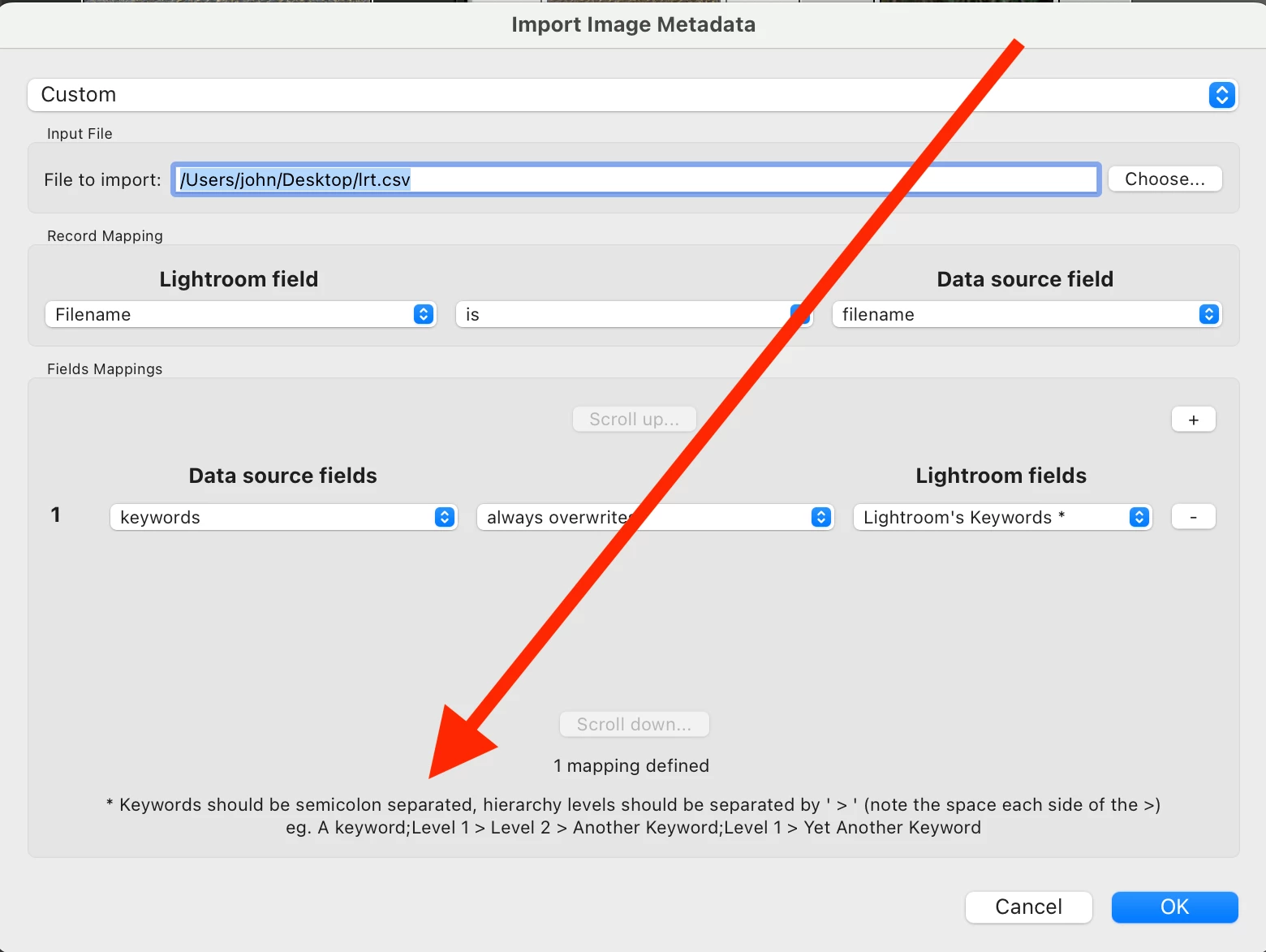
Hi. I'm using a plug in to import image keywords into lightroom, and it works great. Except that rather than importing indivudual keywords to the keyword field, it seems to bring in on giant keyword that contains a number of commas. Then when the image is exported, it exports out the "keywords" as one big keyword. If I click into the keyword field and do anything, like add a comma after the last keyword, Lightroom will snap out of it and parse and alphabatize all the keywords. But that's impractical and slow for a lot of images.
For example, I import keywords like "monkey, bubble, blow, sitting... etc." and they are written to the keyword field. It looks normal, except they are not sorted. And if I look at my master keyword list it shows a keyword called, "monkey, bubble, blow, sitting..." etc. - one giant keyword. And if I export the file, the IPTC reader shows "Keyword [1] monkey, bubble, blow, sitting..." and no Keyword [2] etc. And since the length of an individual keyword is limited, it truncates the entire list at the limit of Keyword [1] and it's useless to import.
As I say, typing anything into the keyword field snaps it to where I need it to be, but it's a pain. Any ideas to get Lightroom to "see" and parse the imported keyword data?
I tried to select all images and the add a comma or something to the combined keyword field, but in that case Lightroom writes ALL the kewords to ALL the images, which is a huge mess.
Other ideas? Not sure the would be called a bug but it's odd and unexpected. Thanks. This is LR Classic 12.5 on a Mac.


 AdChoices