Known Participant
February 8, 2022
Question

Full screen doesn't always reflect correct crop

  • February 8, 2022
  • 1 reply
  • 249 views

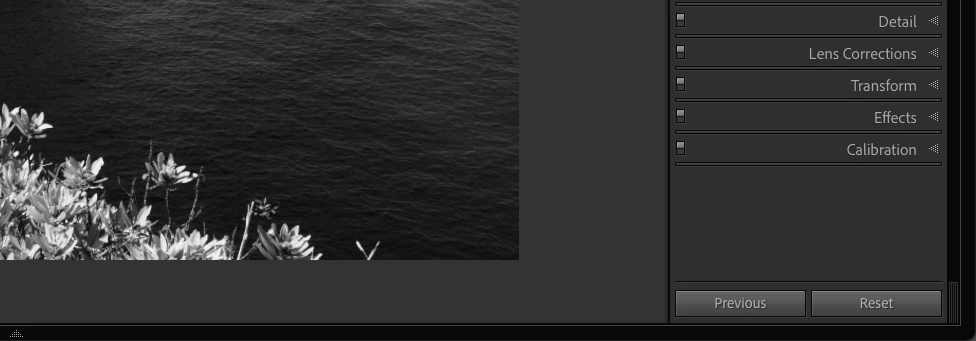
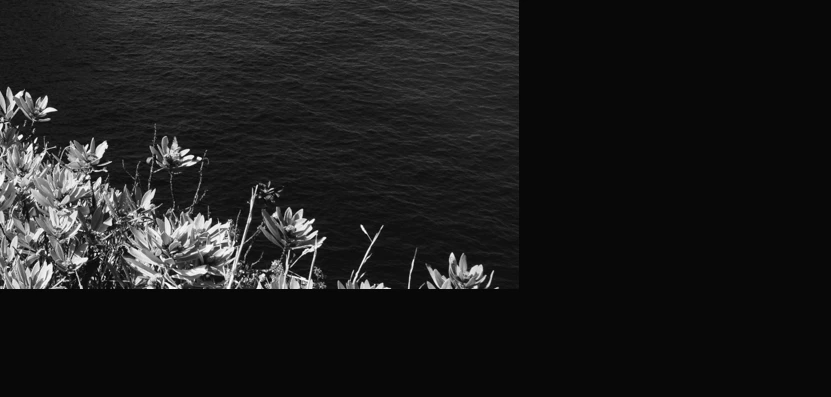
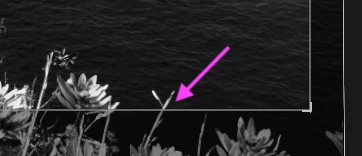
LRCC 11.1 and 11.2: when toggling between R + crop and F, the fullscreen display doesn't show the same content as the non-fullscreen view.

I haven't found a logic for what triggers fullscreen to correctly display the crop.

I works at times but it is not reliable.
This topic has been closed for replies.

1 reply

tubalosAuthor
Known Participant
February 8, 2022

M1 MBA / 16 GB / macOS 12.1

M1 MBA / 16 GB / macOS 12.4 / LrC 11.4.1
johnrellis
Legend
February 8, 2022

Does it happen repeatedly or most of the time for a specific photo? If so upload that photo so we can test it on other configurations and hopefully narrow down what's going on and provide a reproducible test case to Adobe. Select the photo and do Metadata > Save Metadata To File. Then upload the photo and its .xmp sidecar to Dropbox, Google Drive, or similar, and post the sharing link here.

tubalosAuthor
Known Participant
February 10, 2022

It happens repeatedly and on all of photos.

When I crop, I basically do crop / fullscreen all the time until I'm ok.

It is usually 1 or 2 seconds of cropping, then fullscreen for 1 or 2 seconds etc.

Sequence goes as follows: R -> drags (pan/rotations) -> F -> R etc.


Workaround: once in full screen, I press V and this sets B&W, but also refreshes the screen and I get the correct crop. Then V again to revert to the color mode I wanted to check.


I attached one of these photos. Not the same as the screenshot, but one that had an issue as well.

https://drive.google.com/file/d/1WYfebx-2SnzvGCgu4bt0XcoWhpMqC8Pv/view?usp=drivesdk

M1 MBA / 16 GB / macOS 12.4 / LrC 11.4.1