
Question
Getting Error Code 36 while trying to backup LR catalog file to backup hard drive.
Currently trying to backup my existing external hard drive that I used to store all my LR stuff to a secondary hard drive for safekeeping and it keeps failing.
Error message reads as such:
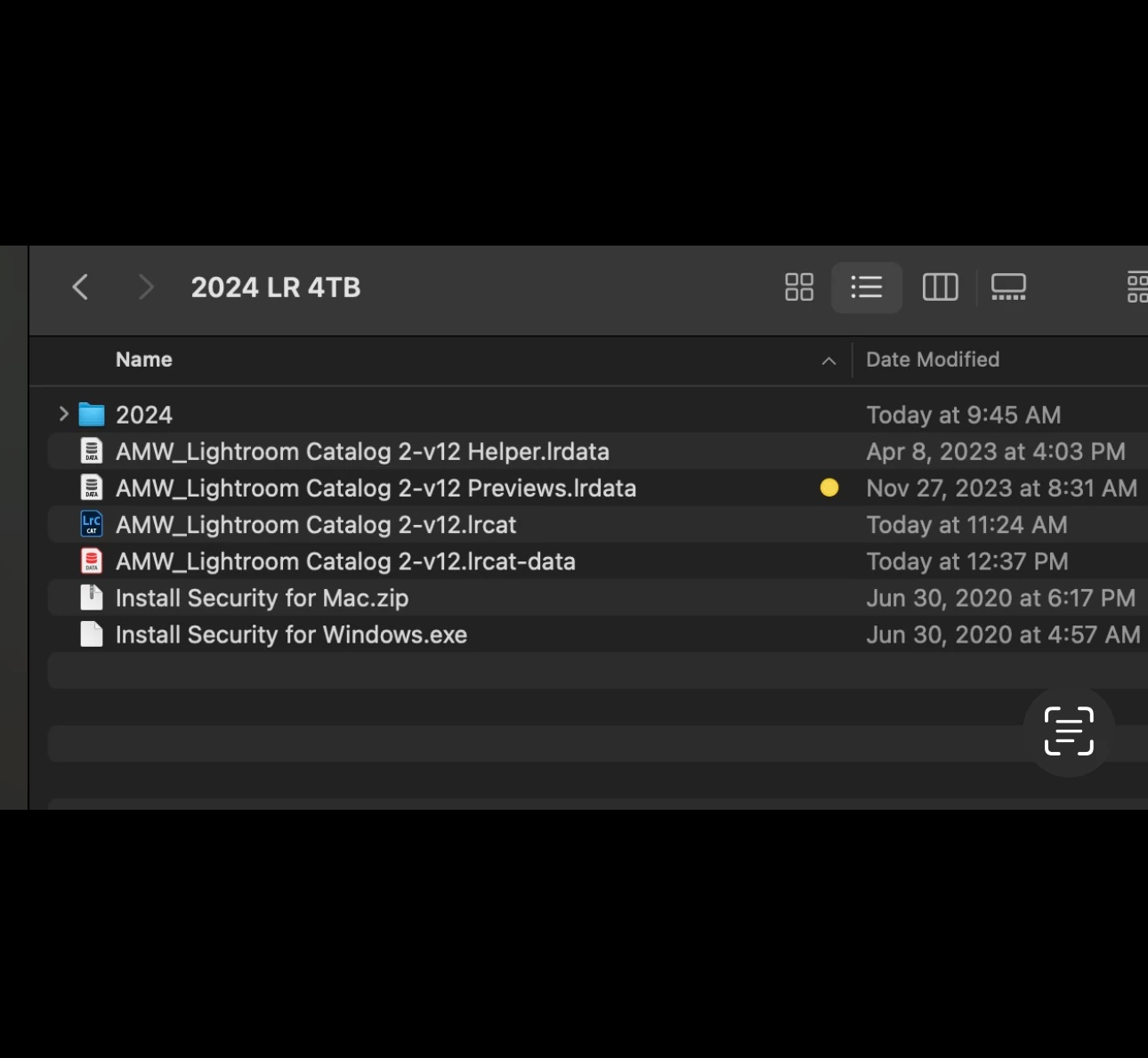
“The finder cannot complete the operation because some data in “AMW_Lightroom Catalog 2-v12 Previews.lrdata can’t be read or written. (Error code -36)”
This is my current active catalog that I have been working off of with no problems so I do not understand where the problem is coming from.
currently working on a newer MacBook Pro.
The file tagged with the yellow dot is the one that keeps failing.


 AdChoices