
Participant
January 22, 2017
Answered

GPX Problems in Maps

  • January 22, 2017
  • 1 reply
  • 2081 views

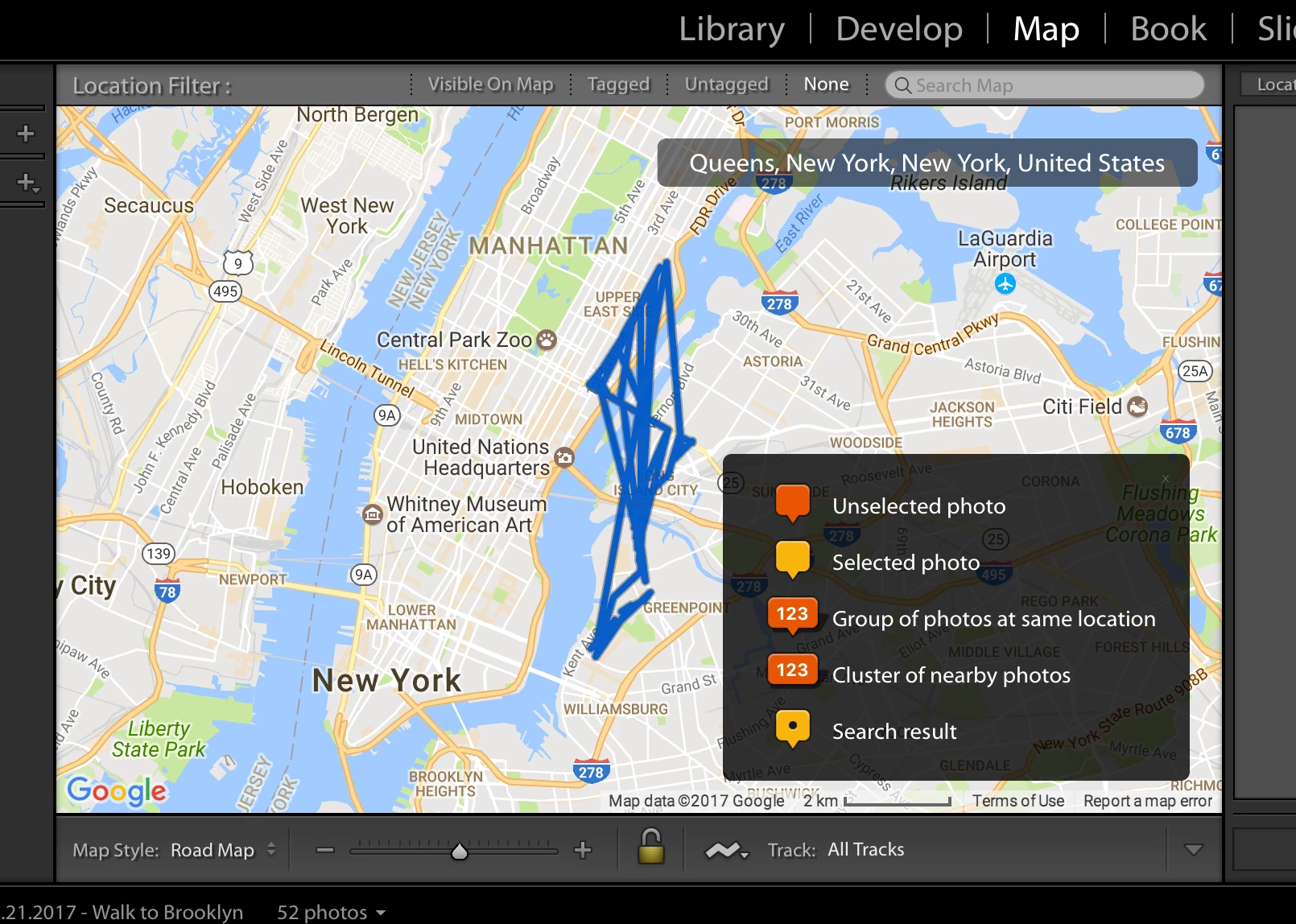
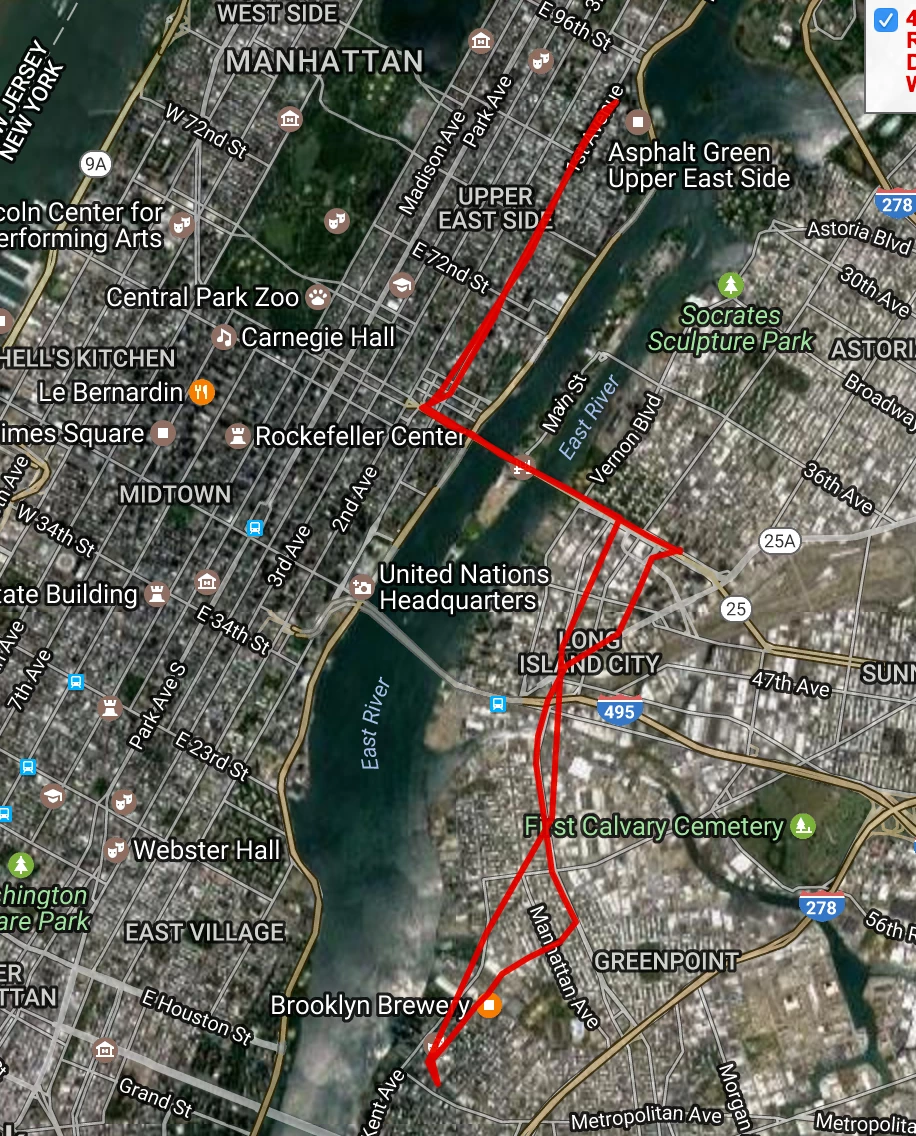
I am having trouble geo-tagging photos in maps lately.  This problem has started for me in the past 3 months or 4 months.  When I view my GPX file in a visualizer outside of Lightroom, the track looks correct.  When load the tracklog in Adobe Lightroom, the track jumps around as if the points on the track are out of chronological order.  Has anybody else encountered this?  Is there a way to remedy? 

I get my GPX file by converting a KML file from Google location history at https://kml2gpx.com/ .  I've tried other converters and its the same result.  This method worked previously. 

Thank you for your help!

Screenshots of the issue below:

Track in Lightroom:
Track in a GPX viewer:
This topic has been closed for replies.
Correct answer johnrellis

The individual trackpoints in the .kml file don't have timestamps -- without timestamps, it isn't possible to do geo-tagging (since the tagging works by matching the capture time of the photo with the trackpoints that have the closest timestamps).

Where did the .kml come from?  What device originally created the log?

1 reply

johnrellis
Legend
January 22, 2017

When load the tracklog in Adobe Lightroom, the track jumps around as if the points on the track are out of chronological order.

LR wants the tracklog to be in increasing chronological order, whereas some tools and devices output in reverse order.  Have you opened the .gpx file in a text editor to see what order it's in?

If you post a problem .gpx file here, we can take a look at what might be going wrong and suggest a workaround or filing a bug report. Upload the file to Dropbox or similar and post the link here.

rjdibellaAuthor
Participant
January 23, 2017

Thank you.  I have taken a look at the files but am not familiar enough with it to know what is going on. 

Here's a link to the KML: 1-21-17 KML File.kml - Google Drive

Here's a link to the GPX: 1-21-17 GPX File.gpx - Google Drive

Appreciate your help!

RJ

johnrellis
johnrellisCorrect answer
Legend
January 23, 2017

The individual trackpoints in the .kml file don't have timestamps -- without timestamps, it isn't possible to do geo-tagging (since the tagging works by matching the capture time of the photo with the trackpoints that have the closest timestamps).

Where did the .kml come from?  What device originally created the log?