


December 17, 2025
Question

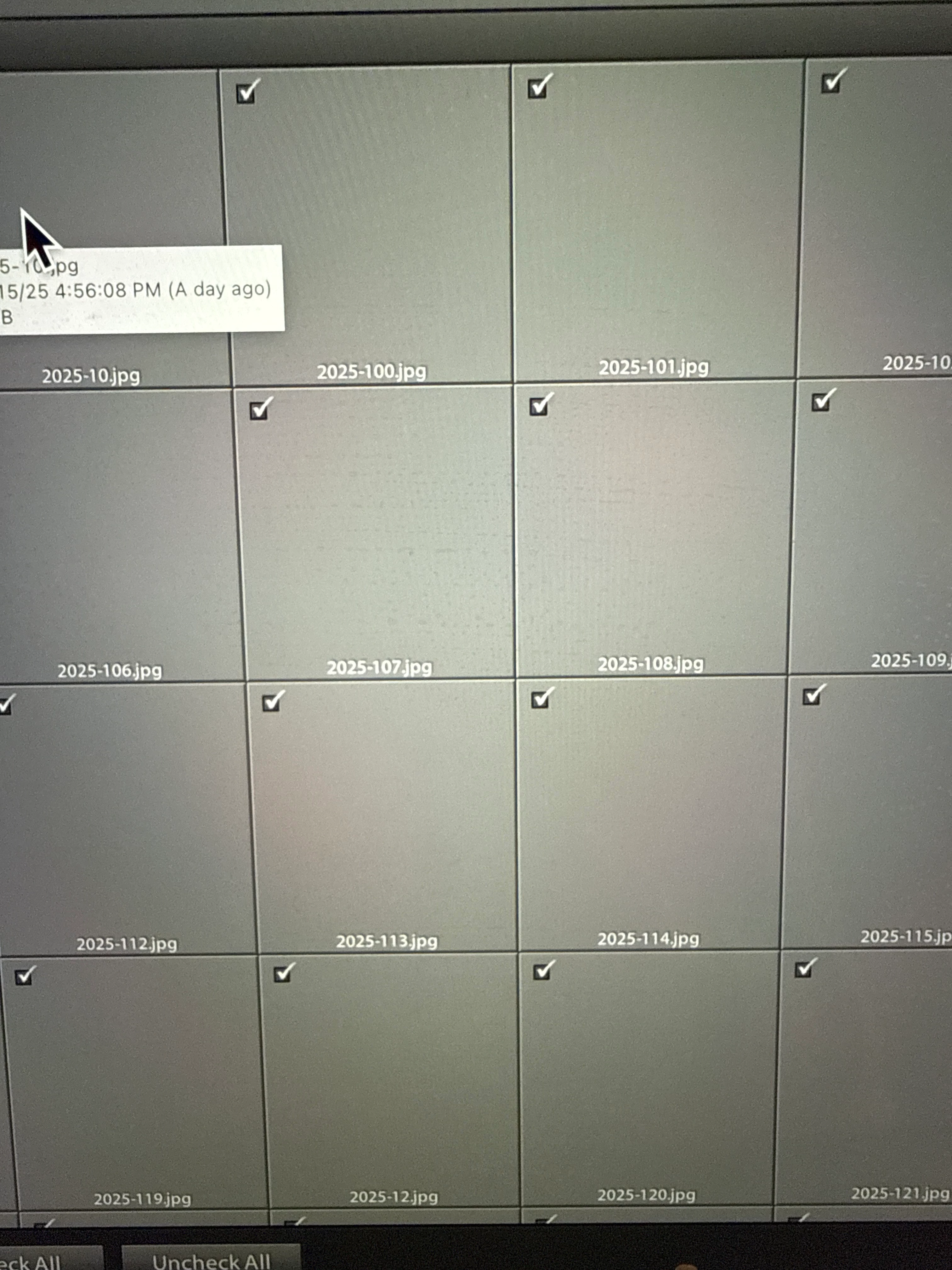
Gray previews upon import to LR.
  • December 17, 2025
  • 1 reply
  • 61 views

image.jpg

 I edit first in the newest version of LrC then save as JPEG to a folder. I then import that folder into a super old version of Lr 4 to finish my edits. Don't come at me. It's what I do! All my presets and brushes are in there and what I'm comfortable with. I updated my Mac and now this is what I get when I try to import. It then says there are no images found to import. Help!!!!!

    1 reply

    Community Expert
    December 17, 2025

    From which version is the screenshot, version 15.1 or 4?

    The reason for this issue can be a defective monitor profile.

    See here: How do I change my monitor profile to check whether it’s corrupted? | The Lightroom Queen 

    Which version of MacOS you have installed. another reason can be that Lightroom 4 isn't compatible with newer MacOs versions.


    What has been changed on your system before the error occur?

    As I understand it: What's the reason to first make edits in Lr15 and then further edits in Lr4? 

    What are these edits that can't be made in the current version?

    I don't see the point.


    My System: Intel i7-8700K - 64GB RAM - NVidia Geforce RTX 3060 - Windows 11 Pro 25H2 -- LR-Classic 15 - Photoshop 27 - Nik Collection 9 - PureRAW 6 - Topaz Photo AI