
Participant
July 3, 2024
Question

Green and blue stripes - error?

  • July 3, 2024
  • 2 replies
  • 397 views

Hi, 


Anyone know what causes this? In Library all is normal, when I switch to devellop these lines and scratches show up. Tried closing the application, the computer, re-importing the files but same thing keeps happening.
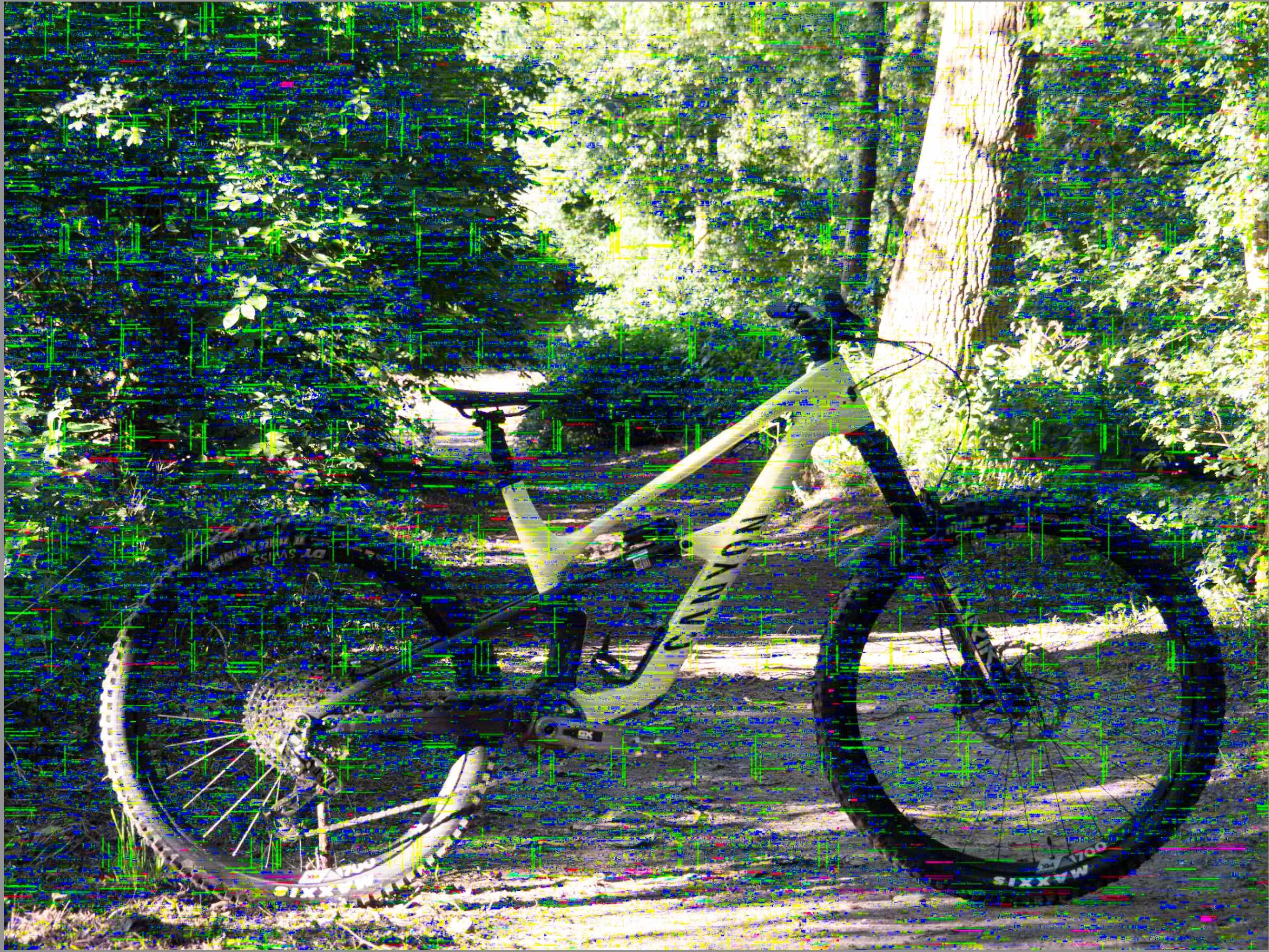


This topic has been closed for replies.

2 replies

AxelMatt
Community Expert
Community Expert
July 3, 2024

Try is to switch off the GPU support from the Lightroom preferences and check if that helps to fix the issue.

Go to Lightroom > Preferences > Performance tab > Uncheck "Use Graphics Processor" > Restart Lightroom.

https://helpx.adobe.com/lightroom-classic/kb/troubleshoot-gpu.html


If this doesn't help we need more informations about your environment as @dj_paige wrote. 

Please provide also a copy of your 'System Info'. This can be get from the LrC Help > System Info menu item. There's a copy button in the System Info dialog. Press this button and paste the info into your next forum post.


My System: Intel i7-8700K - 64GB RAM - NVidia Geforce RTX 3060 - Windows 11 Pro 25H2 -- LR-Classic 15 - Photoshop 27 - Nik Collection 8 - PureRAW 6 - Topaz Photo AI
dj_paige
Legend
July 3, 2024

Many reports about this happening when you have an AMD GPU. What GPU (make and model) are you using?


Please see this thread for suggestions: https://community.adobe.com/t5/lightroom-classic-discussions/gpu-problems-on-lightroom-with-the-new-macos-sonoma-14/m-p/14468355


There are other threads dealing with this problem as well. I suggest you search for them.