Greenish tint after export
Hi. I know this question sounds like a color space issue and might have been asked a lot of times. But after trying many solutions from the internet, I still can't get it working.
Here is what happened:
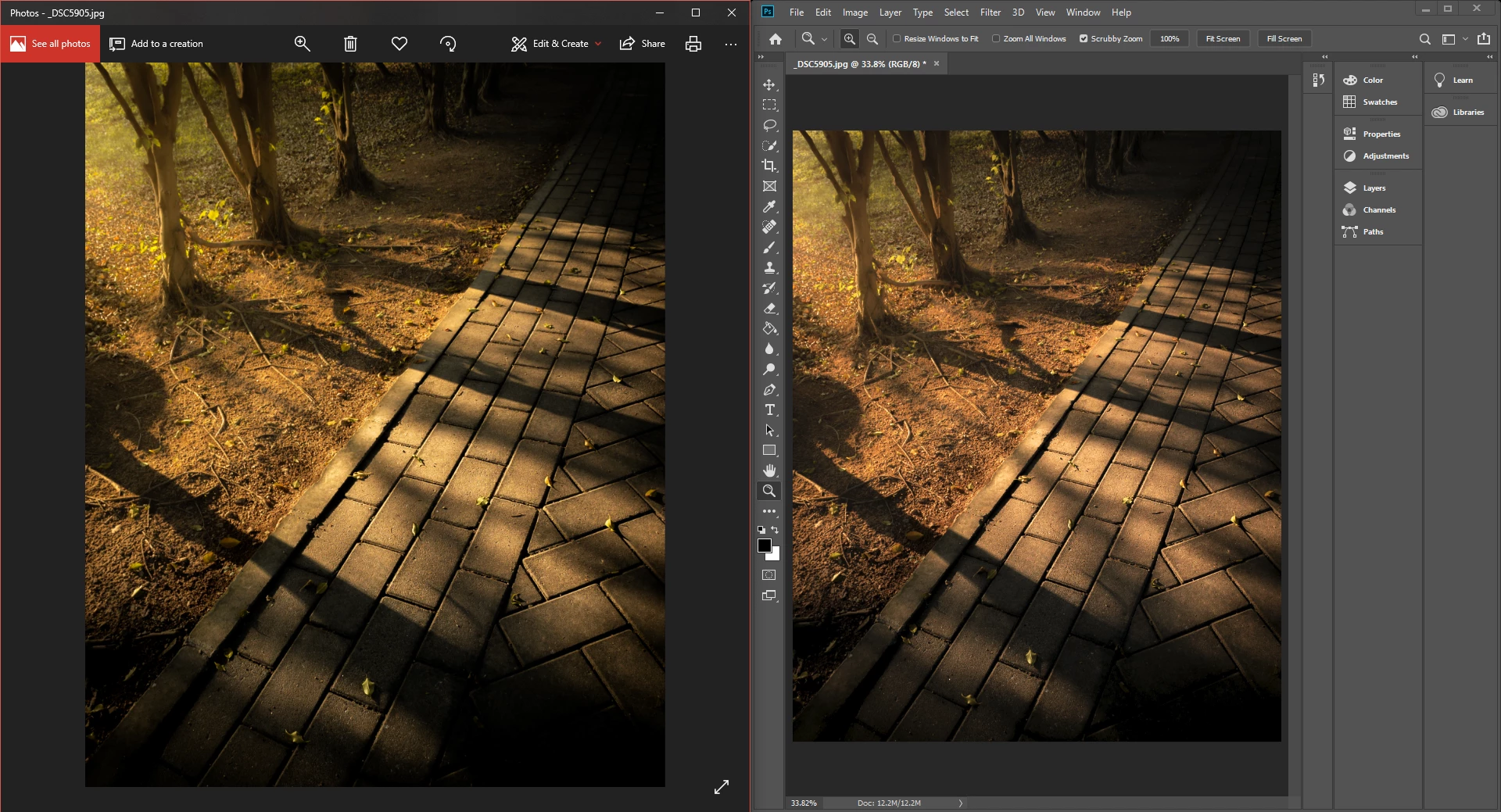
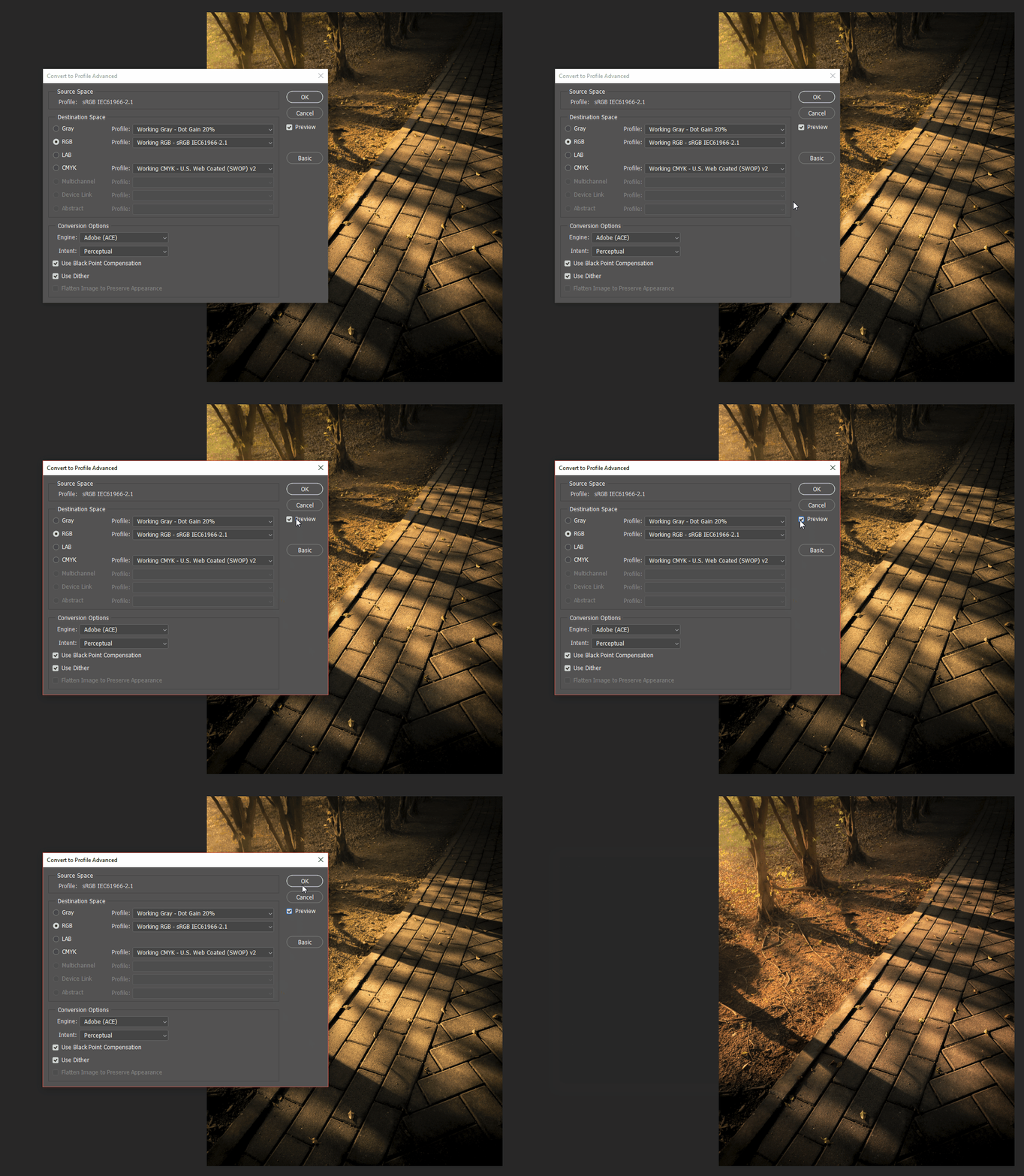
I exported an image from lightroom in sRGB profile and found it looks kinda greenish when viewing it in Windows photo viewer. However, if the same exported image is open in Photoshop, then it looks the same as the one prior to exporting. I tried to do a profile conversion in Photoshop which did not help since it is already in sRGB. I noticed that during the conversion, if 'Preview' is checked, the image will look greenish exactly like how it shows in Windows photo viewer but upon clicking 'OK' it reverts back to its original look.
Any idea how to solve this?
 AdChoices