

Question
Greyed out images in library (previous posted solutions doesn't work)
Hi,
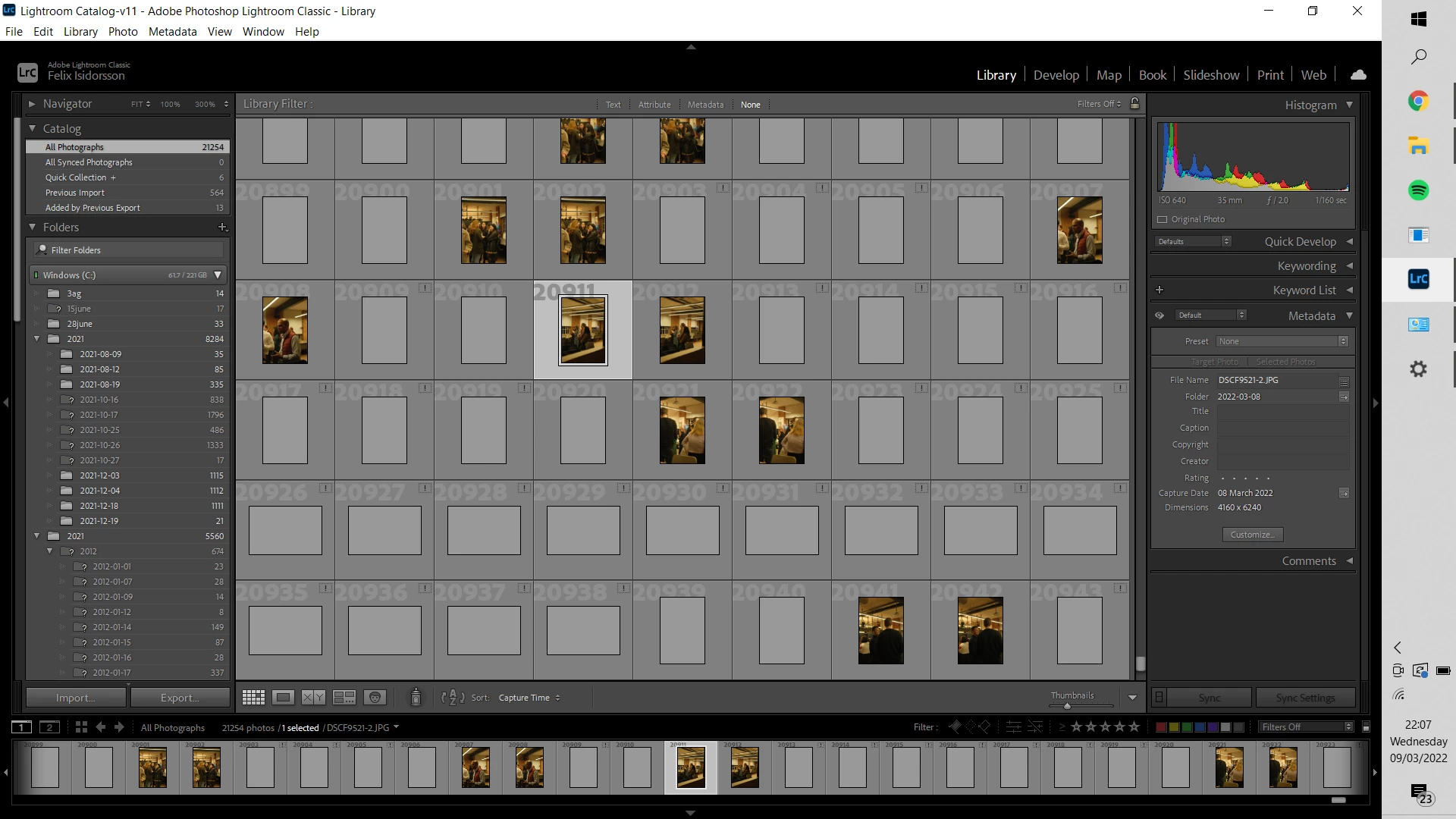
Some imported images in lightroom are greyed out. I've tried changing the colour management profile, update lightroom, remove preview file from the catalog folder and updated windows. Neither of these things make it work.
Some of the photos are greyed out and have an explanation mark, some are just greyed out. Selecting the greyed out photos results in a little symbol with the text "loading" next to "preset" to the right with no information shown while selected.
Please help.
 AdChoices