

Answered
Guided Transform does not synchronize correctly on selected images
This may or may not have been discussed but I have not been able to locate the problem on the forums. Here is the situation:
- I have three images, exposure bracketed for merging to HDR
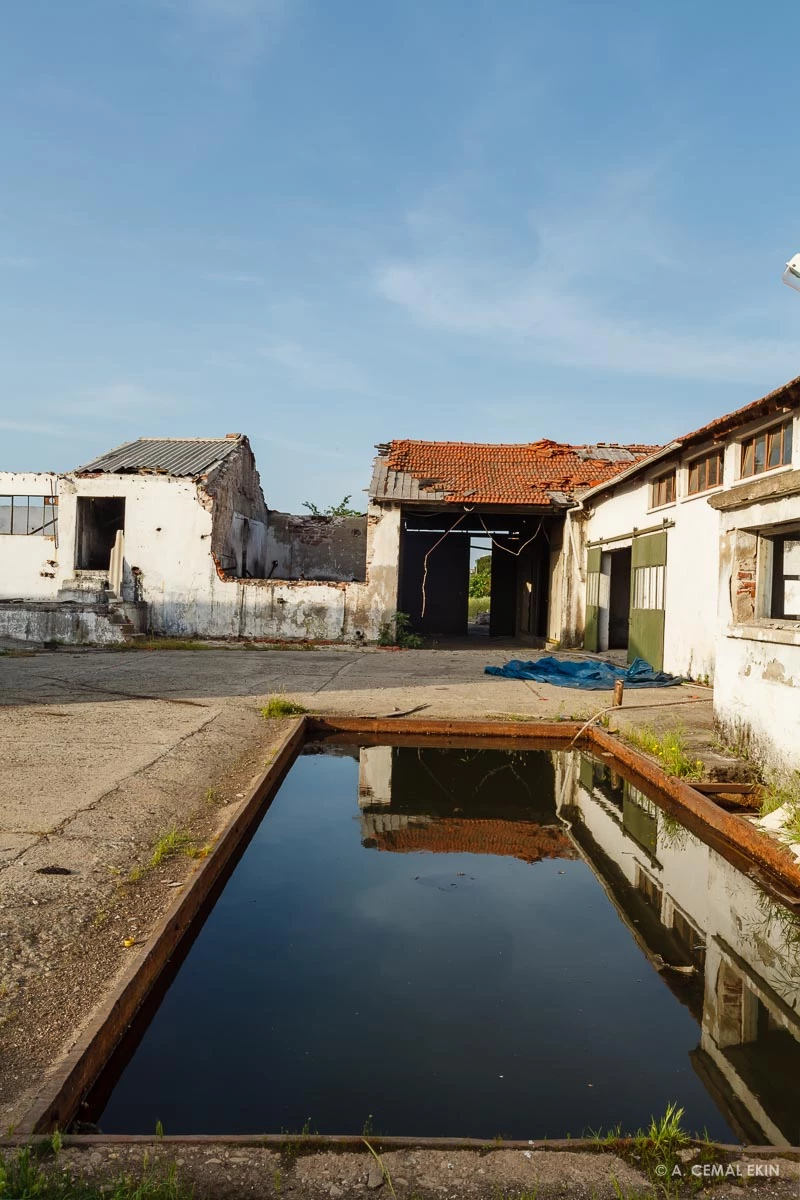
- The HDR merge process works fine and I now have four images that can be superimposed perfectly, you will see the examples
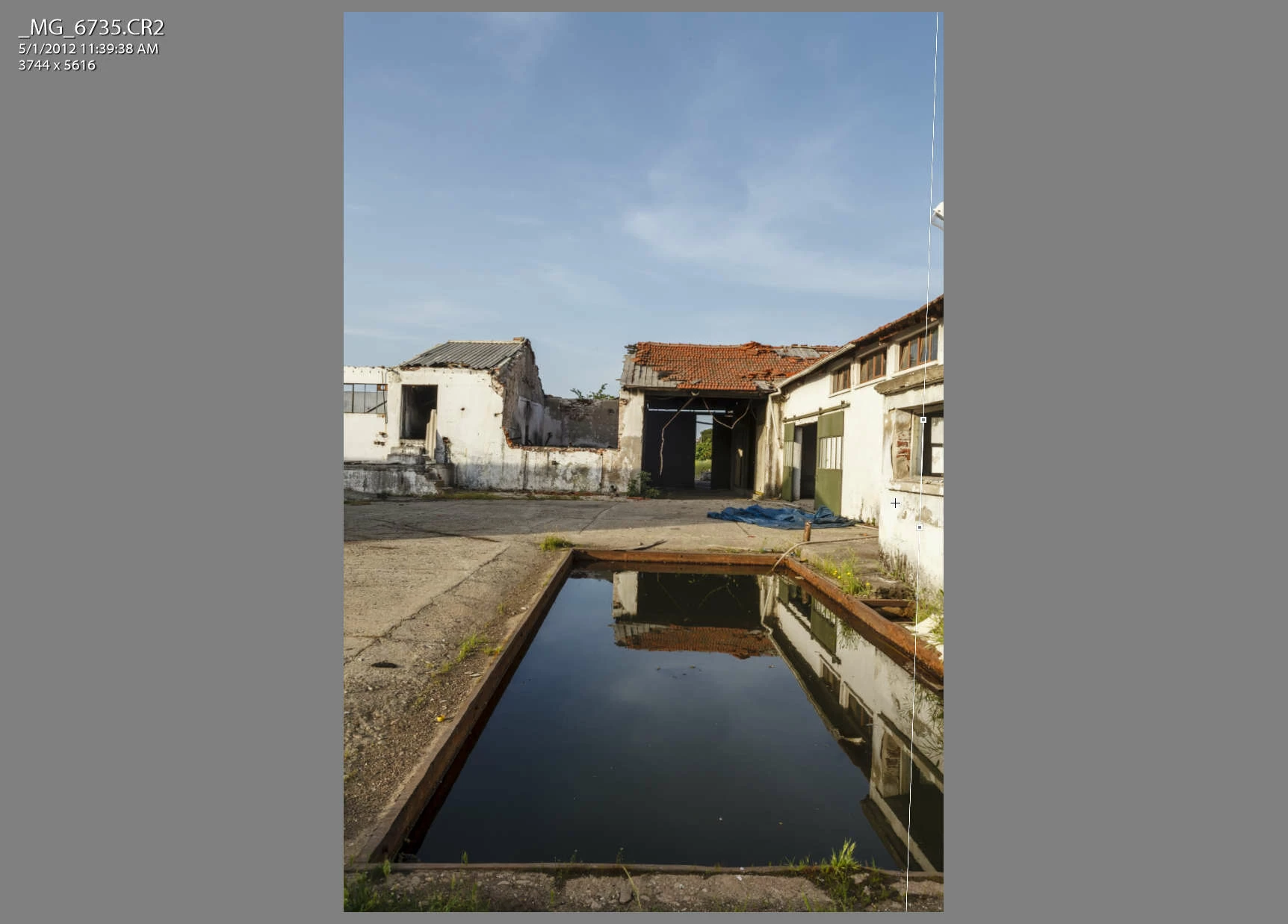
- I highlight all four, select the Guided Transform tool and draw one vertical line
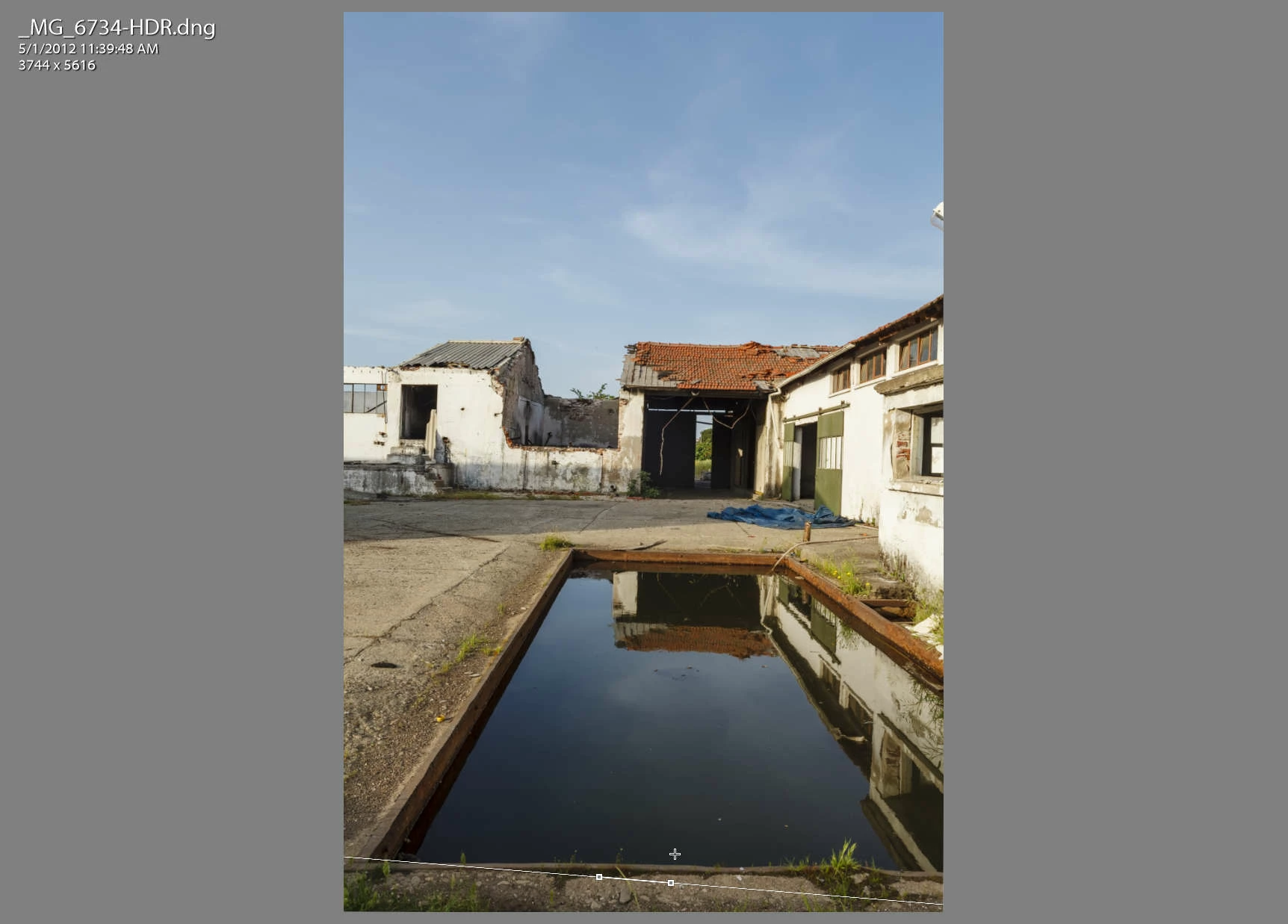
- The two other camera exposed images show the exact line but the one that was merged to HDR has a horizontal guideline at the bottom!
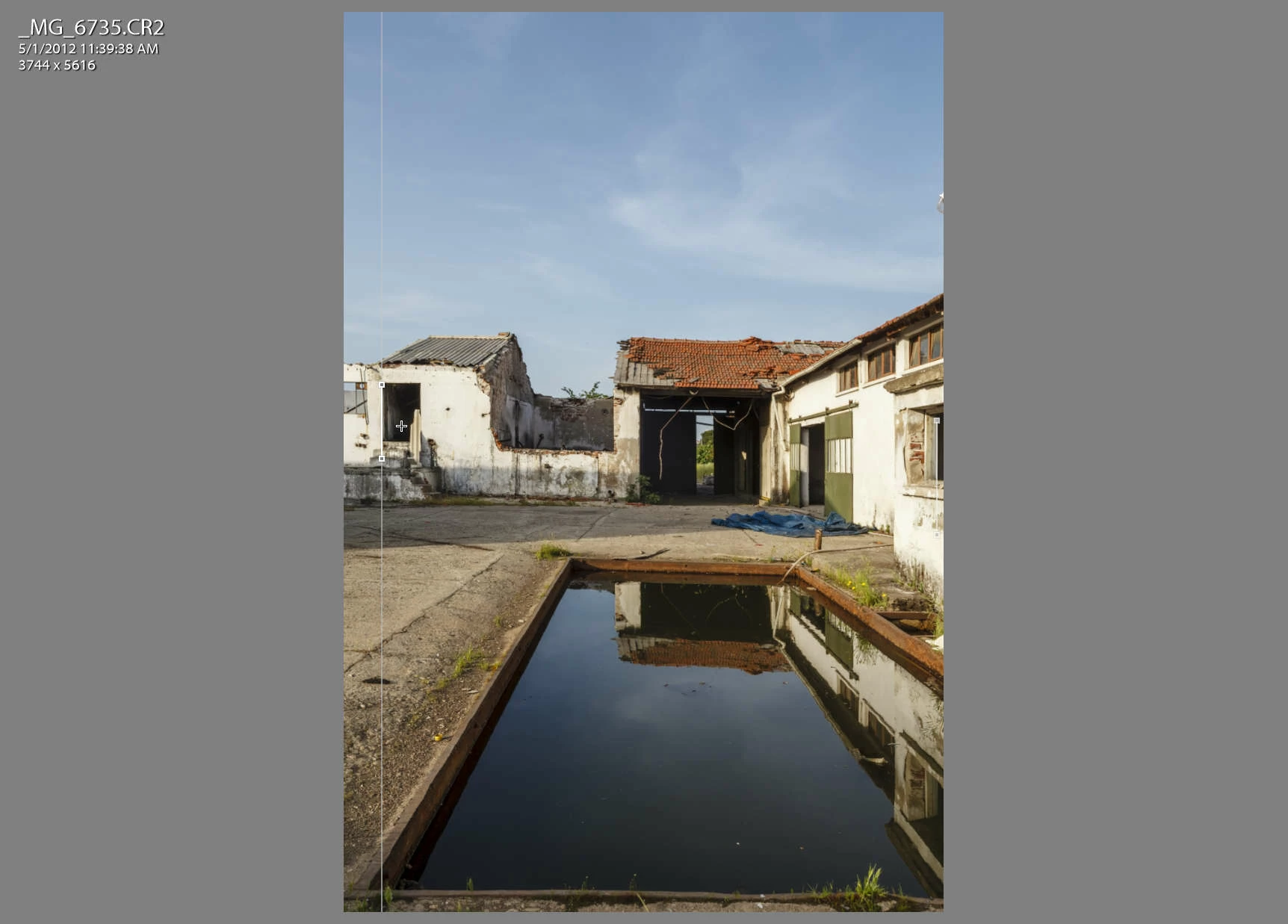
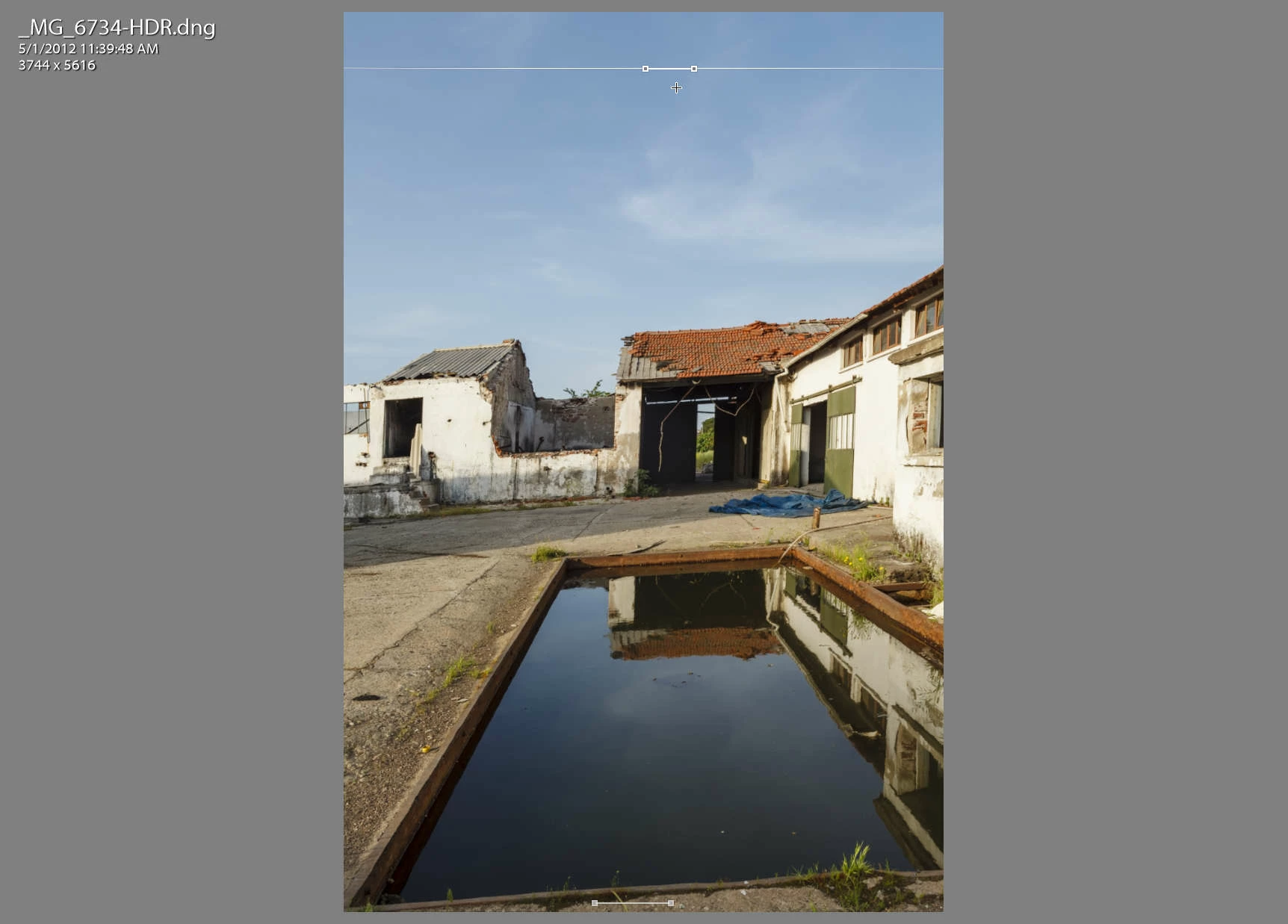
- As I continue and add another guide on the left side of the camera image, the HDR version puts another horizontal guide at the top!
I am writing this post partly from curiosity and partly in case this is a bug.
Here are the original images, then the HDR and followed by the screen captures with the guides. :
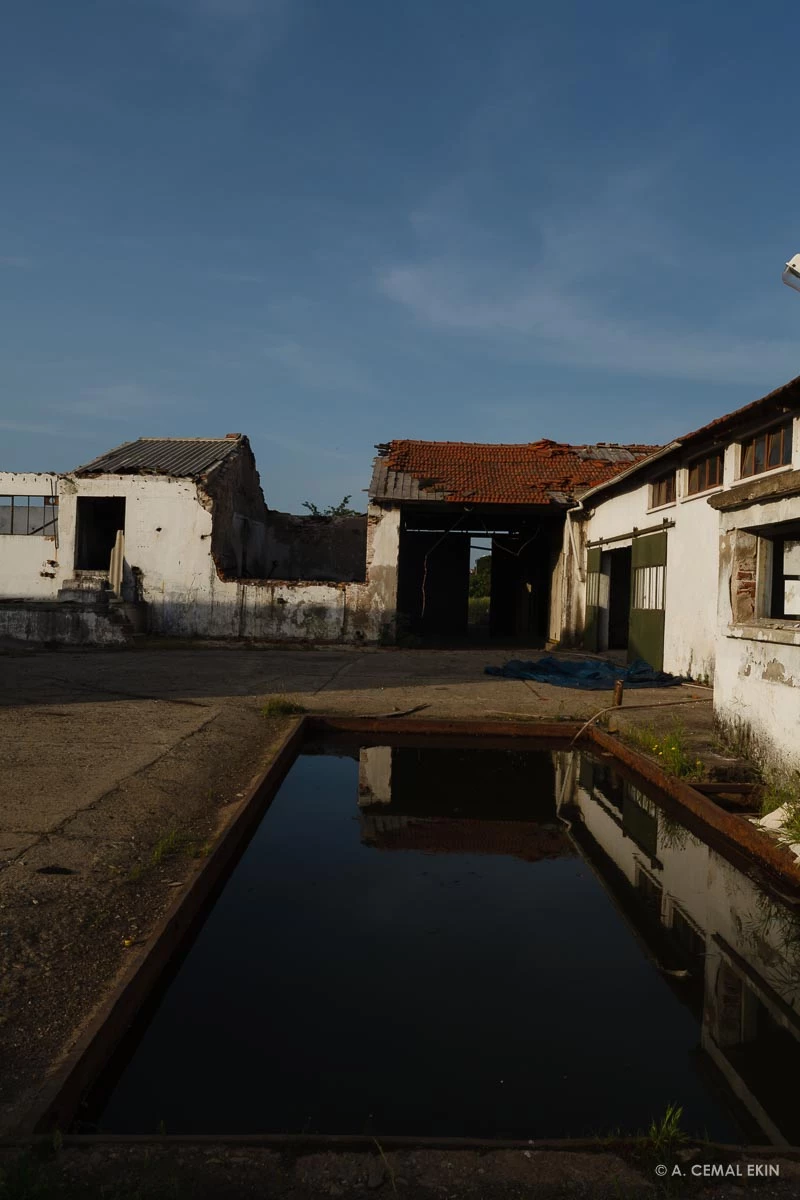
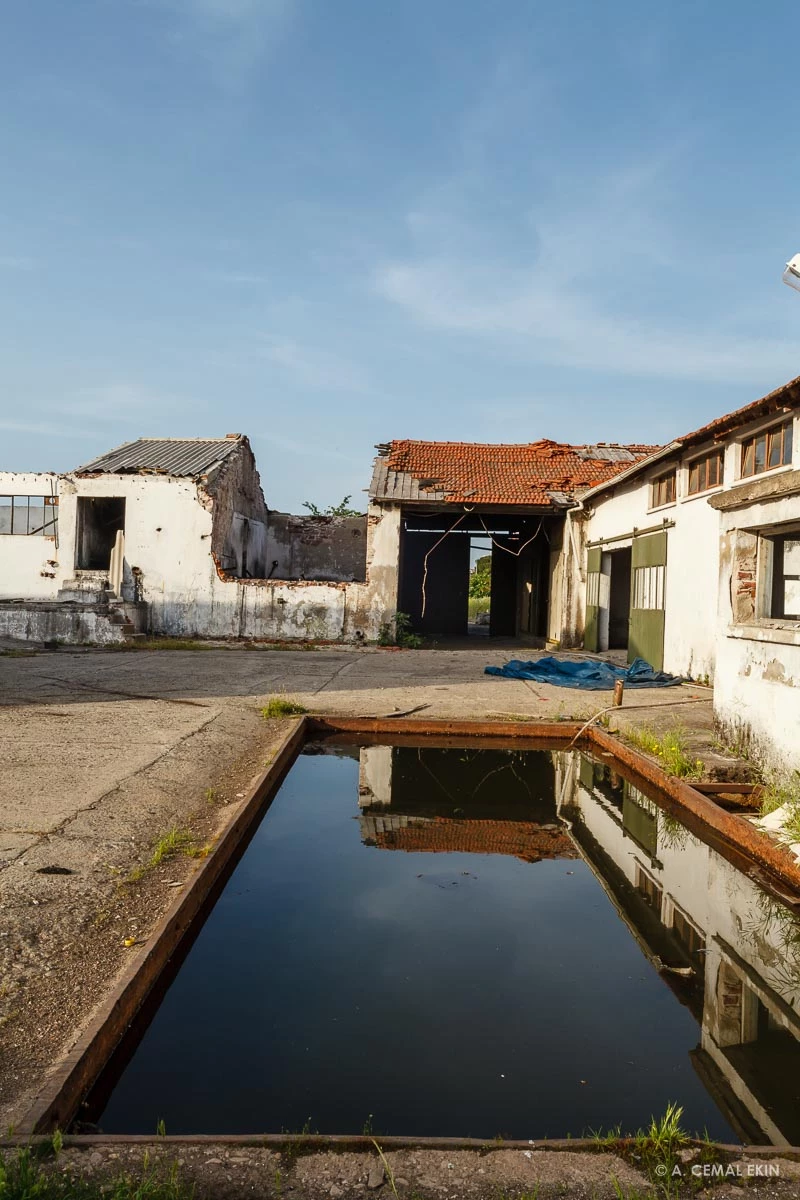
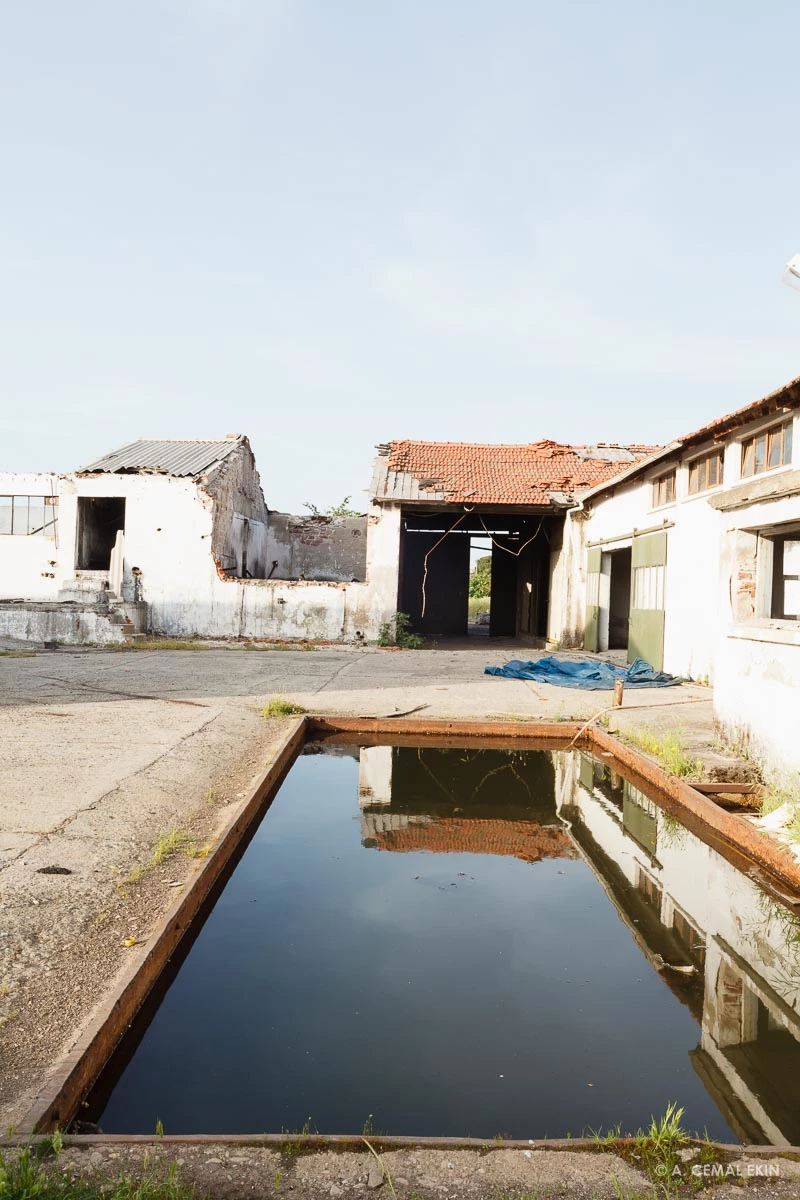
Here is the HDR merged image
Now the guides, I will use only one of the original photos to save on presentation length and add the HDR version as well for each guide
The HDR version, note the guide at the bottom at an odd angle
Here is the second guide
And, the HDR guide placement in the sky and the strange transformation
 AdChoices