Participant
June 8, 2023
Question

Help with Built In Lens Correction

  • June 8, 2023
  • 1 reply
  • 306 views

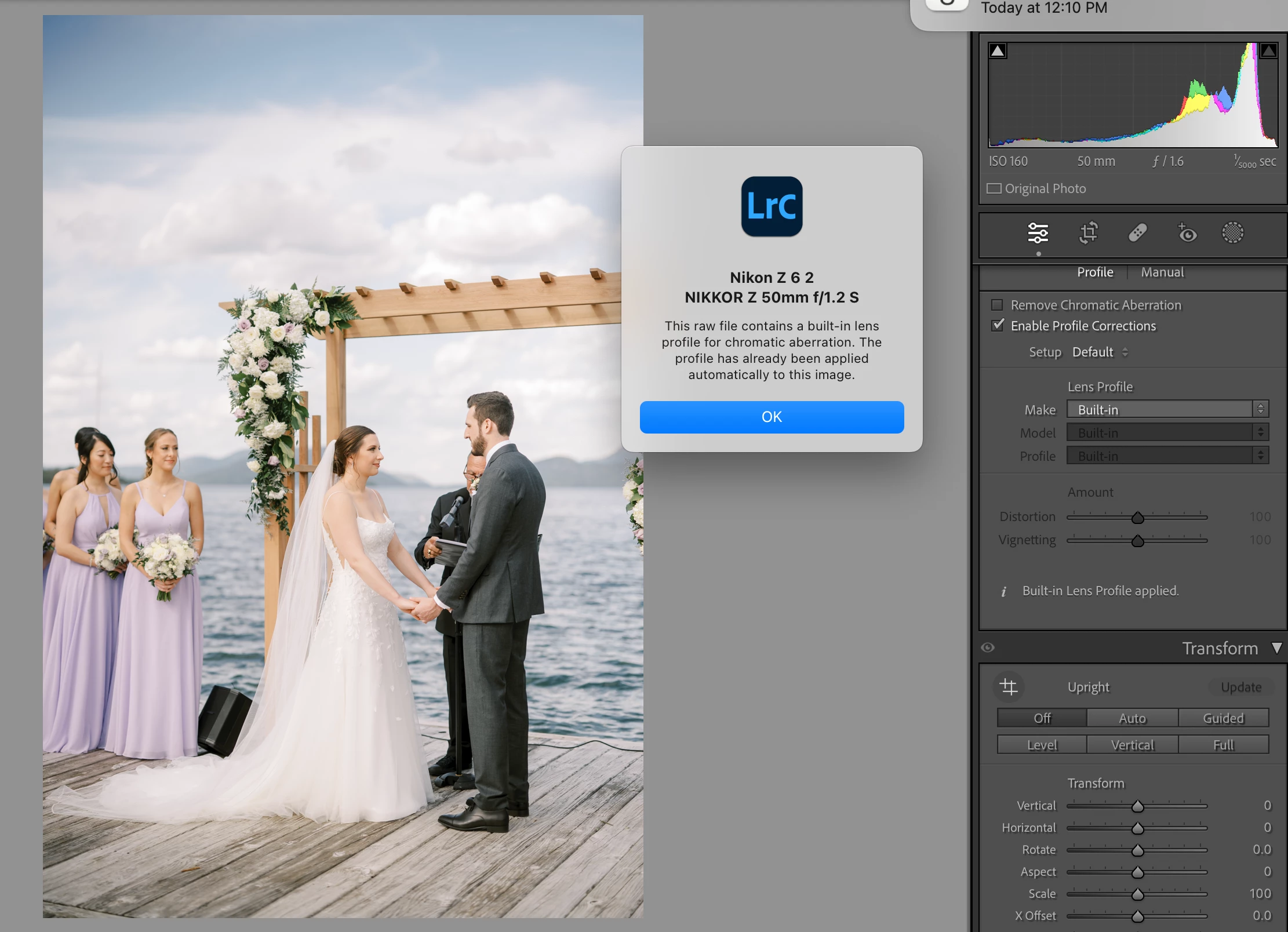
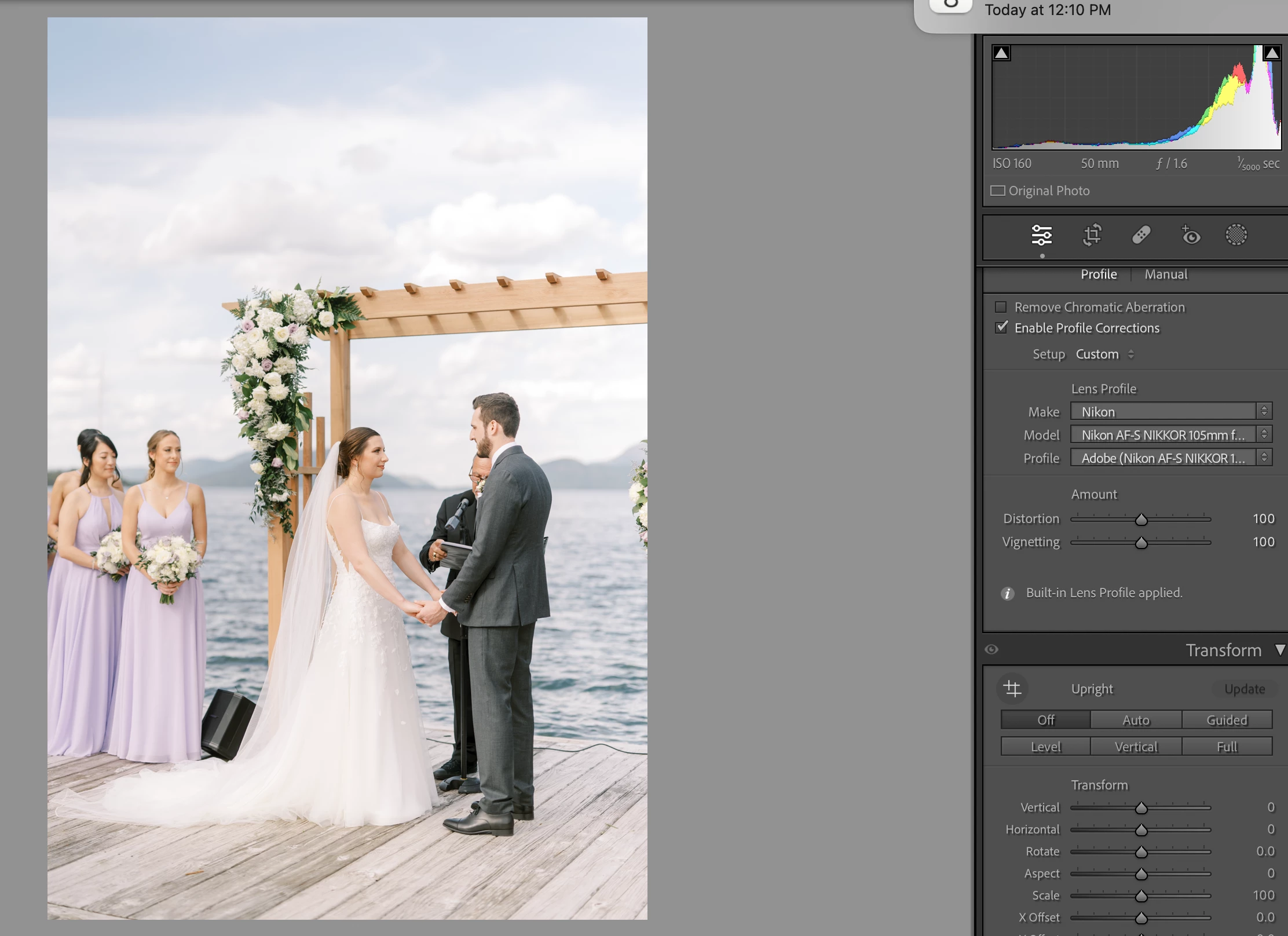
I have searched many posts about this topic, but none help my situtation. I shoot with the Nikon Z line and convert my NEF's to DNG's before importing into lightroom. There is always heavy vignetting with the built in lens profile automatically applying. Why is this vignetting not disappearing? When I change the lens profile to Nikon, the wrong lens is selected and the vignetting disappears. Does anyone else have this vignetting happening with built in lens profiles? How do I fix this issue? When I try to batch change all the images to have Nikon profile, none of the lenses are correct. 
This topic has been closed for replies.

1 reply

DdeGannes
Community Expert
Community Expert
June 8, 2023

You stated "Nikon Z line and convert my NEF's to DNG's before importing into lightroom."

Explain how.you converted from NEF to DNG , did you use the Copy as DNG at import, if not how was it done?


Regards, Denis: iMac 27” mid-2015, macOS 11.7.10 Big Sur; 2TB SSD, 24 GB Ram, GPU 2 GB; LrC 12.5,; Lr 6.5, PS 24.7,; ACR 15.5,; (also Laptop Win 11, ver 24H2, LrC 15.0.1, PS 27.0; ) Camera Oly OM-D E-M1.
mclem24Author
Participant
June 8, 2023

I use Adobe DNG converter. 

mclem24Author
Participant
June 8, 2023

I have even imported the NEF to see what happens. The correct camera/lens combo is automatically applied in lens correction, but the vignetting is still there.