

HEVC Video
The Adobe support web site states the LrC 9.3 and later support HEVC video. I am shooting HEVC video with my Sony A1. The files play well on the VLC media player. In LrC v13.2 which I am using the video shows still frames in the video clips if I drag the small button but if I click the play arrowhead it shows a bizzare greenish mess.
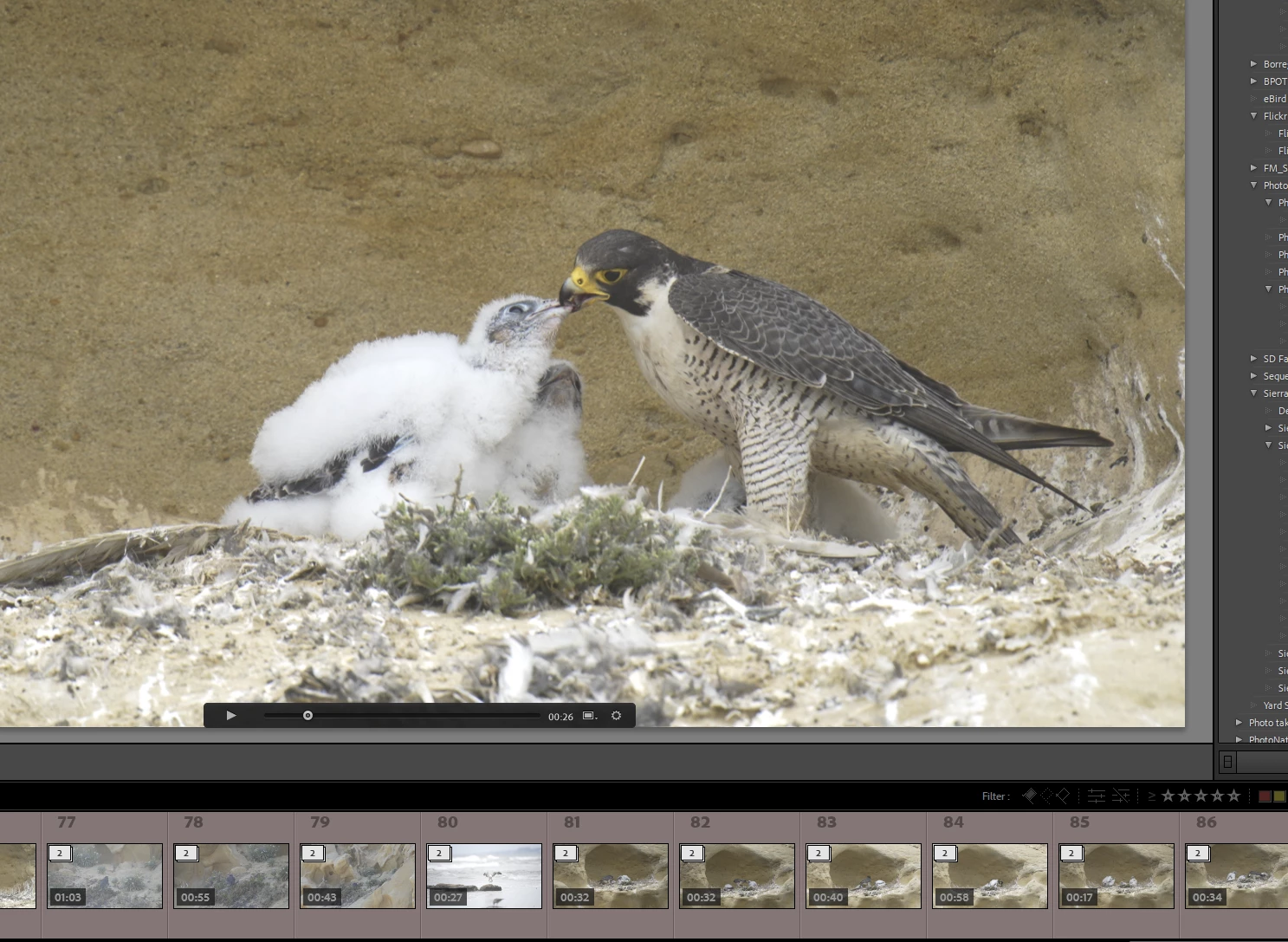
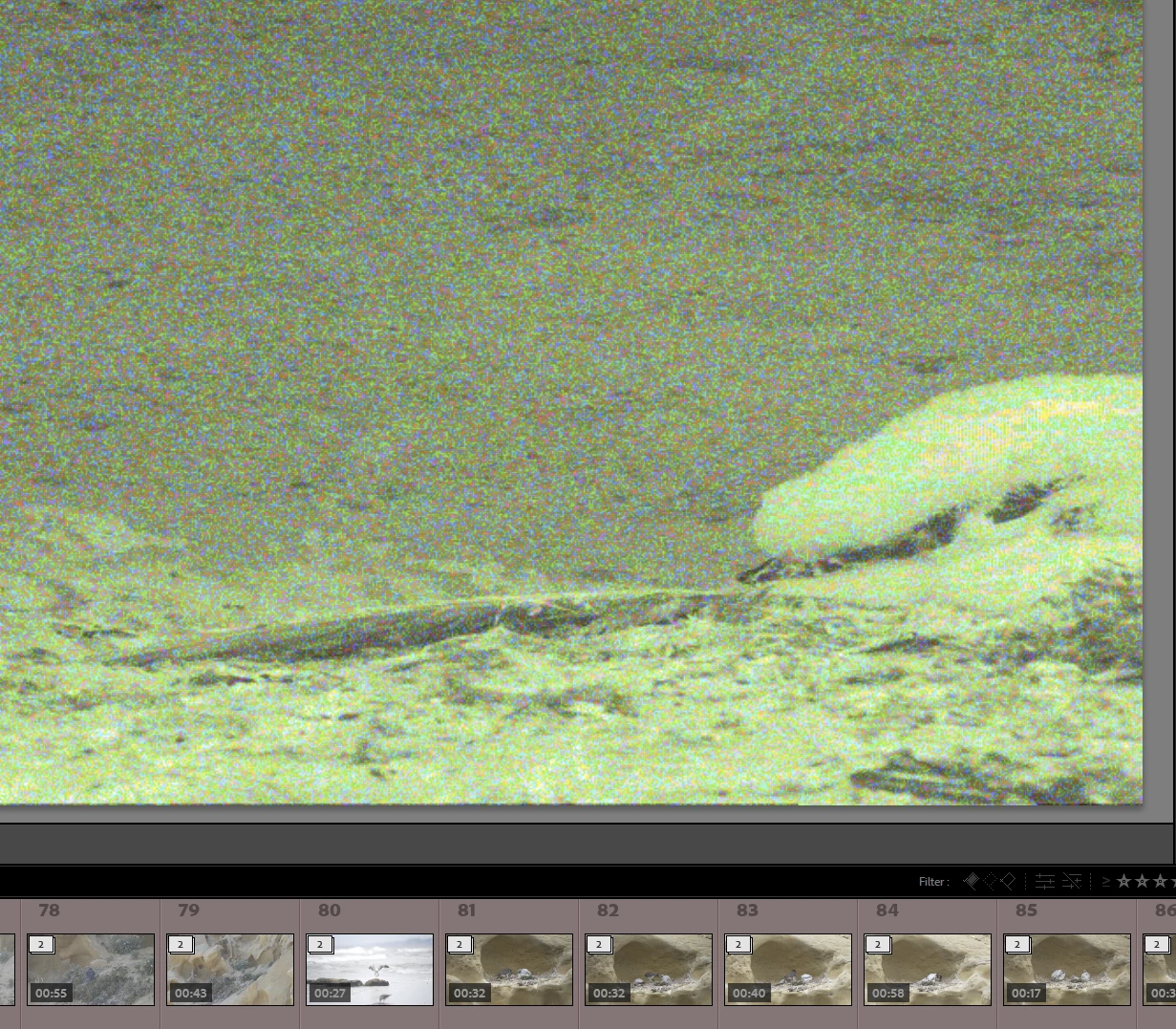
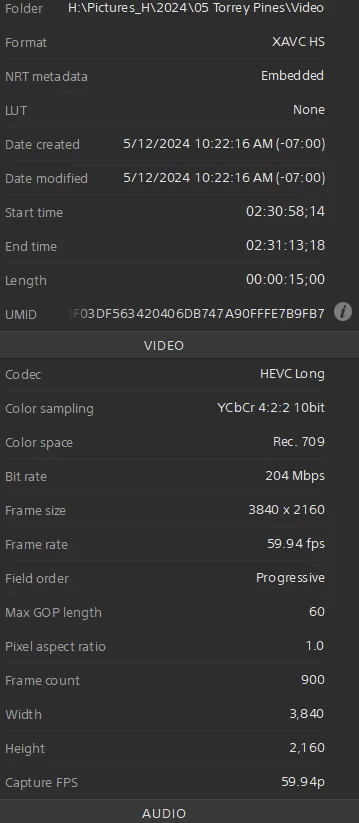
Here is the file info from Sony Catalyst Browse (with incidently plays the video without any issues):
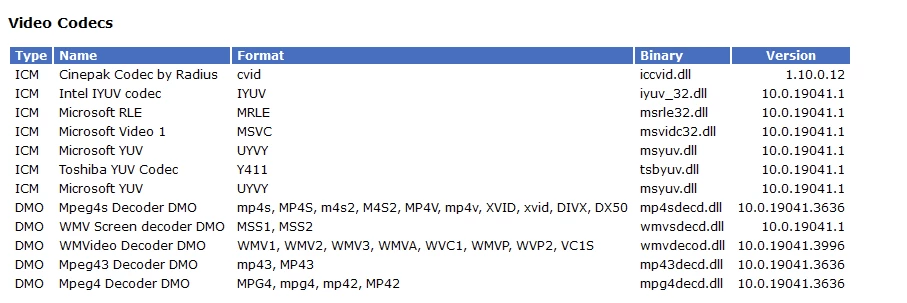
I thought I might need the addional codecs that Microsoft sells, but the Microsoft site says they are already installed. Here is a list of the video codecs on my system:
I find it strange that other apps play the videos without issue, but LR fails.
Any suggestions??
System info:
Edition Windows 10 Home
Version 22H2
Installed on 9/30/2021
OS build 19045.4412
Experience Windows Feature Experience Pack 1000.19056.1000.0
I have an Nvidia 3090 with 24GB of memory with the latest Studio driver.


 AdChoices