


Answered
How can I sort by corrupted/unreadable files so I can delete?
I have recently had a bad hard drive and many files were corrupted (100,000 +). When I view them in Lightroom they have a black "i" in the top right corner and a warning that LR can't read the file and won't be able to make adjustments. So I want to delete the files as they are now useless but taking up massive storage space. If LR can identify these files then I should be able to sort by them, select them and remove from catalog. They are all sprinkled randomly throughout a very large catalog and amny folders are filled with a random mix of corrupted files and good files together. How can I do this?? 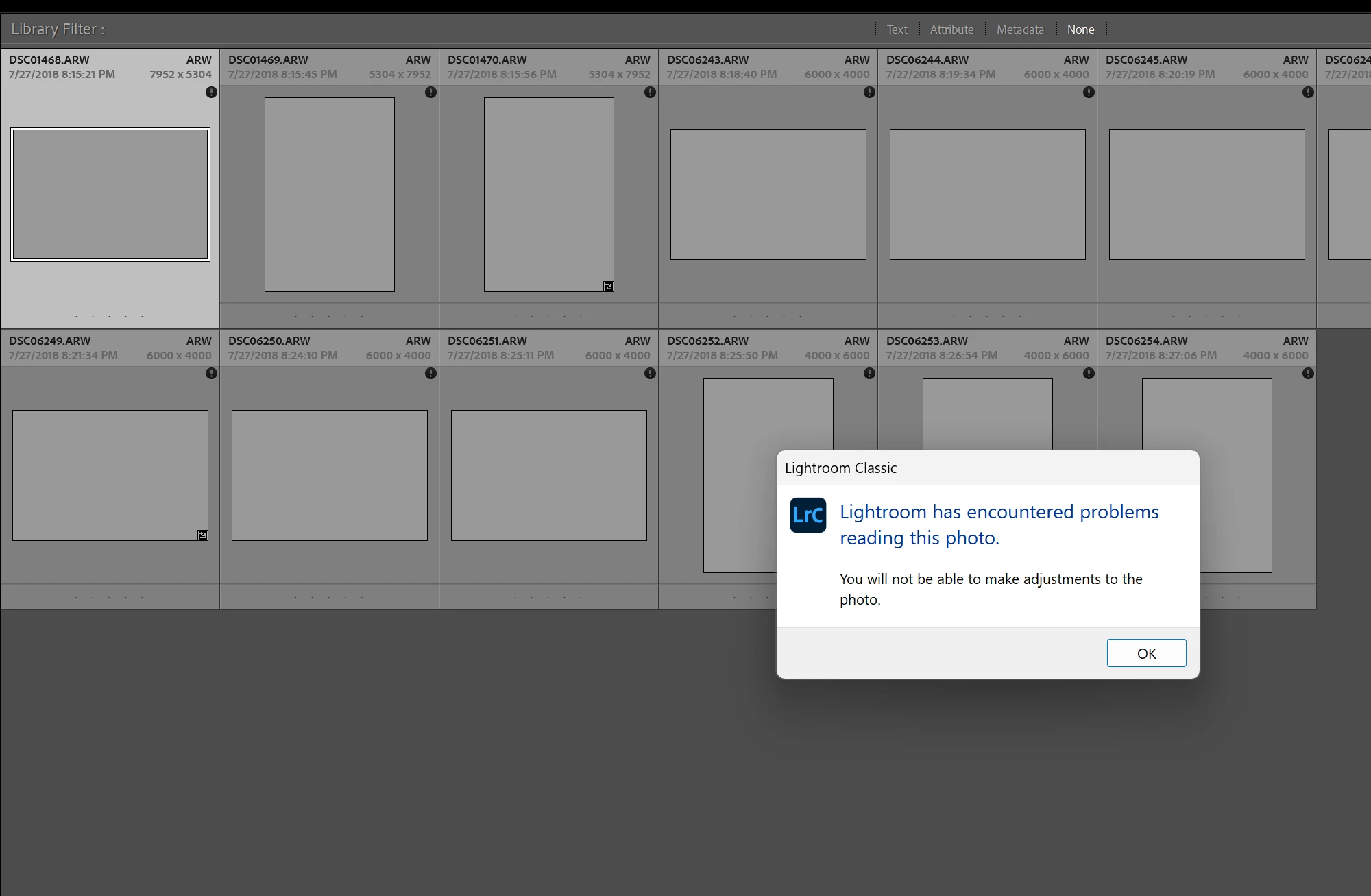

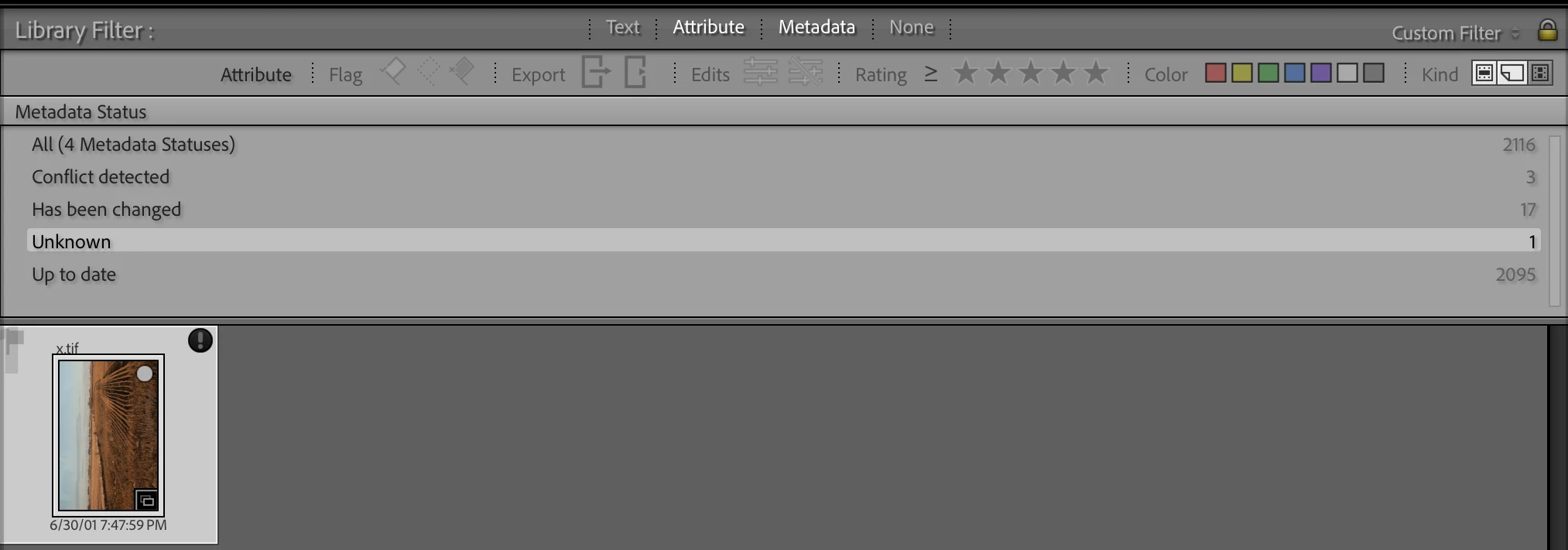
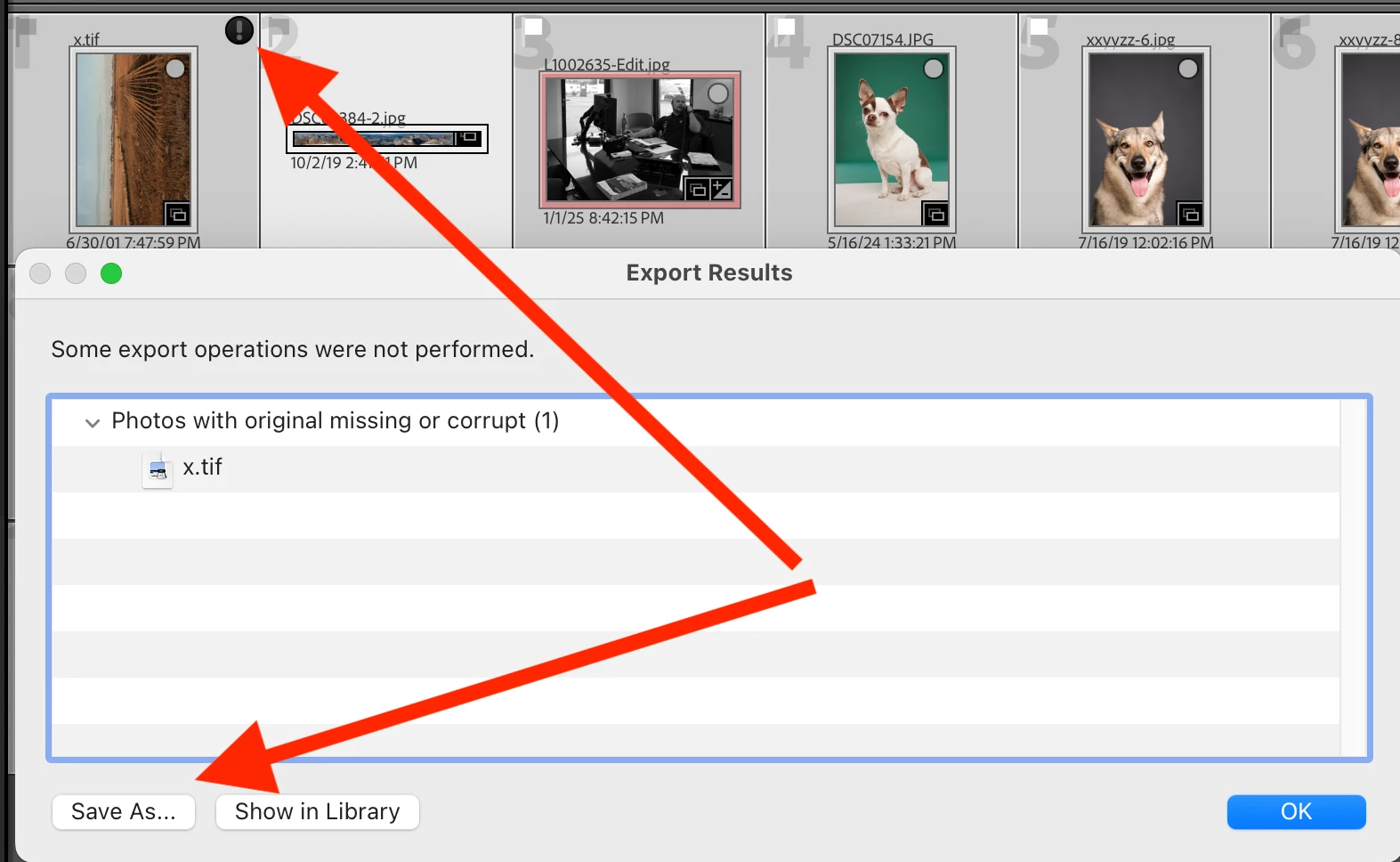
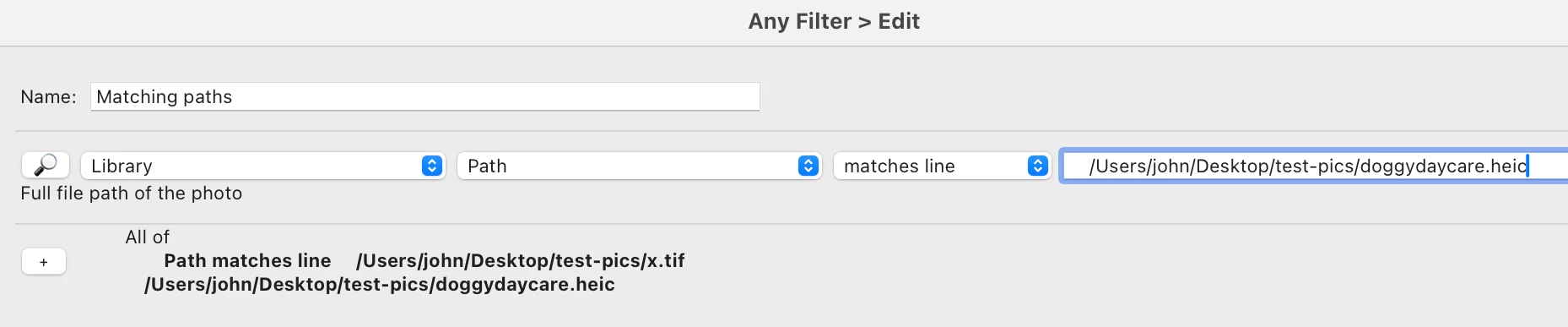
 AdChoices