


Participant
April 7, 2020
Question

How to add more than 240 page in a book in pdf Lr Classic

  • April 7, 2020
  • 1 reply
  • 538 views

Hello,

I've imported a book from a old Lr (version 5.7) to my new one in Lr Classic.

This book is in pdf wtih 540 pages.

I want to do some modifications and add some page but I can't!


I' ve always this message : Limite de page atteinte. Le format de sortie actif limite le nombre de pages a 240. ( see on picture below)
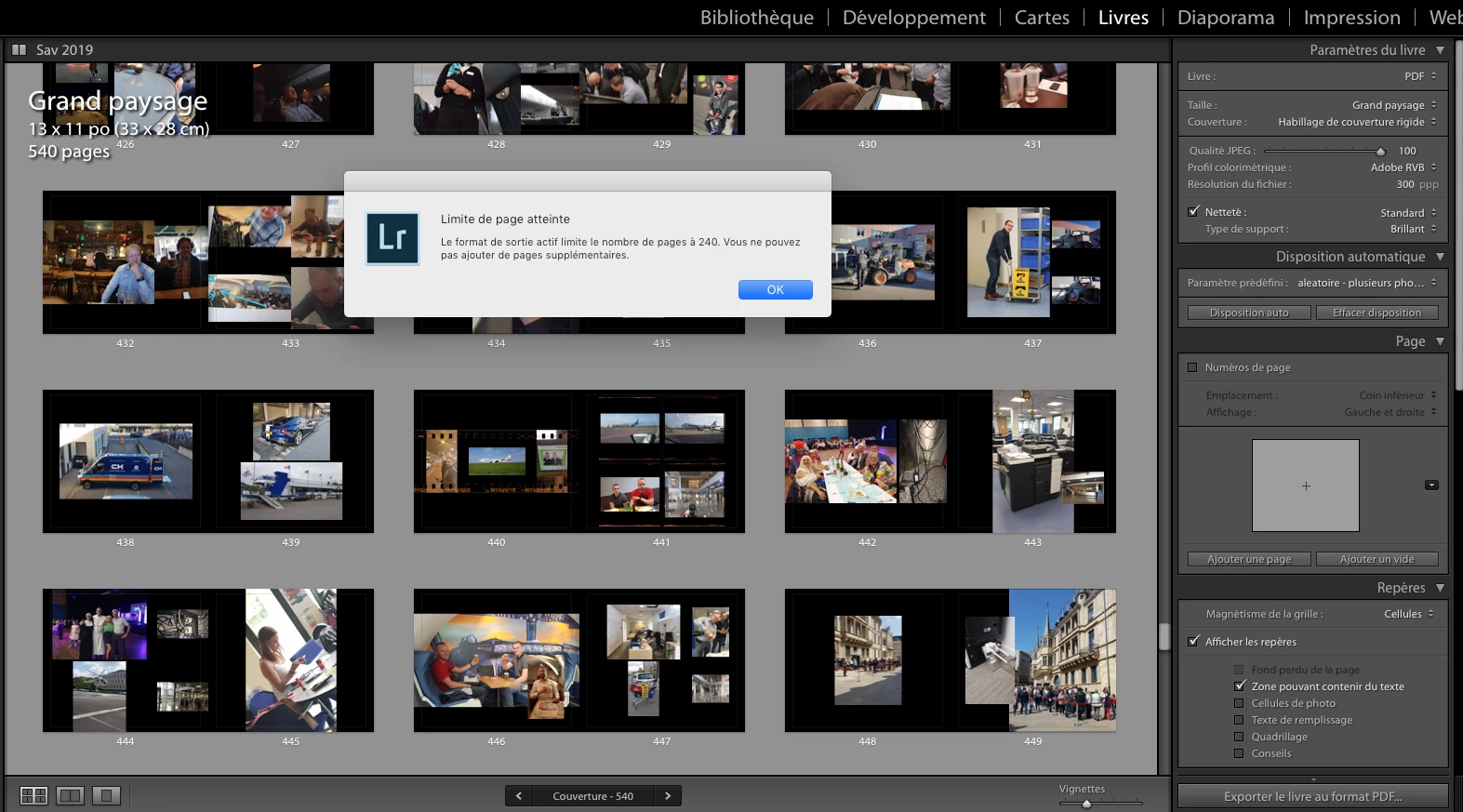
I don't understand why I've got this message my book is in PDF and in PDF there is no page limit!


Could you help me?


Thank you

Fred


This topic has been closed for replies.

1 reply

cmgap
Community Expert
Community Expert
April 7, 2020

You  can't override the page limit. You can combine in the pdf.

Fred1971Author
Participant
April 8, 2020

My book have 540pages. I can change the picutre on it but can add one more. If I open the book in my old version of Lr ver 5.7 I can add more page.

I've take a look in the help of Lr and It's written no page limit in pdf:

https://helpx.adobe.com/sea/lightroom-classic/help/create-photo-book.html

Automate the layout of books. Choose a preset and then click Auto Layout. To start over, click Clear Layout. If you are publishing to Blurb, auto-layout is limited to books of 240 pages. If you are publishing to PDF, there is no page limit.


Maybe ther is somthing to change in the preset?

Thanks

Fred