
Answered
How to batch remove unsynced photos from cloud?
Hello,
I'm using Lightroom Classic CC and have been using the equivalent product for years before the split between Classic and the new web based one.
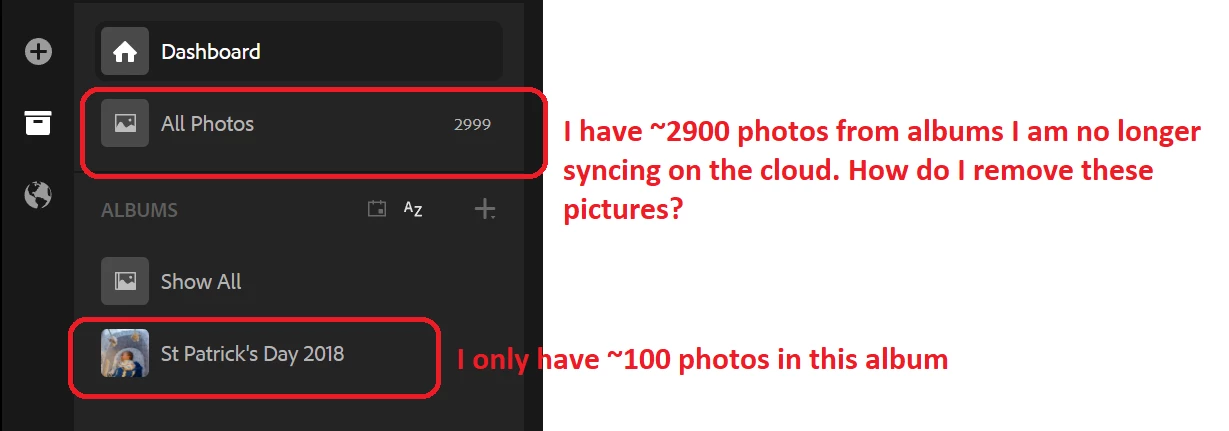
I have noticed an issue recently when I stop syncing a collection, the collection name itself disappears, but the photos stay on the cloud without being in a collection or an album. The photos show up only in the "All Photos" folder. Is there a way to easily remove these photos from the cloud?
See screenshot below. I currently have only 1 album of approximately 100 photos set to sync, yet I have an extra 2900 photos synced that I long ago selected to not sync that I do not wish to have synced.
 AdChoices