
Answered
How to move images from lightroom.adobe.com offline and into LR Classic?
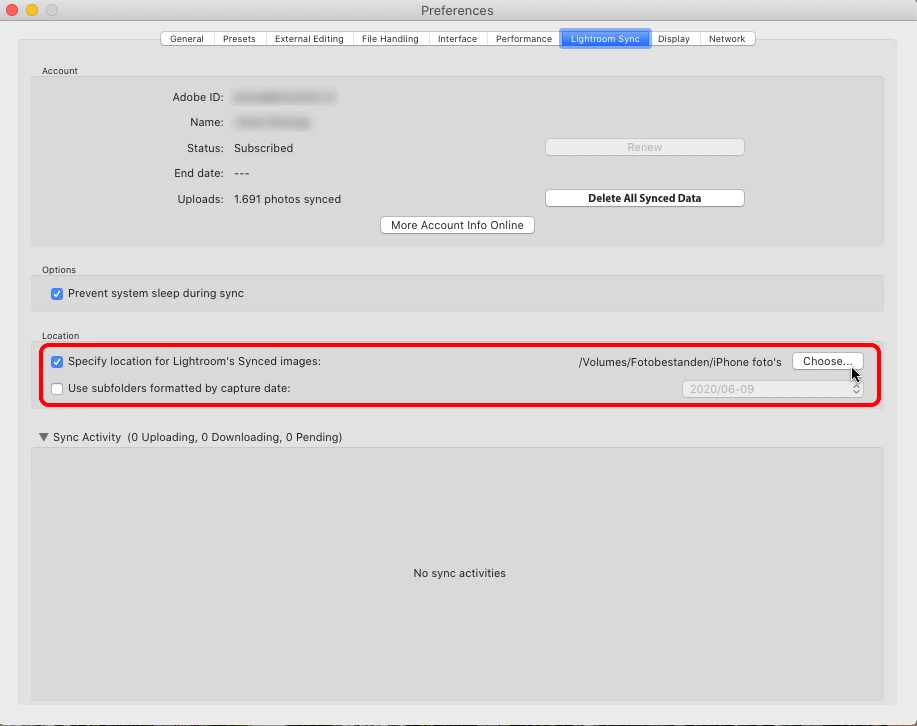
Hi, I managed to accumulate 13000 photos in my lightroom.adobe.com account which had been automatically importing from my phone for quite some time (maybe 10% of that is from a few LR Classic Collections I have synced from desktop and shared). What would be the best way to permanently move those photos from the cloud into LR Classic? The offending phone was wiped for other reasons and I've turned off LR Mobile's auto import feature since, now i just want to remove the images from lightroom.adobe.com, but still have them available in LR Classic (preferably in my library's existing year/month/day folders!).
I appreciate any suggestions on how to get these photos out of the cloud and into my existing LR Classic library.
Thanks
 AdChoices