
How to Preserve File Name in Metadata When Exporting Images with New Name?
- January 6, 2025
- 4 replies
- 978 views
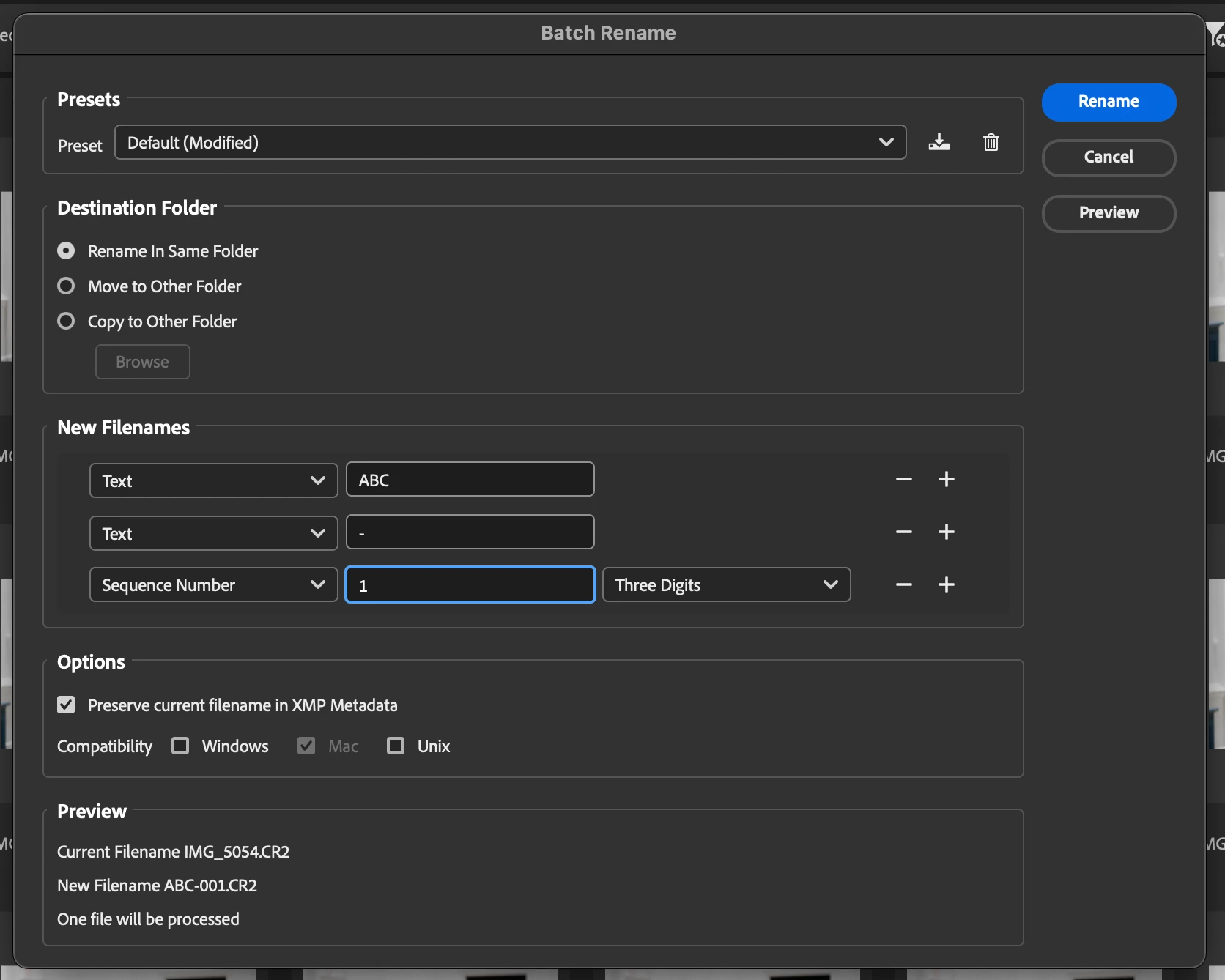
In LrC 14.1.1, I go to Library > Metadata > Customize > Customize Metadata Default Panel, and am able to check the Preserve File Name box. So the next time I went to import new images, upon import, I went to Apply During Import > Metadata > New OR Edit Presets - and either way, the Preserve File Name doesn't come up as an option. What am I missing here? Is there a different way to be sure the original filename is accessible on renamed images (whether done during import, edits, or export)?
In case it's helpful, I import IMG_1234.cr2 images, and export them as ABC-1.jpg, ABC-2.jpg. I want to be able to access the IMG_1234 filename when viewing the exported ABC-1.jpg image.
(Attaching screenshots of the Default Panel and Presets for reference.)
Thanks all!


 AdChoices