
willeme62551031
Participating Frequently
July 11, 2025
Question

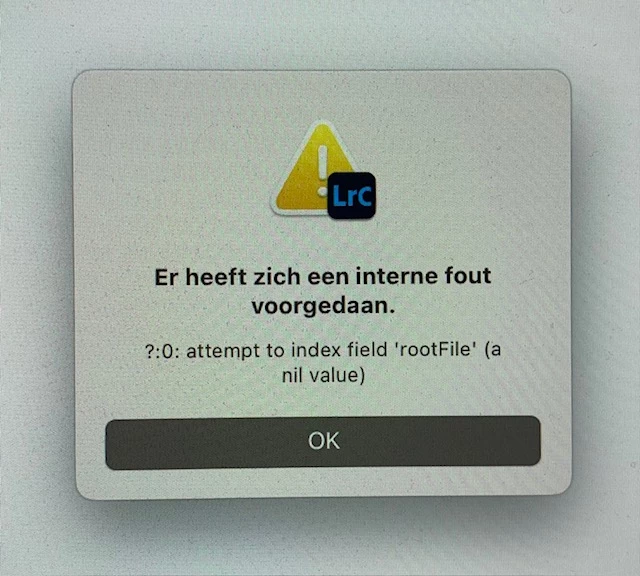
How to remove a rootFile (a nil value) from your LR catalogue?

  • July 11, 2025
  • 1 reply
  • 94 views

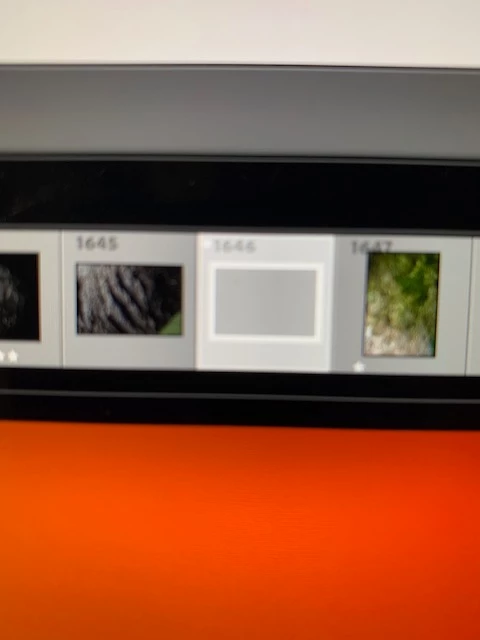
Yes, sometimes you have to deal with more then one problem in two days. Yesterday's problem is fixed with a help from a very kind person, this morning I have another "problem". When importing and deleting some files, a file appeared in my catalogue. It's grey and it got no content, no value. I can't remove it from the catalogue either. Of course I searched for an solution here, but no solution yet. I enabled all the plugins, I optimized the catalogue, but no change. Is there a way to get rid of this file?
1 reply

Sameer K
Community Manager
Community Manager
July 11, 2025

Hey, @willeme62551031. Welcome to the Lightroom Community. I understand this must be frustrating. I'll help you figure this out. 

Please try this:


1 - Create a new catalog by holding the Opt key at the launch of Lightroom Classic.

2 - Go to File > Import from catalog > target your old catalog. Proceed with merging the previous catalog into the newly made, internal storage-based catalog. For more help via video-based steps, check here. See https://adobe.ly/3NTC9Rv

Let me know how it goes. Thanks!
Sameer K

(Type '@' and type my name to mention me when you reply)