Participant
July 1, 2023
Question

How to remove frame from preview in print module

  • July 1, 2023
  • 1 reply
  • 245 views

Hi All,

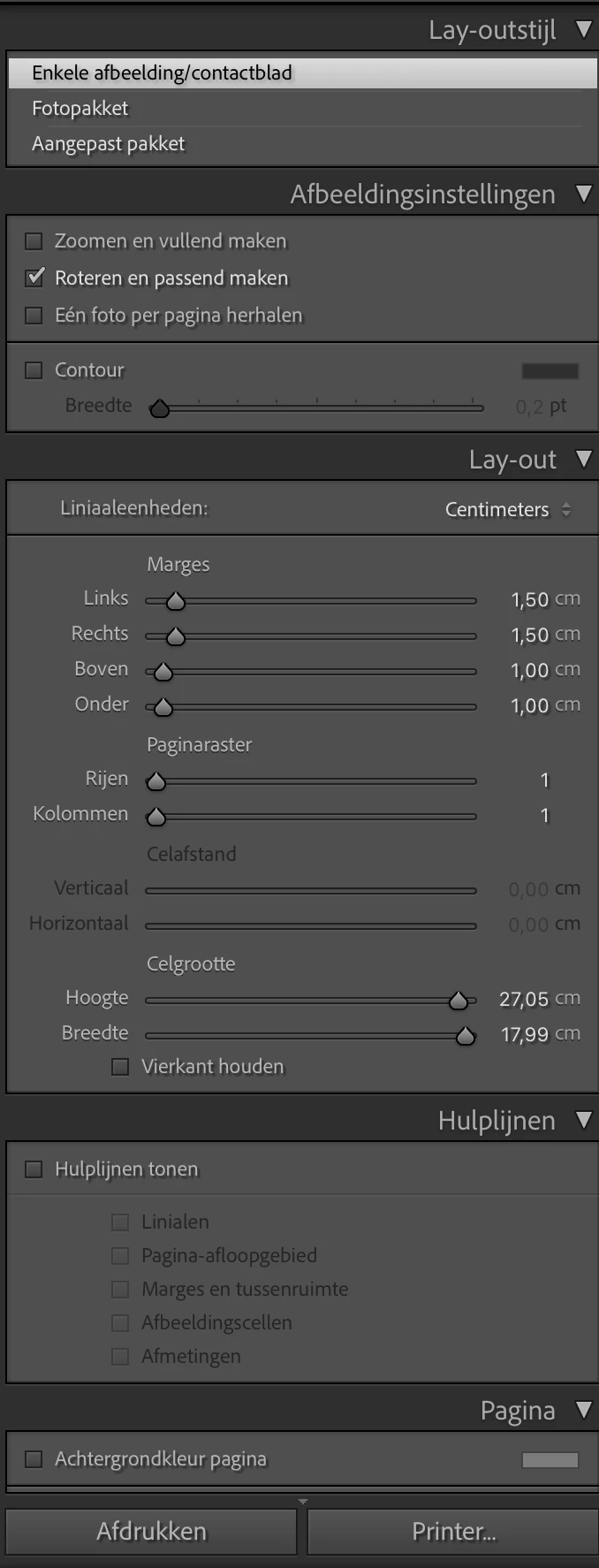
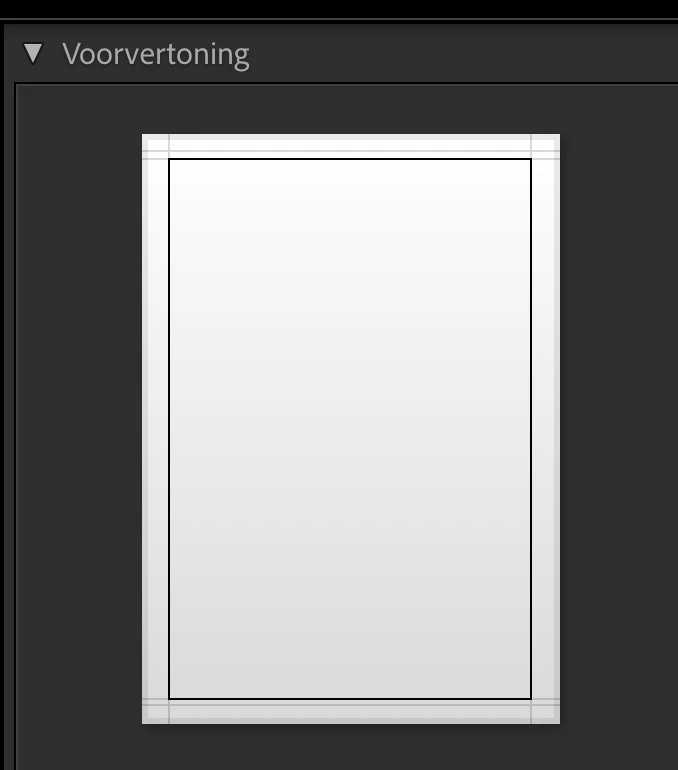
When printing a photo a border is printed as well, see attached images for example. How to remove this frame from preview?

I have no clue where to configure this.


Kind Regards, Erna
 

This topic has been closed for replies.

1 reply

Community Expert
July 1, 2023

In the English localised software, this option is set in the "Image Settings" panel and is named "stroke border".


Participant
July 1, 2023

Dear Richard,


Thanks for the fast reply on my question! Your solution was not the answer I was looking for.

As you can see on the image below, it is not a stroke border but the line shown in th previeuw of the print moduole that is printed together with

the photo. The big photo is showing the frame from the preview(?) and the second smaller photo has no frame. The only thing I changed was changing the proportions of the photo from original to 4:6. Still can't explain why the black frame is gone now.


Kind Regards, Erna


Community Expert
July 1, 2023

Thanks, that image is helpful. Maybe check this option next: