

Participant
January 17, 2026
Question

How to remove unwanted items when I click on edit in - Mac

  • January 17, 2026
  • 2 replies
  • 66 views

Whenever I click on Edit In there are all these items listed that I don't want to see.

How can I remove them?

Thanks.
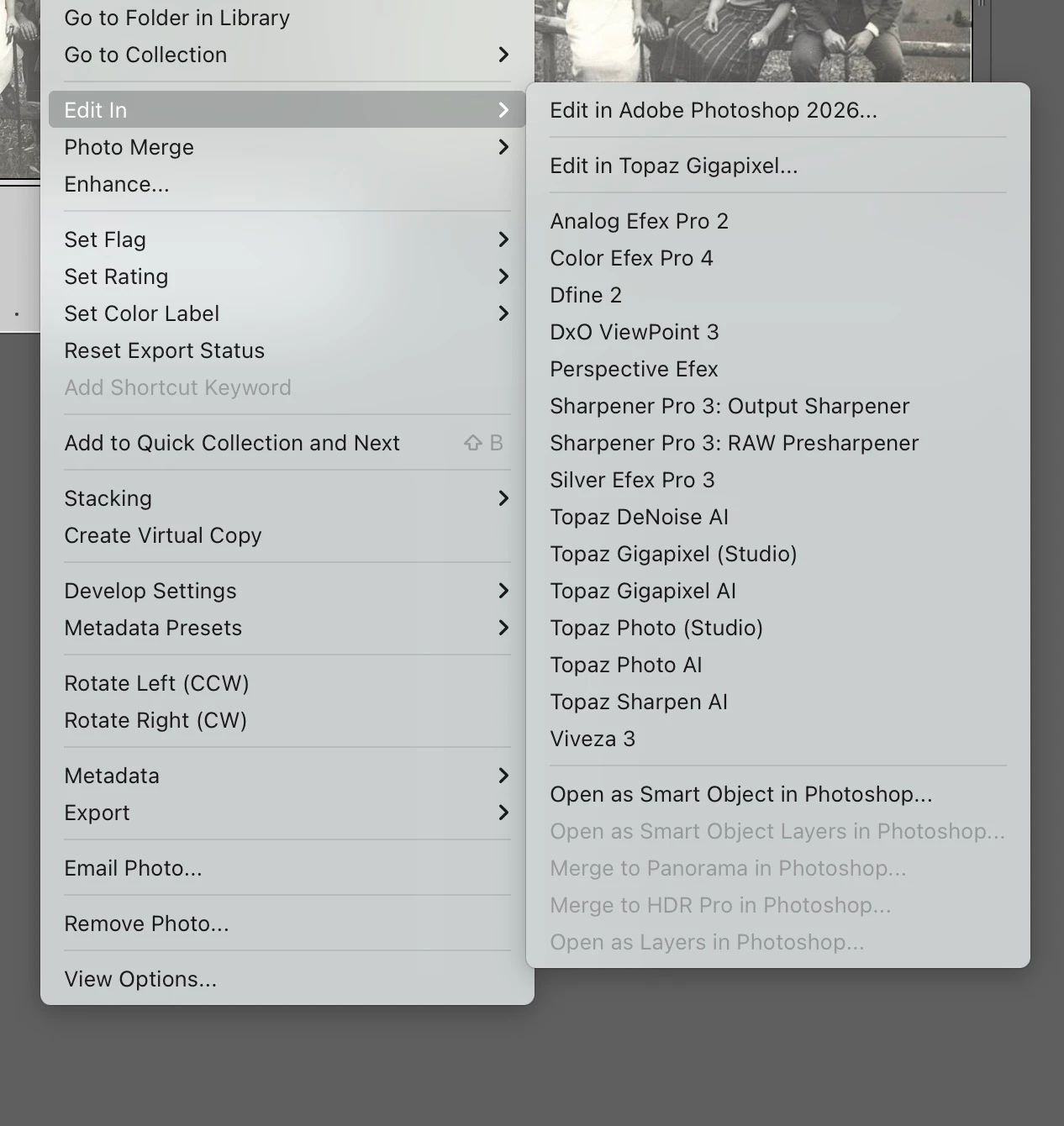
 

Image.jpeg

2 replies

Rob_Cullen
Community Expert
Community Expert
January 17, 2026

I see two ways (in a Windows PC)-


1) In the 'External Editors' dialog , choose a preset you want to delete in the [Additional External Editor] box from the 'drop-down' menu,  then click the drop-down menu again and you will see an option to [Delete Preset ....]


2) Use Finder (File Explorer) to Delete the presets from a folder the Mac equivalent of-

  C:\Users\{Your name}\AppData\Roaming\Adobe\Lightroom\External Editor Presets

Or in LrC Preferences > Presets tab > [Show all other Lightroom Presets]  - open the {Lightroom/External Editor Presets} folder  - Delete from folder.


Regards. My System: Windows-11, Lightroom-Classic 15.3, Photoshop 27.5, ACR 18.3, Lightroom 9.3, Lr-iOS 10.4.0, Bridge 16.0.3 .
JohanElzenga
Community Expert
Community Expert
January 17, 2026

These are presets, defined in Preferences - External Editors. In there choose a preset, then click on the menu again. At the bottom, you'll now see a menu to remove that preset. You can also manually remove them from where they are stored, which is:

Users/YourUserName/Library/Application Support/Adobe/Lightroom/External Editors.

https://helpx.adobe.com/lightroom-classic/help/external-editing-preferences.html


-- Johan W. Elzenga
Rob_Cullen
Community Expert
Community Expert
January 17, 2026

@JohanElzenga Beat me! I must remember ther Mac methods 🙂  .


Regards. My System: Windows-11, Lightroom-Classic 15.3, Photoshop 27.5, ACR 18.3, Lightroom 9.3, Lr-iOS 10.4.0, Bridge 16.0.3 .
