
How to replace missing originals with smart preview
Hello,
A few months ago my external hard drive with my photos died. I went ahead and used lightroom downloader to retreive my photos from the cloud but it mostly only downloaded the smart previews. The exception was about 5 originals that for some reason were synced. Odly the files all look corrupted until they're opened in photoshop or bridge. Another strange thing is that the resolution doesn't match that which is shown in Bridge. The resolution shown in windows explorer is the original size yet the resolution shown in Bridge is that of the smart preview. (see photos). I suspect that the file is supposed to contain both the original and the smart preview.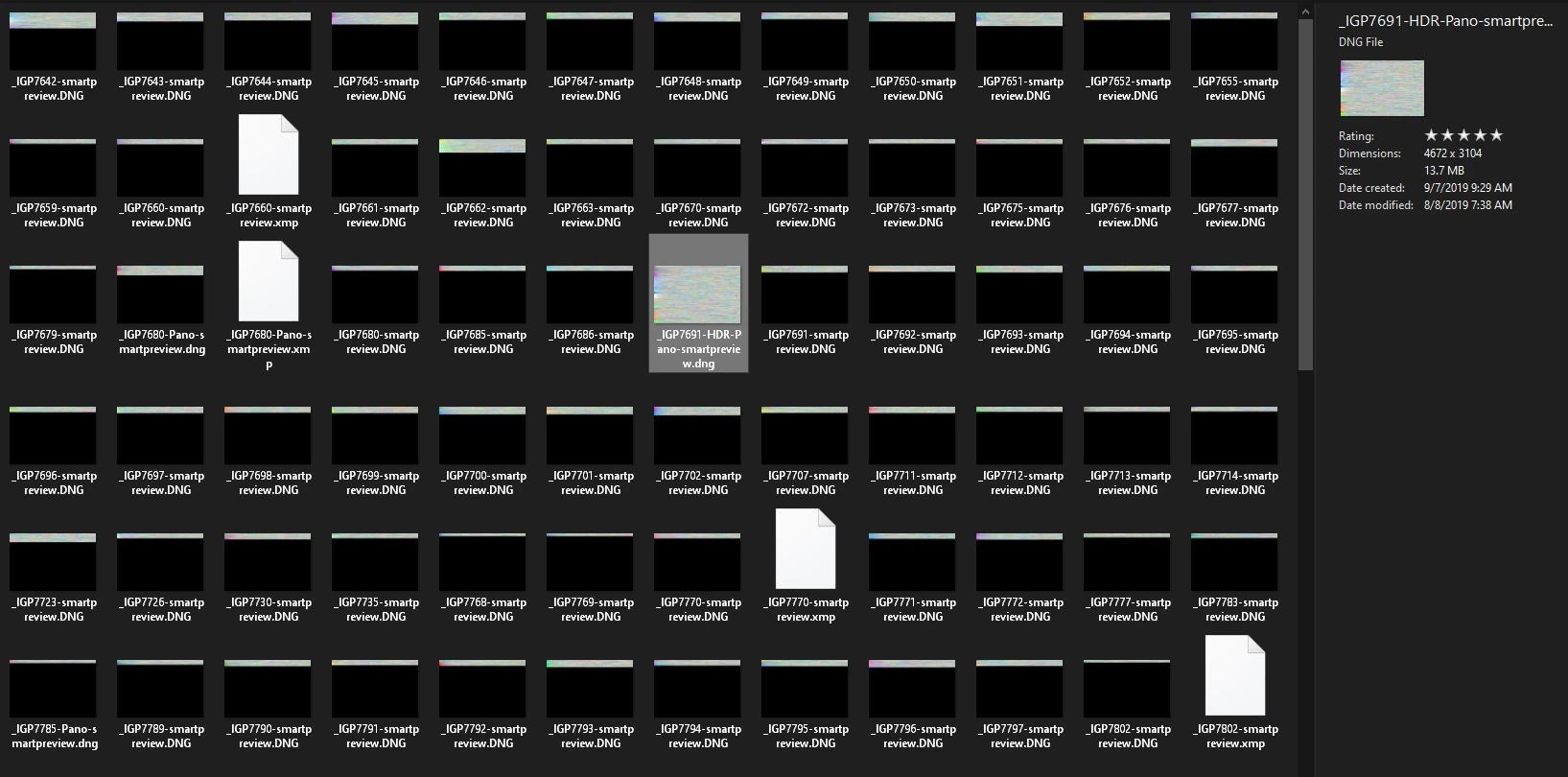
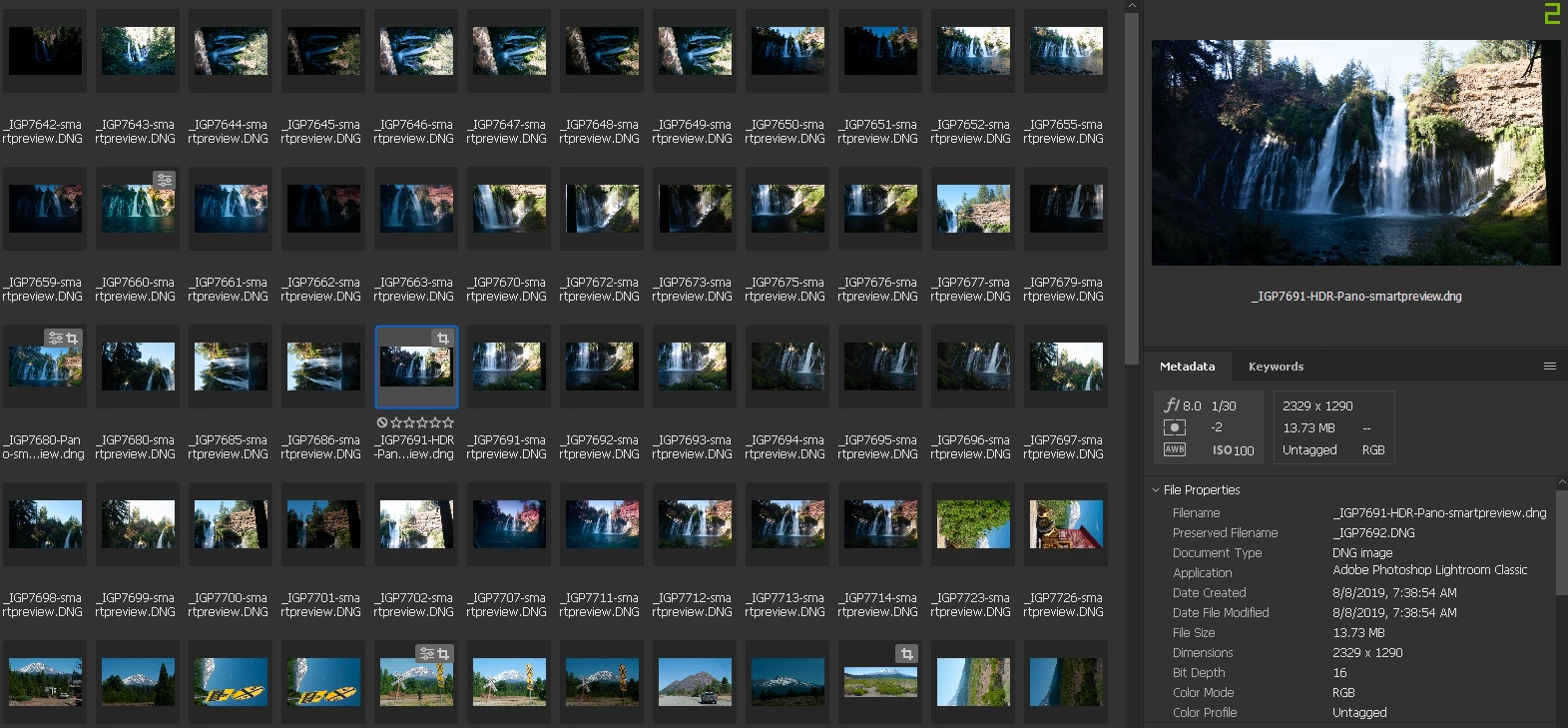
On to the next part.
Since these files seemed screwed up enough I decided to try and retrieve the files by going through lightroom. I created a whole new catalog and enabled sync. It started downloading all the synced photos to the new catalog as expected but again there was an issue. This time in the library tab almost all the photos have no preview. Once you go to the develop tab the photo can be seen and edited as expected. However, they cannot be printed; I tried "printing to PDF" and the output was blank. When I tried exporting I got the warning that the original file was missing and that I could procceed with the smart preview instead.
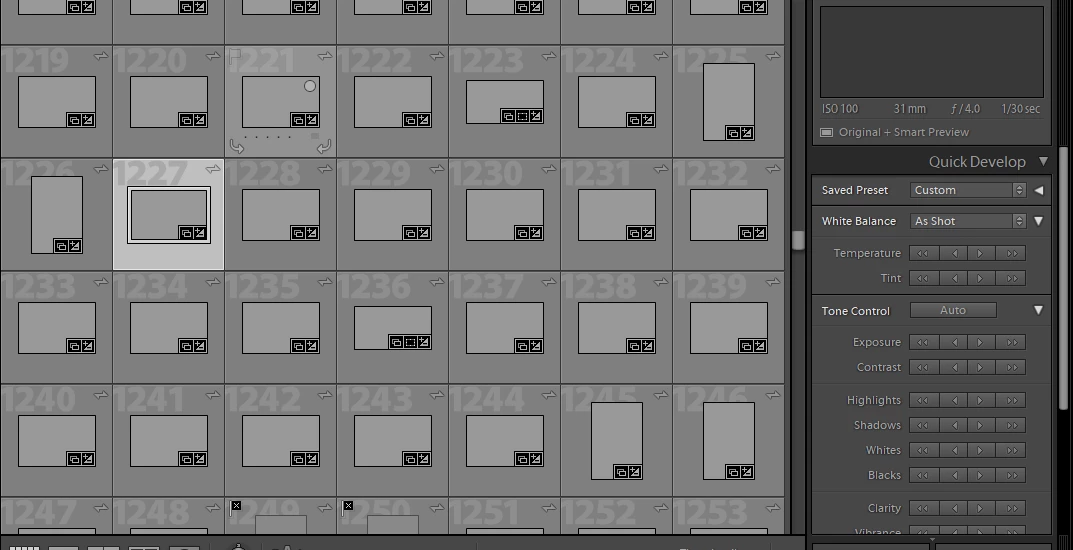
Edit: Restarting lightroom seems to have fixed the missing thumbnails issue but I still can't print. It says since the original was missing it was skipped.
I also attached one of the files in question incase anyone wants to take a look at it. Edit: when I tried to post this thread I got an error saying "the contents of the attachment doesn't match its file type"
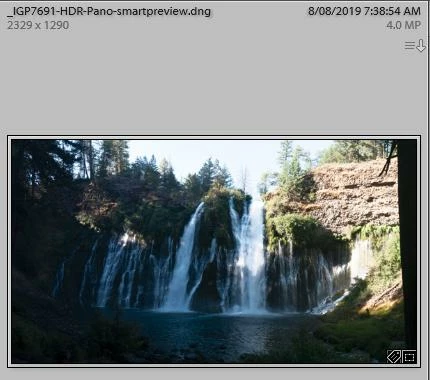
Even more funkiness when I uploaded the file to google drive it shows a thumbnail of the uncropped version... I'd download the file to see what I'm talking about.
Here's a link to Google Drive
So that's super strange... if anyone knows how to fix the files, if that's even possible, I'd super appriciate it. Also are there are any settings that should be changed for sync or smart previews to prevent this from happening again in the future?
What I want to do, if nothing else can be done, is to somehow tell lightroom that the smart previews are the originals.
Thanks!


 AdChoices