
Huge discrepancies between different views and export
Hey!
This has surely been discussed before but I have never been able to solve it.
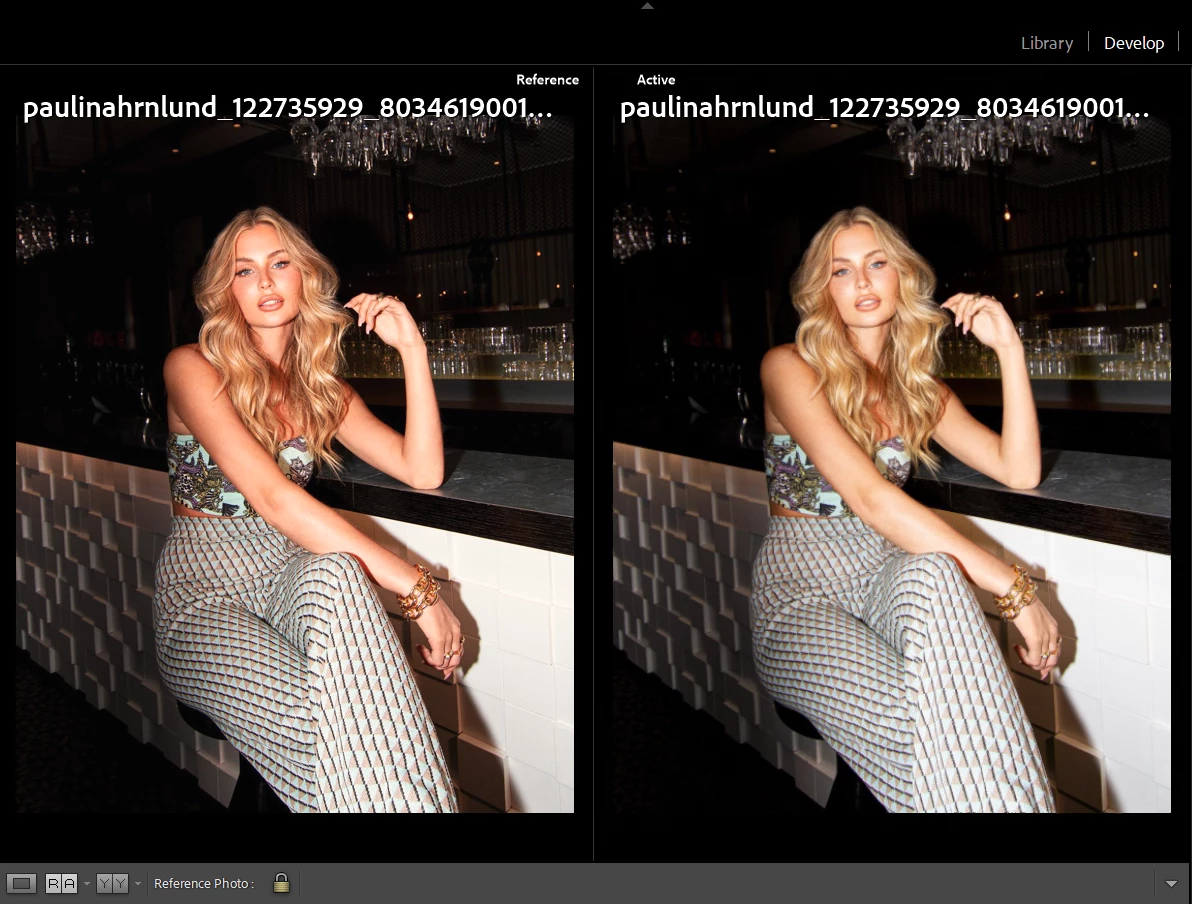
This is the exact same image file selected as a reference image to itself. There is an obvious huge difference in the skin tone and as I'm trying to have a skin reference photo while editing a large batch of images this simply doesn't work.
The thing is, when I export the image it looks like the reference image to the left.

(exported image)
My active view of an image is always more yellow and green while the actual export (and reference view) is a lot more red and magenta. It makes accomplishing natural skin tones a huge hassle. Also makes having a reference useless since if I edit the active image to the same tones as the reference, when I export it will be too red and magenta.
For a long time I've had to export, take a look, edit in more yellow and green to the point where the image looks too green and yellow in Lightroom for the export to come out natural-looking.
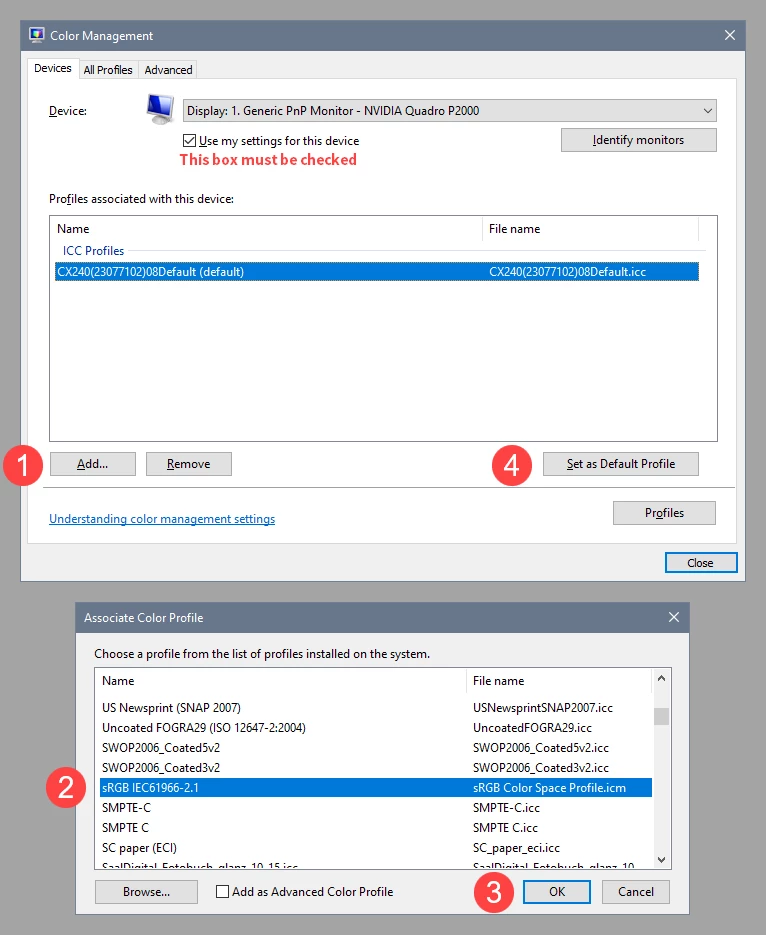
I have previously tried reinstalling Lightroom to no avail. I have also tried switching on and off GPU for image processing, also to no avail.
Please how can I fix this? I'll have to find a different photo editing software if this can't be resolved.
I'm on Windows btw.
 AdChoices