
Participant
June 24, 2026
Question

I can no longer see pictures in a folder in a grid, only one at a time

  • June 24, 2026
  • 2 replies
  • 0 views

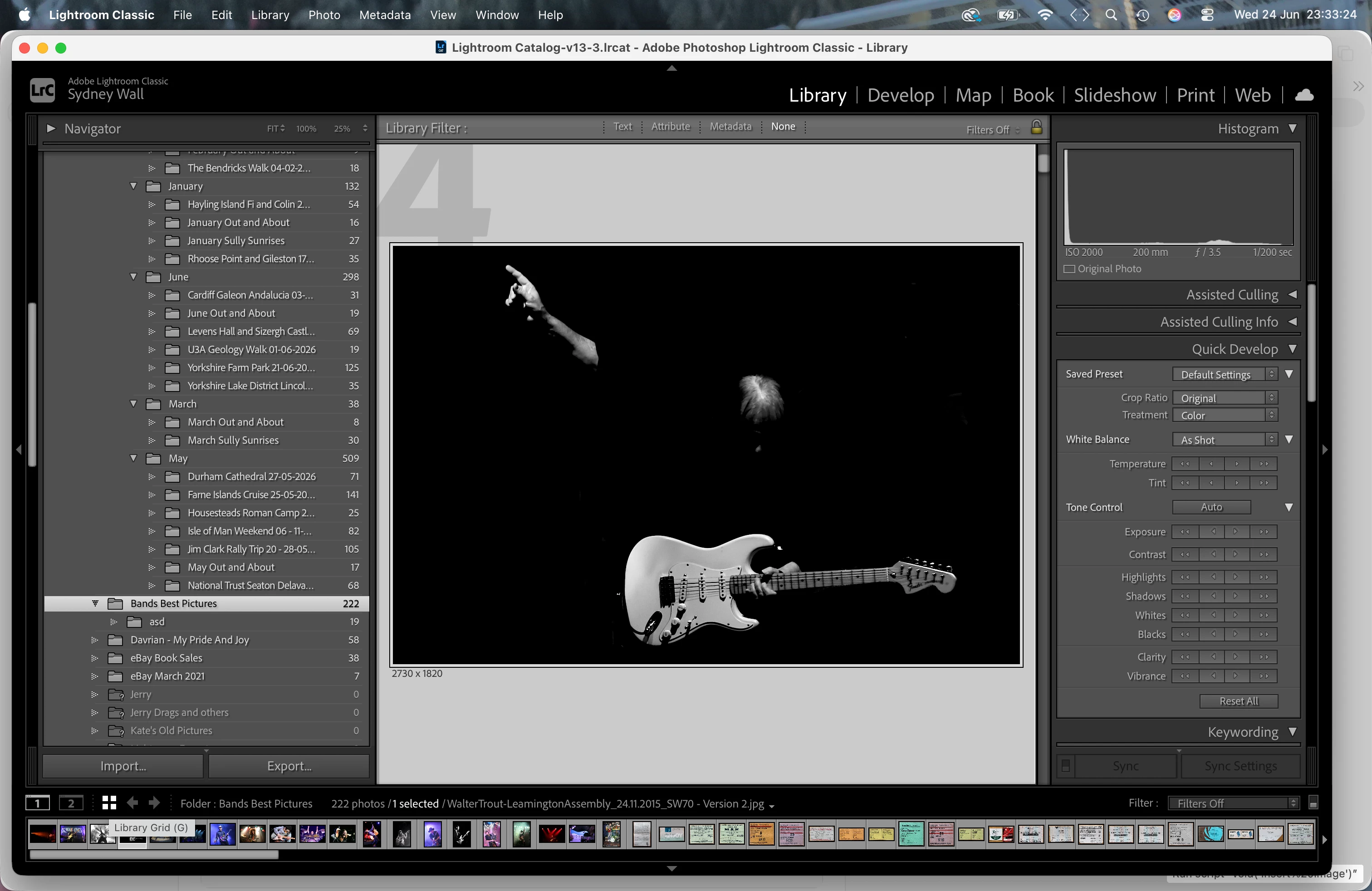
See the attached screenshot...the LIBRARY GRID button doesn't work any more..it did up to a couple of days ago. I’m not aware I changed any settings to stop it working, though that will probably turn out to  be the answer! A few minutes ago I updated Lightroom Classic to 15.4.1 but that made no difference. I am running Lightroom Classic on a MacBook Pro, Tahoe 26.5.
 

2 replies

Jim Wilde
Community Expert
Community Expert
June 25, 2026

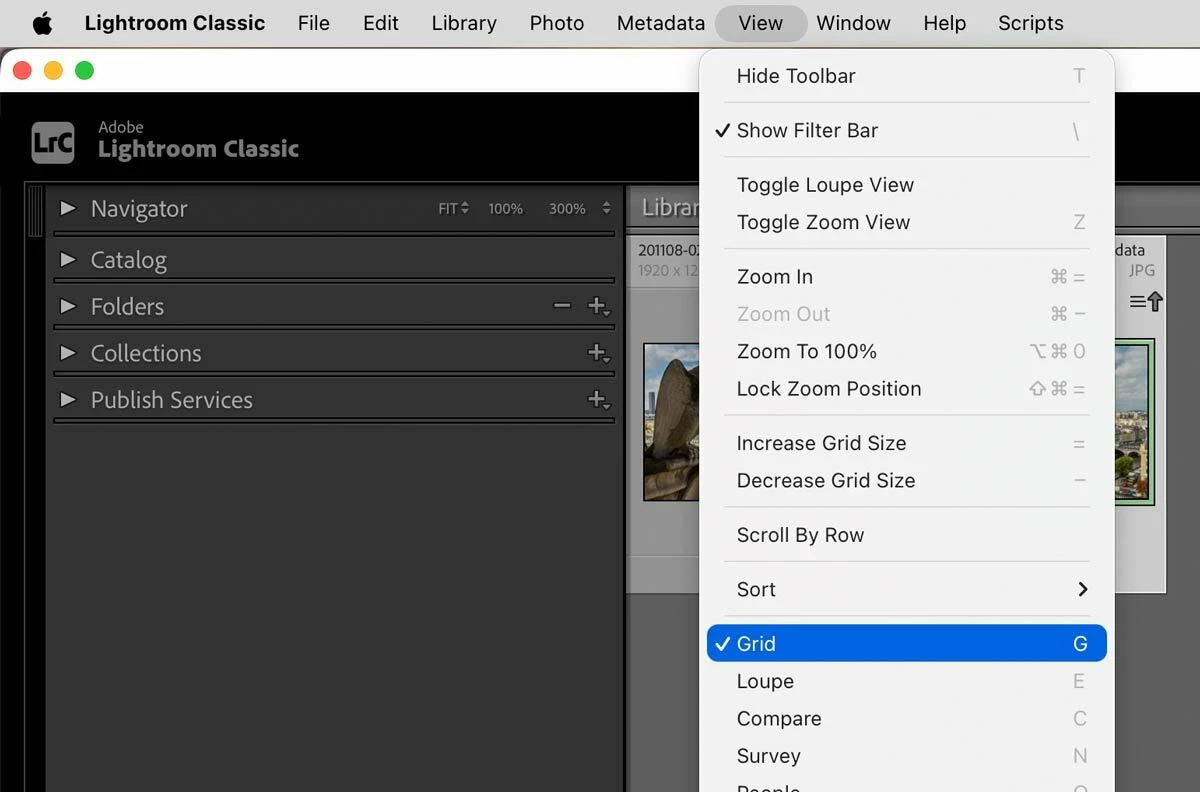
That IS the grid view that you are seeing, but you have increased the thumbnail size to the max. As ​@KR Seals has said, press “T” to get the toolbar back, which includes the thumbnail size slider, then use that to reduce the thumbnail size to something a little smaller.

KR Seals
Community Expert
Community Expert
June 25, 2026

Your tool bar with the view icons is hidden. 

Press T to get it back. Also, the letters G, E, D, F and a few more work fine if the Tool Bar is hidden like your example.

Ken Seals - Nikon Z 9, Z 8, 14mm-800mm. Computer Win 11 Pro, I7-14700K, 64GB, RTX3070TI. Travel machine: 2021 MacBook Pro M1 MAX 64GB. All Adobe apps.