Just some suggestions from me (another user)
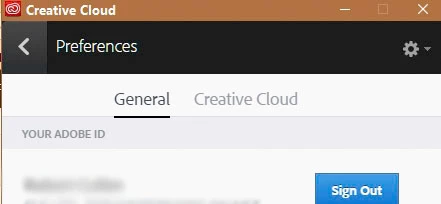
1. Have you tried to Sign-Out and then Sign-In, using the Creative Cloud Desktop App? (with Lightroom closed)
2. Have you clicked on the Identity Plate where is says-

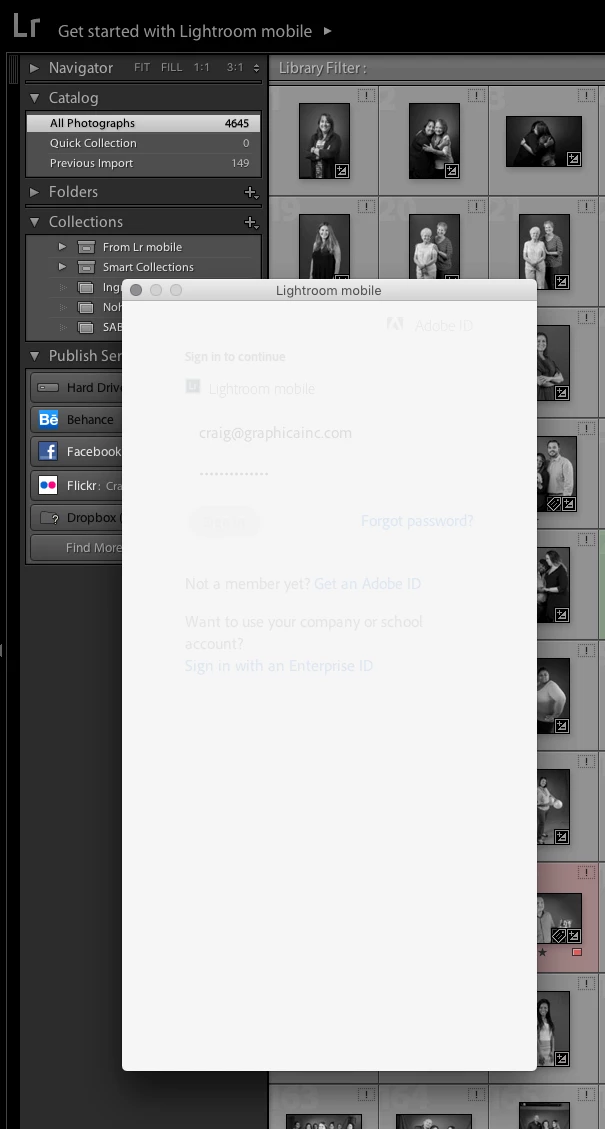
3. I notice that all the photos visible in your screen-clip are "Missing". They show the '!' icon in the corner. So Lightroom does not know where your photos are located- a problem.

4. I notice that you do not have any Collection showing the Sync icon.
My collection of the images being synched with Lightroom Mobile is now empty. |
Is this because you deleted a Collection or maybe started a new catalog? (only one catalog can Sync with mobile)
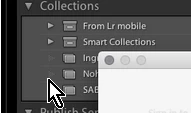
5. Have you looked in the Preferences (Ctrl+, ) - [Lightroom Mobile] Tab, Account panel.
Thanks for all of the tips. I tried all of them but nothing changed. However, I finally got it to work. I had to delete all versions of Lightroom from my hard drive and reinstall Lightroom CC. It looks like my computer was getting confused by the older version of Lightroom (5) still on my computer. Once I got rid of version 5, it was easy.
The ! shows up on the images in my screen shot because those items are on an external server. I wasn't connected to it at the time. As soon as I connect, the ! goes away.





 AdChoices