
Known Participant
December 14, 2019
Question

I have a problem.

  • December 14, 2019
  • 3 replies
  • 817 views

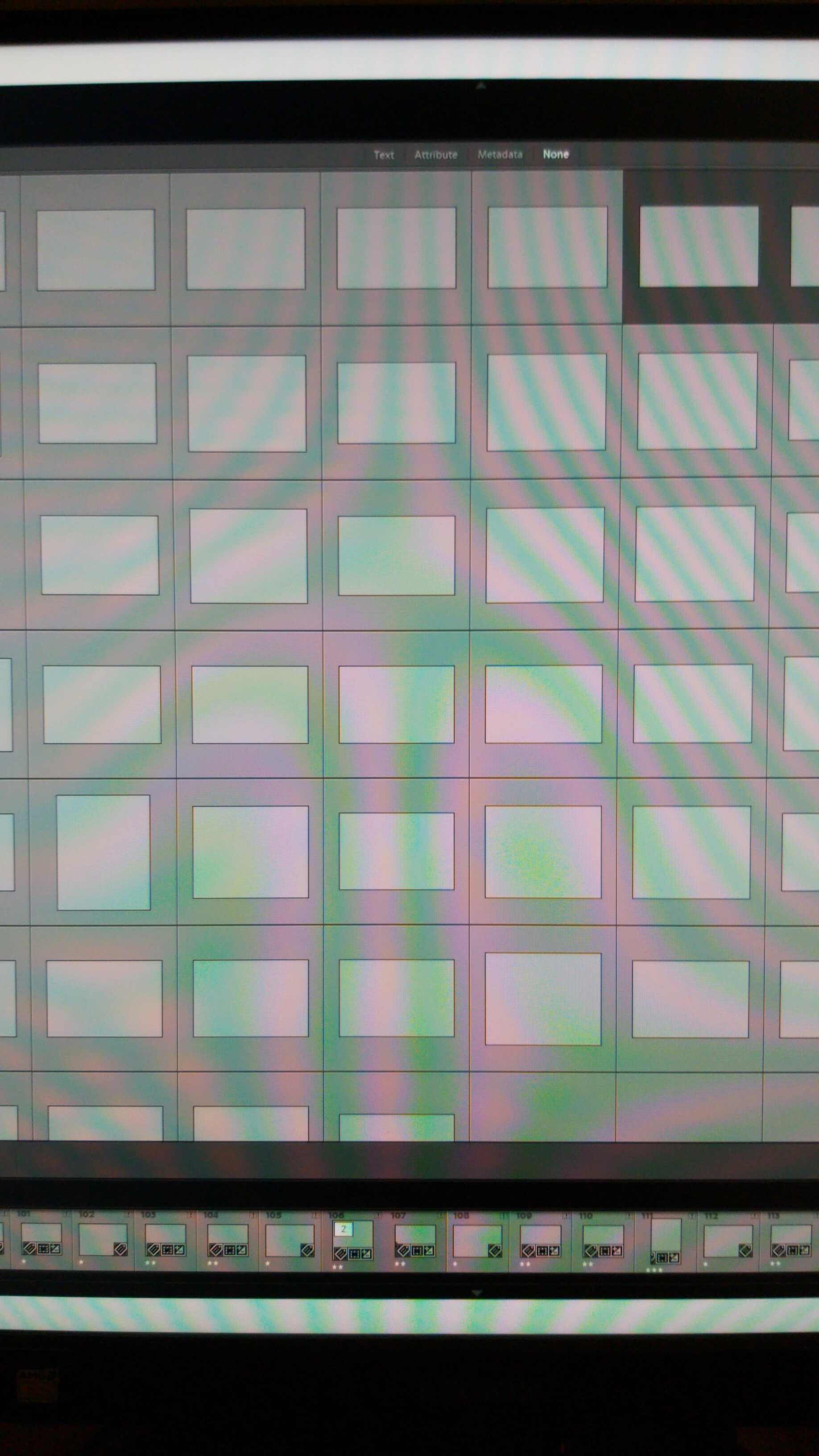
I bought a new computer. I put all original images and catalogs to my external hard drive. After I installed the lightroom to my new computer I put all the original images and catalogs to the computer. When I open the catalogs this is what they have turned into. Shouldn't there be the image of the pictures?? They are all blank grey?! Now I have to search the original image files by searching with the file number. It works as it should when I find the right image but this is time taking and annoying. Please help.. I'm not a pro user so if you could send your explanation with images. And I'm a PC user! Thx.


This topic has been closed for replies.

3 replies

JP Hess
Inspiring
December 14, 2019

You have placed that folder inside the folder that contains your Lightroom catalog. I suspect that wouldn't be where Lightroom would be looking for it. That folder would probably more logically be placed in the Pictures folder or in the root folder of your main internal hard drive. Or, it's possible that you could have your photo library organized within some other main folder structure. But I think you have simply placed the folder incorrectly.

Just Shoot Me
Legend
December 14, 2019

As above but the catalog you copied onto the external drive is looking for the images to be on the internal drive.


The LR catalog file is only a Database file that holds Records, References, to where the actual image files are stored and edits and other things done to those image files.

It only knows where the images were when they were Imported, Not to where you moved them when you switched computers.


In the Filmstrip at the bottom all the images have an Exclamation mark on them. That mean LR thinks they are missing. Which they are as far as the LR Catalog file, the Database file, knows. Because they are not in the old, original, location on the computer you copied them from.


See these links for finding missing photos.


Find Missing Photos—how do I fix it? | The Lightroom Queen


Find missing photos in Photoshop Lightroom Adobe Help System


Find moved or missing files and folders Computer-Darkroom


If you plan on leaving the images and the catalog on the external drive then all you have to do is Relink them in LR.


If you plan on placing them back onto the internal drive of the new computer then Copy them into the same drive and folder structure as they were on the old computer. Then when starting LR they shuld all show up and not show as missing.

jsalo8Author
Known Participant
December 14, 2019

Okay, so below is the image of my new computer's internal drive. The first file is where I have all the originals second like it says presets and templates and all the others are catalogs. Do these files need to be in the exact same file? Or is this okay. This is the order they were when I first opened the lightroom with my new computer. Except the presets and templates file which I just added. 


Just Shoot Me
Legend
December 14, 2019

So the question remains unanswered as far as I can tell.


Question.

Did You Copy the actual Image Files from your old computer to the external drive.


The LR Catalog file does NOT contain your images. Your images are stored on the hard drive of your computer and NOT inside the LR catalog file.

The Default location for LR to store images files, when being copied over from a camera memory card, is in the Users Pictures folder. Something like C:\Users\YourUserName\Pictures or Macintosh HD/Users/YourUserName/Pictures  on a Mac.


Did you Find and Copy the actual image files from the old computer to the extrernal hard drive?


If you didn't then you need to do that.


The LR Catalog file is only a Database file. It does NOT contain the actual image files. And neither do any of those other folder you show in your screen shot except possibly the 1Kuusamo yms muut folder. I have No idea what that is. The ZIP files/folders are backups of the catalog file.


Look here for instruction on moving the LR catalog and image file from one computer to another.


How do I move Lightroom to a new computer? | The Lightroom Queen


JohanElzenga
Community Expert
Community Expert
December 14, 2019

You probably only copied the catalog file to the new computer, not the previews.lrdata folder. That is why the previews aren't showing. Lightroom can't rebuild them either, because the images are 'missing'. That means that you did not copy the images to the new computer either, or you did but they are now in a different place than they were on the old computer, and so Lightroom can't find them. Here are two links that explain how to move Lightroom to a new computer, and how to fix 'missing' images:


https://www.lightroomqueen.com/how-move-lightroom-to-new-computer/

https://www.lightroomqueen.com/lightroom-photos-missing-fix/

-- Johan W. Elzenga
jsalo8Author
Known Participant
December 14, 2019

Thank you. The catalog files that i opened were .lrcat - files. The files we're under a zip folder. But I will check your links if they help.