TL2228
Participant
July 31, 2026
Question

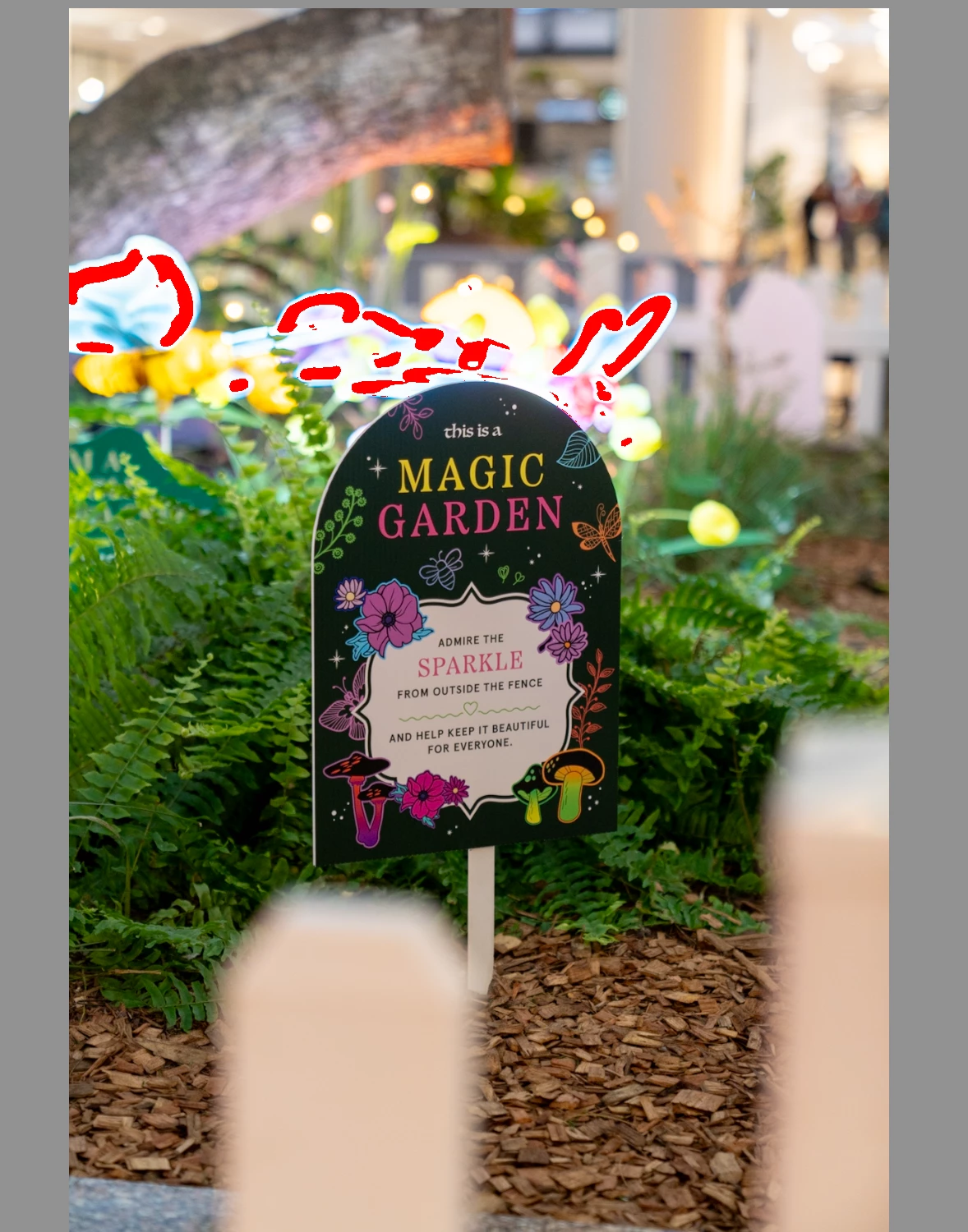
I have a question about exporting photo from Lightroom to Photoshop without losing the edit.

  • July 31, 2026
  • 3 replies
  • 36 views

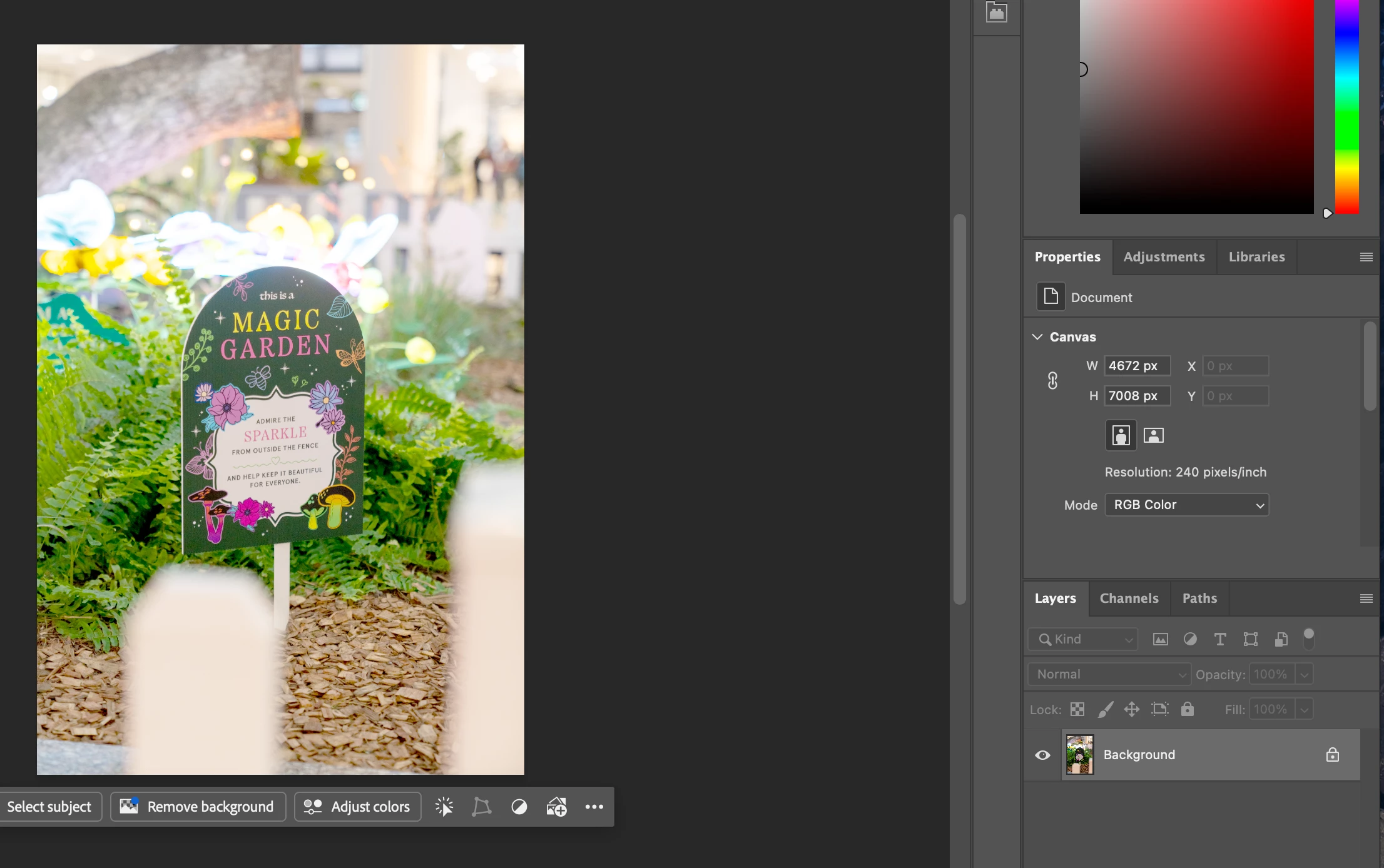
Hi everyone, since I did the update of Lightroom when I try to edit a photo in Photoshop All the edits disappear and the photo look completely washed out, not sure what to do. I need some help with this one, thanks in advance
 

    3 replies

    Per Berntsen
    Community Expert
    Community Expert
    July 31, 2026

    Are you using a Mac?
    There’s a bug in Photoshop for Mac that renders images washed out.
    The solution is to go to Preferences > Technology Previews, and uncheck Precise color management for HDR display.
    Let us know if that fixes the issue.


    TL2228
    TL2228Author
    Participant
    July 31, 2026

    It was already actually uncheck I'll share a screenshot of my actual settings

    on Lightroom for you to have a look and tell me what you think.

    TL2228
    TL2228Author
    Participant
    July 31, 2026

    Hello everyone since I did the update of Lightroom every time when I'm sending a photo into Photoshop I'm losing all the edits and the photo appear completely washed out I don't understand what's going on

    hi everyone, since I did the update of Lightroom, every time I'm sending a photo from Lightroom to Photoshop I'm losing all the edits and the photo looks completely washed out